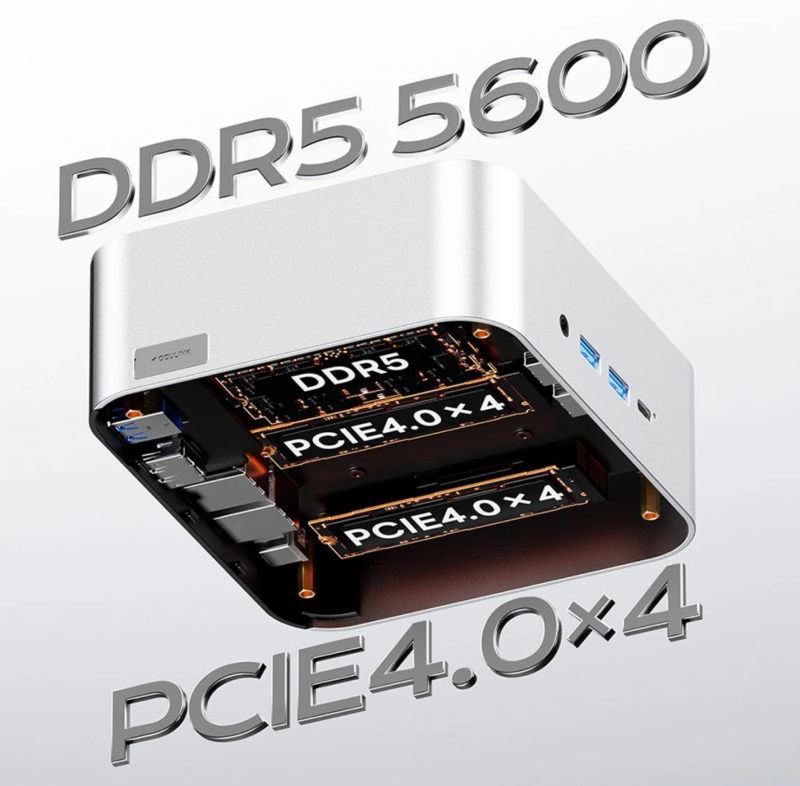
With the increasing popularity of mini PCs, many users encounter a core question when purchasing: Is there a significant difference between DDR4 and DDR5 memory? Is it really worth upgrading?
This blog will analyze the real differences between DDR4 and DDR5 memory in mini PCs from three perspectives: practical experience, performance scenarios, and purchasing advice.
The fundamental differences between DDR4 and DDR5: From a technical perspective, DDR5 is significantly more powerful.
Higher Frequency / Greater Bandwidth
- DDR4 mainstream frequency: 2400–3200 MHz
- DDR5 starting frequency: 4800 MHz, mainstream 5200–6400 MHz Higher bandwidth means more data can be transmitted simultaneously, which is more helpful for multitasking, graphics processing, and data throughput applications.
Lower Power Consumption & Integrated PMIC
DDR5 operates at a lower voltage (1.1V) and has an integrated PMIC, providing more stable power supply, which is crucial for mini PCs with limited heat dissipation space.
Larger Capacity
DDR5 offers higher single-module memory capacity (up to 64GB+), making it more valuable for deep learning, virtual machines, and multitasking users.
From a specifications standpoint, DDR5 represents a “generational leap.” However, technical data and actual user experience are often not the same thing.
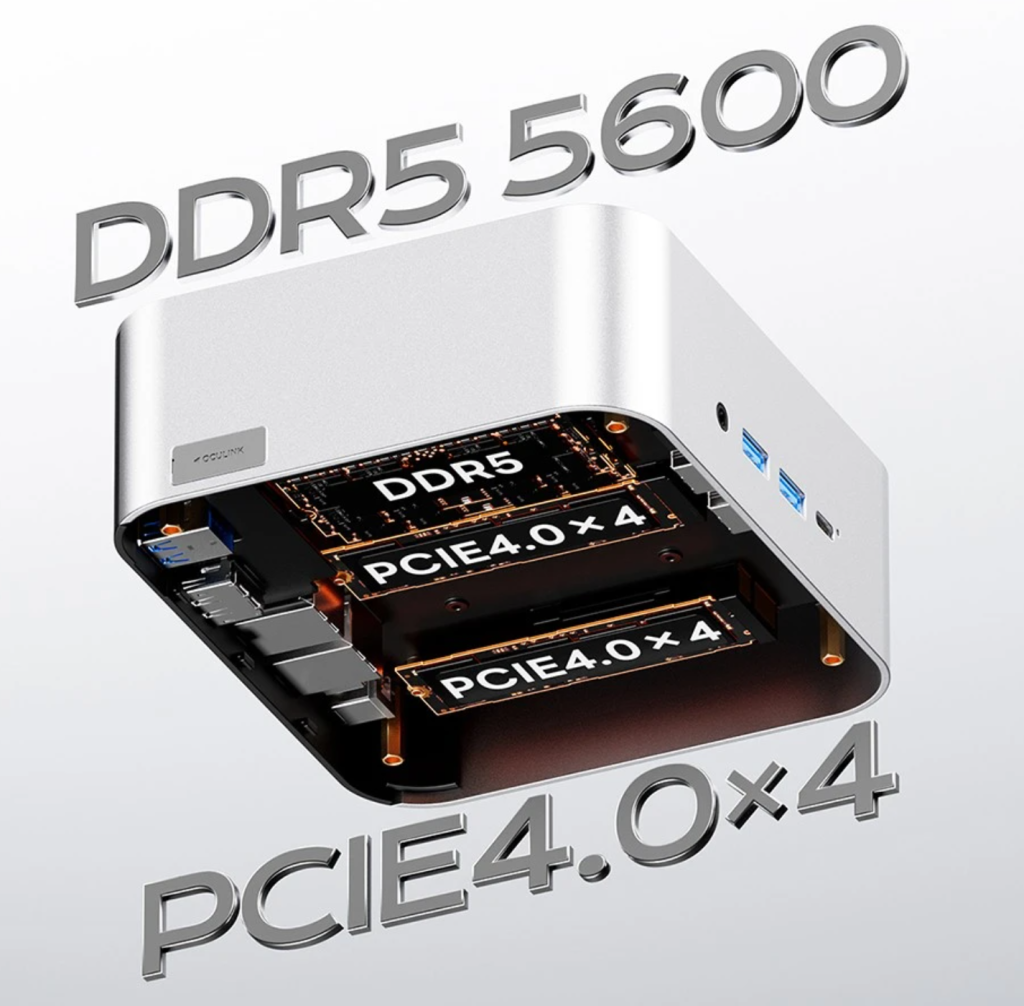
How much difference is there in the actual user experience? It depends on how you use the mini PC.
Office work, web browsing, multimedia: Almost no difference
If your mini PC is used for:
- Browsing the web
- Office software (Word, Excel, email)
- Video playback
- Online meetings
- Lightweight applications
You will hardly feel the difference between DDR4 and DDR5. This is because these tasks primarily rely on CPU single-core performance and hard drive speed, not memory bandwidth.
Actual experience improvement: 0–5% (virtually imperceptible)
Gaming Performance: Small difference, but depends on the scenario
In most games with discrete or integrated graphics, the difference between DDR4 and DDR5 is typically:
- Around 5% frame rate improvement
- Up to 10-15% in memory-sensitive games (such as strategy and simulation games)
On mini PCs, which mostly use integrated graphics, bandwidth is more important, so DDR5 will have a greater advantage.
Actual experience improvement: 5-15%
Multitasking: DDR5 is smoother, but the improvement is limited
If you frequently open a dozen browser tabs + Office + social media + video conferencing simultaneously:
- DDR5’s high bandwidth can reduce lag
- System switching is smoother
However, this requires sufficient memory capacity (16GB or 32GB). The bandwidth improvement itself is still limited.
Actual experience improvement: around 10%
Heavy-Duty Tasks: DDR5 shows significant advantages (largest gain)
DDR5’s high frequency and high bandwidth truly shine in these scenarios:
- Video Editing (4K/8K)
- Graphics Rendering
- Large-Scale Photo Batch Processing
- Compiling Large Projects
- Running Virtual Machines and Multiple Containers Simultaneously
- AI Inference, Python Data Processing
- Opening Hundreds of Documents + Browser Tabs Simultaneously
In these tasks, the difference between DDR5 and DDR4 is clearly reflected in rendering speed, loading speed, and system responsiveness.
Actual Experience Improvement: 15–30% (visible gain)
Why is the difference sometimes obvious and sometimes almost non-existent?
The reason is that the main bottleneck for mini PCs is usually not memory, but rather:
- CPU performance
- Integrated graphics performance
- Hard drive read/write speed
- Power consumption limitations (TDP)
- Cooling space limitations
DDR5 only demonstrates its value in scenarios that truly rely on memory bandwidth.
DDR4 vs DDR5: A guide to choosing the right use case for mini PCs
| Use Cases | DDR4 | DDR5 |
|---|---|---|
| Office / Webpage / Video | ⭐⭐⭐⭐⭐
Enough, the difference is minimal |
⭐⭐⭐⭐
Slight improvement |
| Casual Games | ⭐⭐⭐⭐
Acceptable |
⭐⭐⭐⭐⭐
Stable higher frame rate |
| Multitasking (30+ tags) | ⭐⭐⭐⭐
Occasional lag |
⭐⭐⭐⭐⭐
Smoother |
| Video Editing / Rendering | ⭐⭐⭐
Slight bottleneck |
⭐⭐⭐⭐⭐
Obvious advantages |
| Virtual Machine / Programming | ⭐⭐⭐
Generally |
⭐⭐⭐⭐⭐
Significantly improved |
| AI Inference / Large Models | ⭐⭐
Not recommended |
⭐⭐⭐⭐⭐
Faster and more stable |
| Budget-sensitive Users | ⭐⭐⭐⭐⭐
Cheap and cost-effective |
⭐⭐⭐
Higher cost |
In summary: Is it worthwhile to upgrade a mini PC to DDR5?
Suitable for DDR5 users:
- For those who want stronger performance/better multitasking experience
- For content creation, editing, rendering, compiling, and AI
- For gaming with integrated graphics
- For those who need future expandability
- For those who don’t mind spending a little more budget
Suitable for DDR4 users:
- Primarily for office work, web browsing, and video entertainment
- For those with limited budgets
- For those who already have DDR4 devices and don’t want to upgrade the entire system
- For those who want the best price-performance ratio
DDR5 is more powerful and has better future-proofing, but for most mini PC users, the difference between it and DDR4 is not significant. The real noticeable improvement is in professional tasks, multitasking, and integrated graphics performance scenarios.
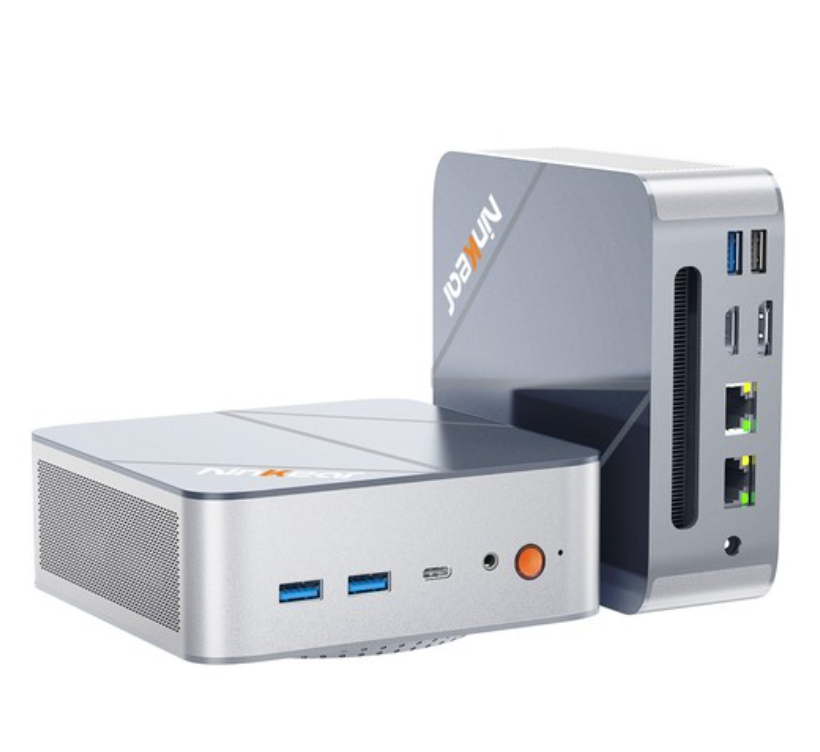
- AMD Ryzen 7 8745HS 8 Cores Max 4.9GHz
- 32GB DDR5 RAM 1TB SSD
- DP(8K) + HDMI(4K) + Type-C(4K) Triple Display
- WiFi 6 Bluetooth 5.2
- 3.*USB3.2, 1*USB2.0, 2*2.5G RJ45, 1*Headphone Jack
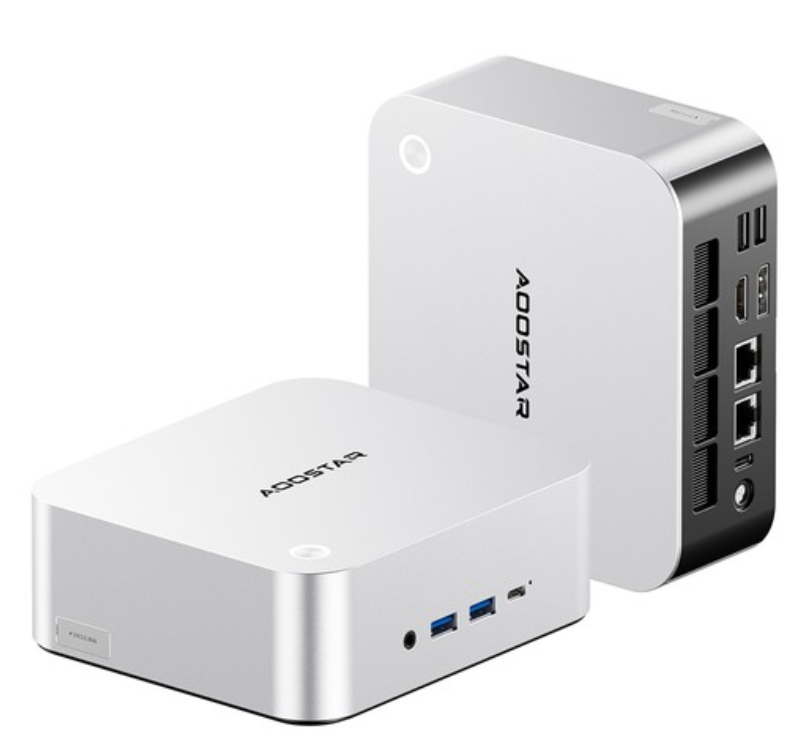
- AMD Ryzen 7 H255 8 Cores Max 4.9GHz
- 32GB DDR5 RAM 1TB SSD
- 2*USB4 + HDMI + DP Quad Screen Display
- WiFi 6, Bluetooth 5.2, Fingerprint Unlock
- 2*USB3.2, 1*USB3.0, 1*USB2.0, 2*2.5G LAN, 1*OCuLink
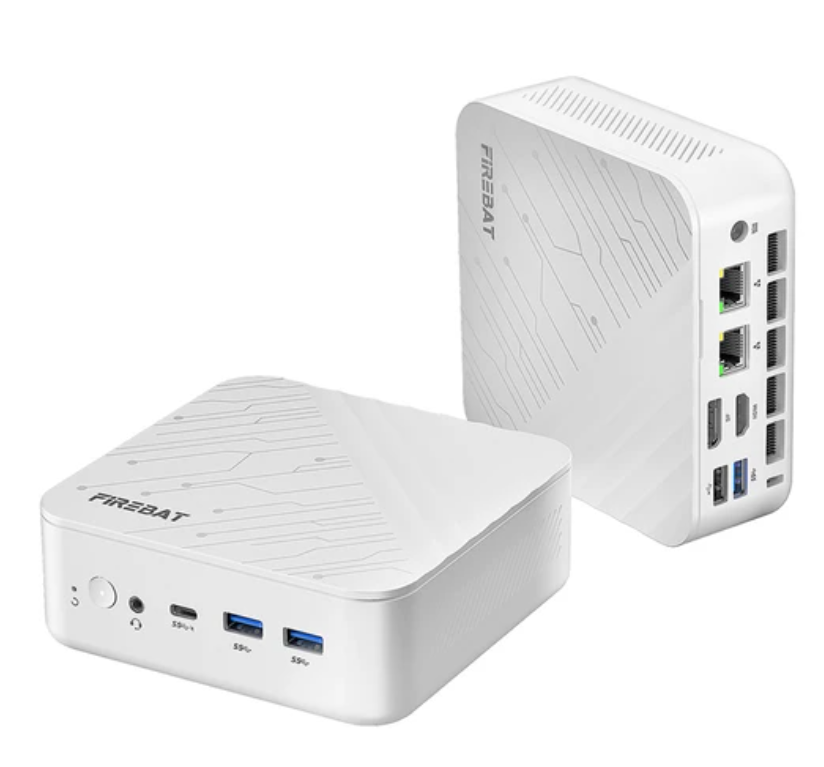
- AMD Ryzen 5 7430U 6 Cores Max 4.3GHz
- 16GB RAM 512GB SSD
- HDMI+DP+Type-C Triple Screen Display
- WiFi 6 Bluetooth 5.2
- 2*USB3.2, 2*USB2.0, 2*2.5G RJ45, 1*Audio Jack

- Intel N100 4 Cores Max 3.4GHz
- 16GB RAM 512GB SSD
- 2*HDMI 2.0 (4K@60Hz) Dual Display
- 2.4/5GHz WiFi Bluetooth 5.0
- 1*Type-C, 3*USB 3.0 1*USB 2.0 1*RJ45 1*Headphone Jack
