
While spec sheets provide the data, Geekbuying user photos reveal the true story. From rainy commutes in Hamburg to compact home offices in Lyon, we are showcasing real-life tech usage shared directly by the Geekbuying community—proving that the ultimate test of any gadget isn’t a studio rendering, but how it performs in your authentic, everyday moments.
KuKirin G2 Ultra: The “Last Mile” Solution
The Setup
The KuKirin G2 Ultra is often chosen for its balance between power and portability. With dual 800W motors and a 48V 18Ah battery system, it’s designed to handle more than just flat pavement without becoming too heavy to manage.
Real-World Usage
For many of our users, the G2 Ultra bridges the gap between public transport and home. It’s not just about speed; it’s about having enough torque to handle suburban inclines while still being foldable enough to stash in a car trunk or a hallway.
Community Snapshot

Di***n notes: “I use it for my daily commute and weekend off-road trips. The suspension is smooth, and the 10-inch tires grip well on gravel and grass. Worth every penny!”
BMAX B7A Pro: Reclaiming Desk Space
The Setup
Mini PCs have surged in popularity for those looking to declutter. The BMAX B7A Pro packs an AMD Ryzen 5 7430U, 16GB of RAM, and a 512GB SSD. It offers the performance of a mid-range tower but occupies a fraction of the footprint.
Real-World Usage
We see these units primarily in home offices where space is at a premium. Users often mount them to the back of monitors (VESA mount) or tuck them under monitor risers to create a minimalist look.
Community Snapshot
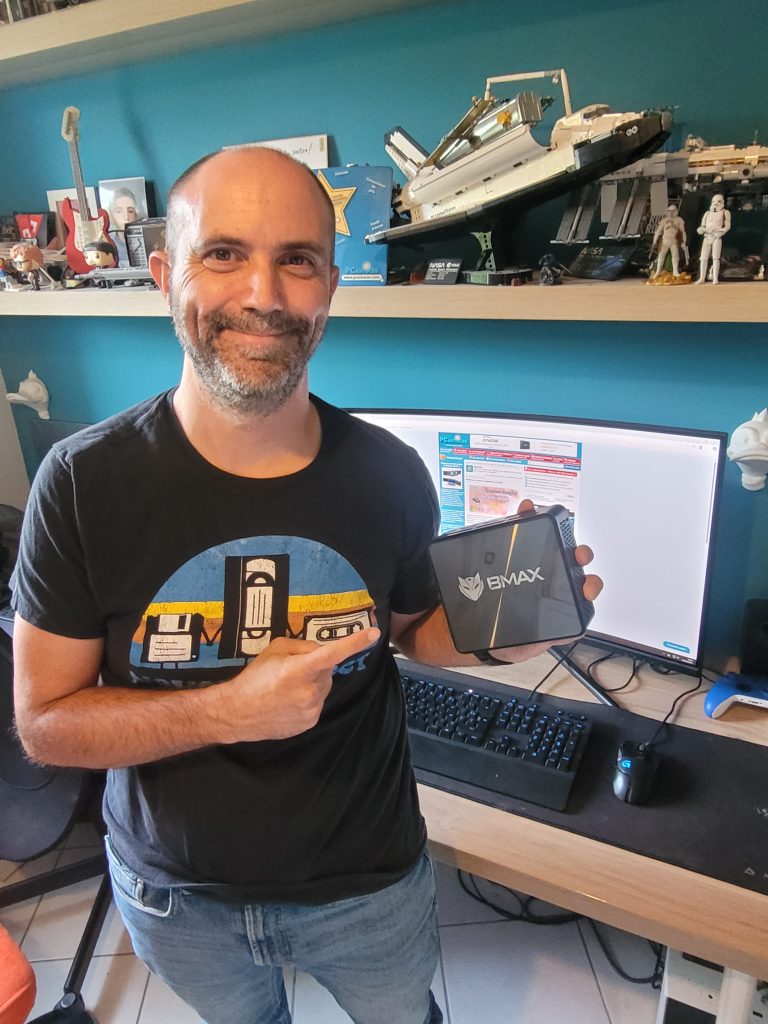
MINIX NEO Z350: Silence in the Living Room
The Setup
The MINIX NEO Z350 is unique because of its fanless design. Running on an Intel i3 N350 with 16GB RAM, it is built for environments where noise is a distraction, such as media centers or quiet study rooms.
Real-World Usage
Because it has no moving parts, users are placing this unit in dusty environments or bedrooms where fan whir is unwelcome. It frequently serves as a dedicated Home Theater PC (HTPC) or a silent server.
Community Snapshot
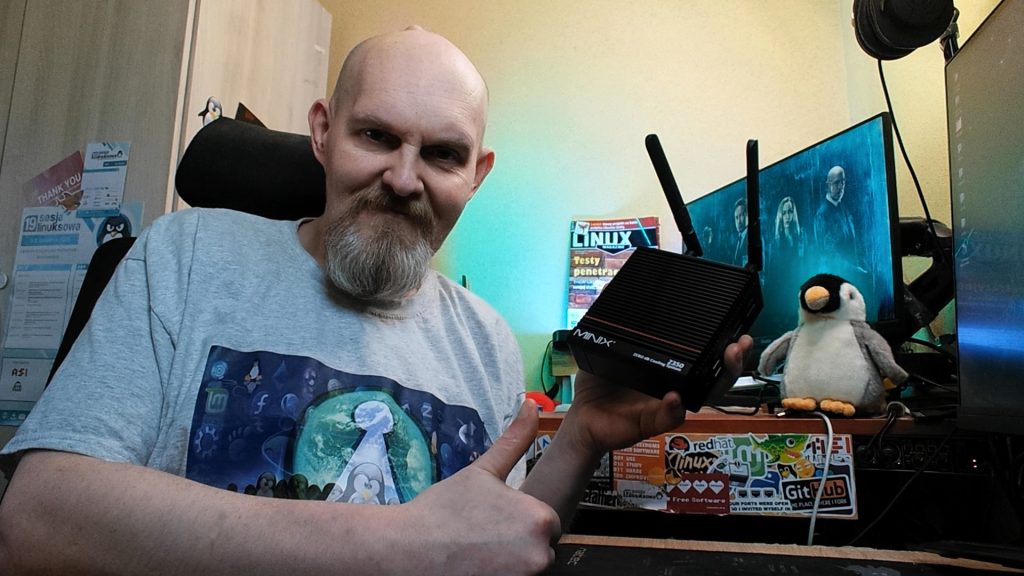
Em***r notes: “The biggest advantage of this mini PC is its quietness and efficiency. My previous mini PC had a very noisy fan, which always interfered with my thinking in my study. But this mini PC’s Zero dB cooling design has made the noise issue completely obsolete. Performance is also very stable, and the 16GB of RAM and SSD make the system very responsive. I can work on office documents while watching videos in a browser without any lag. It also has a wide range of ports, including USB-C, USB-A, and a TF card slot, which are all very practical and meet all my daily needs.”
TITAN ARMY P2710S: A Clarity Upgrade
The Setup
For competitive gamers, refresh rate is king. The TITAN ARMY P2710S is a Fast IPS QHD monitor pushing 240Hz. It’s targeted at users who need fluid motion for FPS (First Person Shooter) or racing titles.
Real-World Usage
While marketing often shows these monitors in futuristic setups, our community photos show them on standard IKEA desks, often paired with mixed peripherals. Users frequently highlight the hardware-level low blue light feature for reducing eye strain during marathon work-from-home sessions.
Community Snapshot
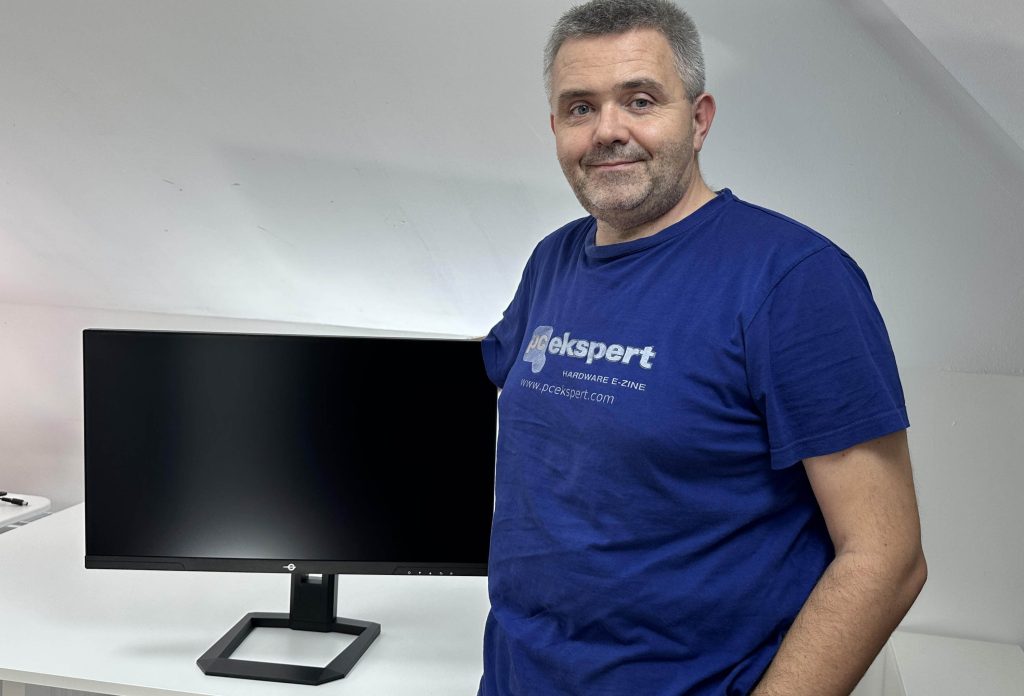
Ja***s says: “For a monitor in this price range, I didn’t have high expectations for image quality, but its performance far exceeded them. The color and sharpness of this monitor are comparable to the high-end monitors I’ve used before.”
5. Ausom DT2 Pro: The All-Terrain Commuter
The Setup
The Ausom DT2 Pro is built for riders who need a bit more ruggedness than the standard city scooter offers. It generally features a robust frame and suspension capable of handling rougher textures like cobblestones or packed dirt paths.
Real-World Usage
This isn’t usually the scooter for short hops; it’s for longer commutes where comfort matters. Users often modify them with phone mounts, extra lights, or storage bags.
Community Snapshot
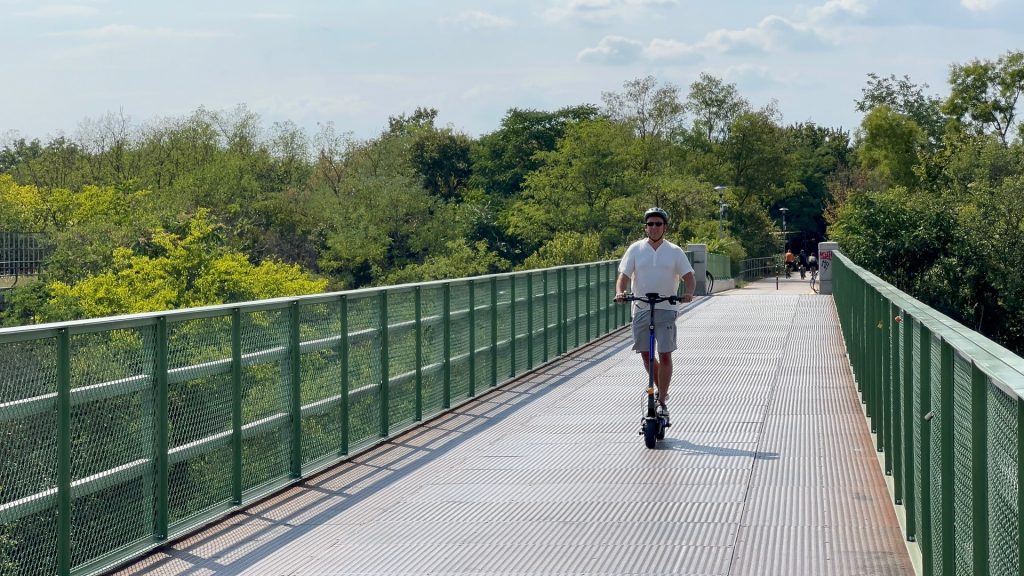
User feedback: “Quality is outstanding! I just did 3km for testing and i was impressed! The brakes are top notch, the menu is easy to use as it has many options to customize and the acceleration is crazy fun!”
Have a setup or a ride you want to share?
We love seeing where our gear ends up. If you have a photo of your scooter in the wild, or your mini PC setup, feel free to drop it in the reviews section of the product page or tag us on our community channels. We might feature your setup in our next roundup!
