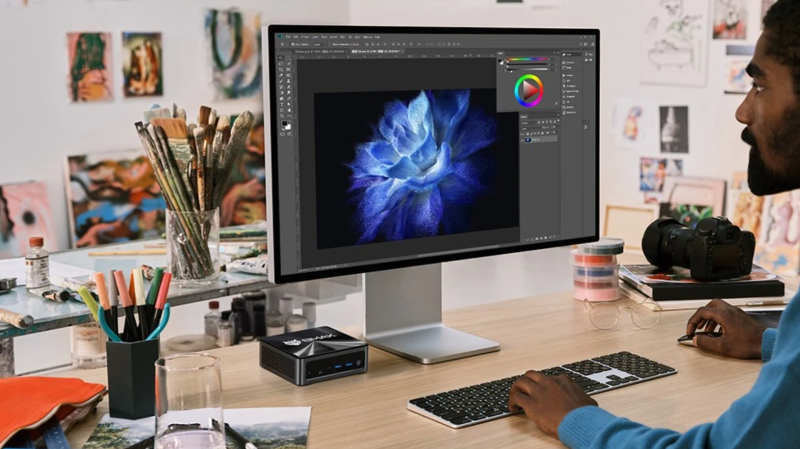
Mini PCs are becoming a popular choice for offices, home workstations, classrooms, and meeting rooms due to their small size, low power consumption, quiet operation, and ease of deployment. However, many people ask:
- What specifications are needed for a mini PC for office use?
- How to choose the core components to avoid making a mistake?
- No need for high-end components, but won’t it lag?
This blog will answer these questions and provide recommendations for multiple configuration levels.
What exactly are the performance requirements for office use?
First, let’s establish one fact: Office scenarios aren’t about benchmark tests, but about “stability, smoothness, and sufficient capacity to handle multitasking.”
Common office tasks include:
- Browsing web pages (multi-tab browsing)
- Document/spreadsheet/presentation creation (Word/Excel/PPT)
- Email and chat tools
- Video conferencing
- Screenshotting/light image processing
- Light data analysis
These tasks are not performance-critical and focus more on:
- Smooth multitasking
- Stable audio and video calls
- Minimal waiting time for app responses
Therefore, we need to pay attention to:
- CPU performance (clock speed, cores/threads)
- Memory size (sufficient for multitasking)
- Storage speed (directly affects boot/startup/responsiveness)
- Integrated graphics card performance (smooth HD video & conferencing)
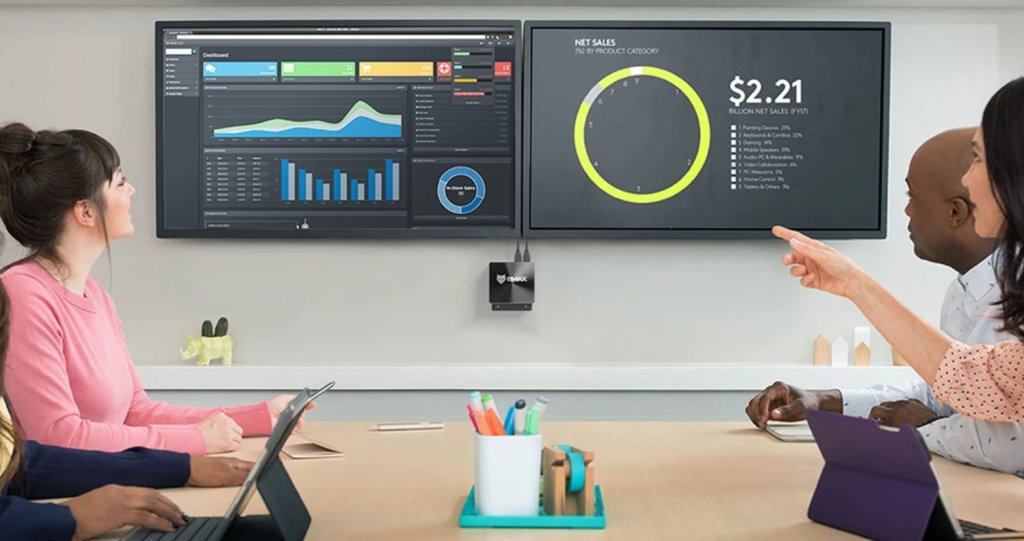
Detailed explanation of core configuration indicators
Processor (CPU): Medium performance is sufficient
| Requirement Scenarios | Recommended Processor Level |
|---|---|
| Basic office | Entry-level low-power processor |
| Multitasking + Video conferencing | Mainstream low-voltage processors |
| Opening a large number of files/spreadsheets in multiple windows | Mid-performance processor |
Purchase Recommendations (Intel)
- Recommended: Intel Core i3 / i5 low-voltage version
- Ideal: Intel Core i5 or higher
- Not Recommended: Low-end Celeron / Atom (for basic use only)
Purchase Recommendations (AMD)
- Recommended: AMD Ryzen 3 / Ryzen 5
- Ideal: Ryzen 5 or higher
- Advantages: Stronger multi-threading, suitable for multitasking
The processor is the “brain” of an office PC. Just as running requires steady endurance, office work requires “speed and stability.”
Memory (RAM): At least 8GB, 16GB recommended
| Memory Size | Office Experience |
|---|---|
| 8GB | Basic office work is smooth |
| 16GB | More stable multitasking, less background refresh |
| 32GB | Heavy multitasking / running multiple large programs for extended periods (optional) |
Actual user experience summary:
- 8GB: Sufficient but not “excessive,” suitable for single-task or light-duty users.
- 16GB: The most reliable office configuration, suitable for multitasking/multi-tabs/video conferencing.
- 32GB and above: Only useful when you are running dozens of large programs simultaneously.
Currently, 16GB is the most recommended starting configuration for multitasking office scenarios.
Storage (SSD): The faster the better
| Storage Devices | Office Experience Review |
|---|---|
| HDD | ❌ Not recommended |
| SATA SSD | Recommend |
| NVMe SSD(PCIe) | ⭐ Most recommended |
Why are SSD important?
- Faster system boot times
- Instant program response
- Smoother large file read/write operations
Minimum recommendation: 256GB NVMe SSD
More comfortable: 512GB NVMe SSD or larger
Graphics Card (GPU): Integrated graphics are sufficient
- For office use, the main performance indicators are video decoding, screen display, and video conferencing.
- Currently, mainstream integrated graphics cards (Intel Iris Xe / AMD Radeon integrated graphics) are sufficient for 1080p / 2K multi-monitor setups.
- No need for a dedicated graphics card.
- However, support for 4K displays and multi-monitor output is essential to improve office efficiency.
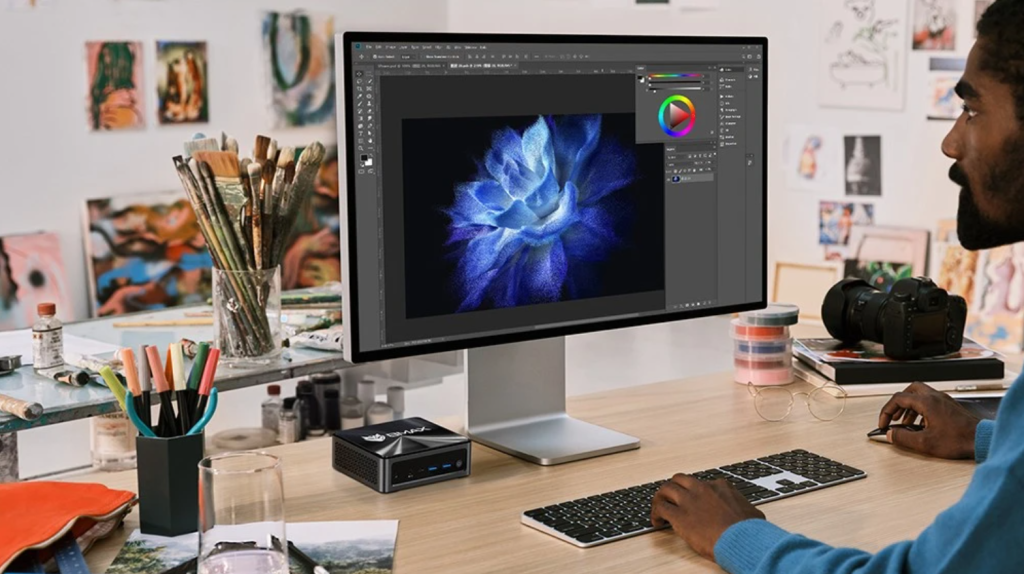
Recommended Configuration for Mini Office PCs
Below are reference configurations for three typical office use scenarios:
Basic Office Use (Lightweight)
Suitable for: Web browsing, document viewing, email, and light meetings
Suggested Configuration:
- CPU: Intel Core i3 or AMD Ryzen 3
- Memory: 8GB
- Storage: 256GB NVMe SSD
- Display Output: HDMI / DisplayPort
✔ Sufficient for daily office work.
✔ Slight refresh rate may occur when switching between multiple tasks.
Multitasking Office (Recommended)
Suitable for: Spreadsheets, presentations, large amounts of tags, video conferencing
Configuration Recommendations:
- CPU: Intel Core i5 / AMD Ryzen 5
- Memory: 16GB
- Storage: 512GB NVMe SSD
- Display Output: Supports 2 or more screens
✔ The most stable office configuration
✔ Smooth multi-screen + multitasking
✔ Smoother video conferencing
High-Efficiency Office/Productivity Mode
Suitable for: Heavy multitasking, complex spreadsheets, and light image processing
Suggested Configuration:
- CPU: Intel Core i7 / AMD Ryzen 7
- Memory: 16GB–32GB
- Storage: 512GB–1TB NVMe SSD
- Display Output: 2–3 screen support
✔ More future-proof
✔ Suitable for team work and design workstations
More Detailed Suggestions for Office Scenarios
Multi-screen for Greater Efficiency
Studies show that working with two screens can improve productivity by 20–30%. It is recommended to configure a system with at least dual-screen display support for more efficient data and document processing.
Key Factors for a Better Video Conferencing Experience
If you frequently use Teams, Zoom, or Meet:
- 16GB of RAM is highly recommended
- SSDs offer faster speeds and significantly reduce meeting lag
- Choose a camera that supports 1080p for clearer input
Heat Dissipation and Stability are Also Important
Mini PCs are small in size, so their heat dissipation design directly affects their stability during long-term office work:
- Mid-priced models with fan cooling are more stable.
- Fanless models are suitable for quiet offices.
- Prioritize the cooling solution when purchasing.
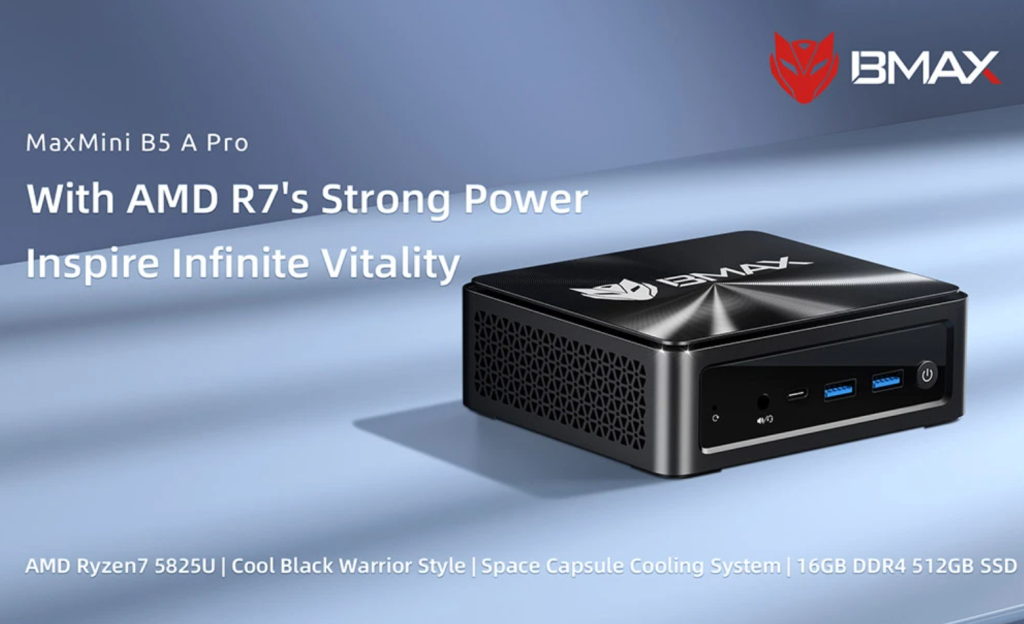
- AMD Ryzen 7 5825U 8 Cores Max 4.5GHz
- 16GB RAM 512GB SSD
- DP+HDMI+Type-C 4K Triple Display
- Support Dynamic HDR
- WiFi 5 Bluetooth 5.0
- 2*USB 3.2 2*USB 2.0 1*RJ45 1*3.5mm Headset Jack
- Space Capsule Cooling System
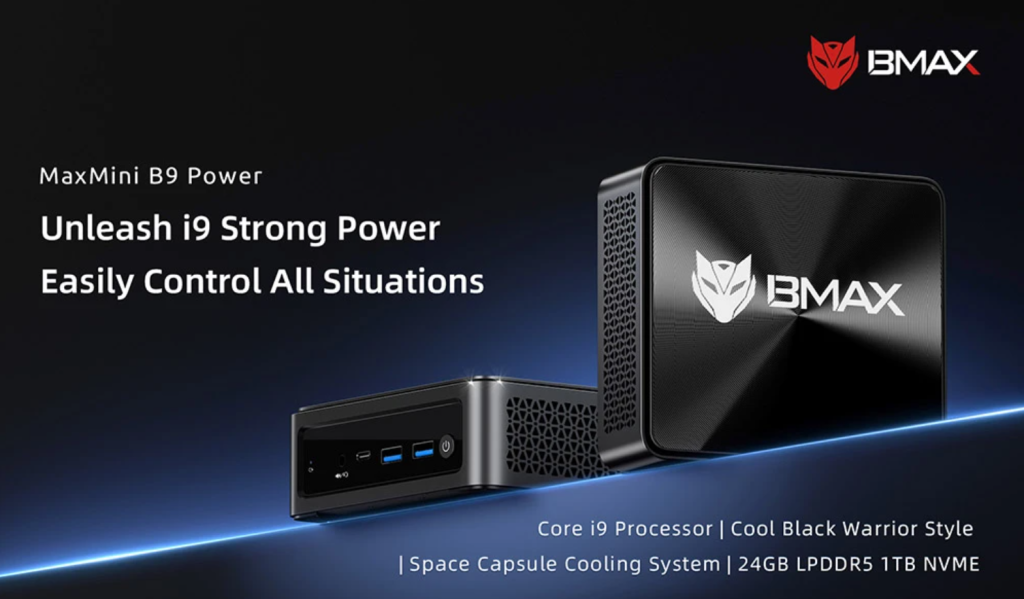
- Intel Core i9-12900H 14 Cores Max 5.0GHz
- 24GB RAM 1TB SSD
- DP+HDMI+Type-C 4K Triple Display
- Support Dynamic HDR
- WiFi 6 Bluetooth 5.2
- 2*USB 3.2 2*USB 2.0 1*RJ45 1*3.5mm Headset Jack
- Space Capsule Cooling System
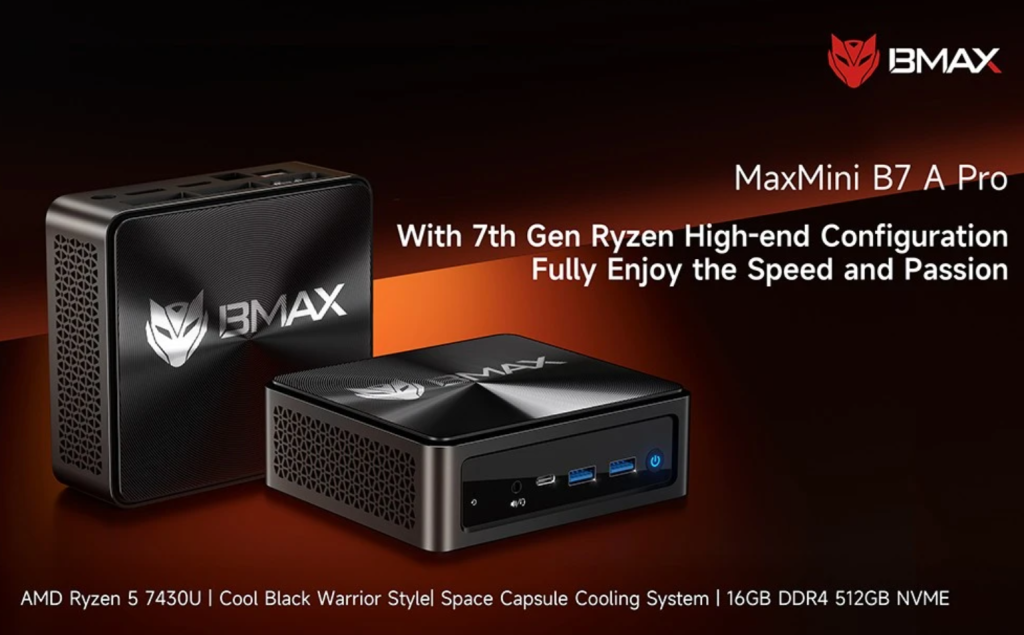
- AMD Ryzen 5 7430U 6 Cores Max 4.3GHz
- 16GB RAM 512GB SSD
- DP+HDMI+Type-C 4K Triple Display
- WiFi 6 Bluetooth 5.2
- 2*USB3.2, 2*USB2.0, 1*RJ45, 1*Headset Jack
