This section guides you through unboxing, installing, and connecting your air purifier to your laser engraver. Please strictly follow these steps before powering on and using the device.
Before you begin:
- Ensure the purifier is placed on a stable, well-ventilated floor or surface.
- Confirm the installation environment meets the requirements in the Safety & Usage Instructions.
- Ensure your laser engraver is fully assembled and powered off.
Step 1: Open the Box
- Use scissors to cut the two plastic straps on the outside of the box.
- Slit the tape on the top of the box and open the top flaps.
Step 2: Check Accessories
- Remove the items from the box and ensure all following accessories are included:
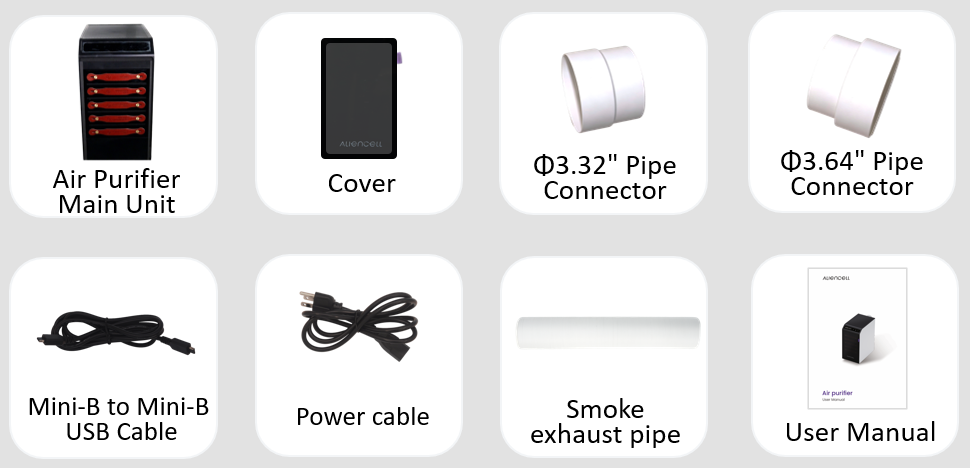
Φ3.64″ Pipe Connector (Large): For connecting the official Aliencell laser engraver exhaust pipe.
Φ3.32″ Pipe Connector (Small): For connecting exhaust pipes from other laser engraver models.
Step 3: Unpack and Remove Protection
Lift the purifier out of the box.
Undo the Velcro straps and remove the lifting handles.
Peel off the protective film from the body.
Remove the protective film from the display screen.
Step 4: Install the Front Cover
The purifier comes with a complete 5-layer filter system pre-installed. You do not need to install filters manually. Please verify that filters haven’t shifted before attaching the cover.
Item needed: Air Purifier Front Cover
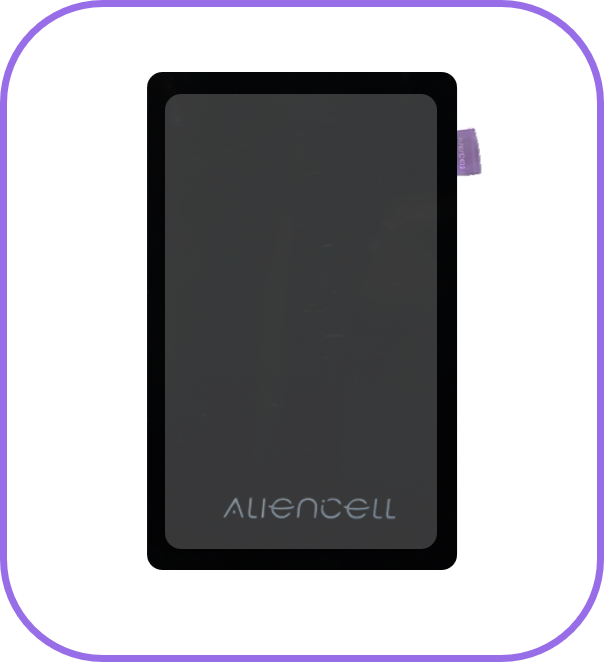
Align the front cover with the front of the purifier. It will magnetically snap into place.
⚠️ The purifier will not start if the front cover is not properly installed.
Step 5: Connect Power & Data Cables
Items needed: Power Cable, Mini-B Data Cable
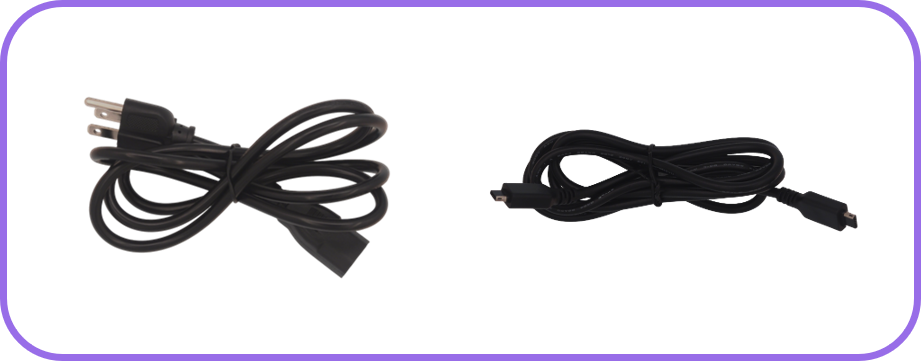
Plug the power cable into the Power Port.
Connect the other end to a suitable wall outlet.
Plug the data cable into the Communication Port.
Connect the other end to the peripheral port on your laser engraver.
⚠️ Avoid pulling or forcefully moving the purifier after cables are connected to prevent damage to the ports.
Step 6: Install Exhaust Pipe (Optional)
- Follow these steps if you wish to vent purified air outdoors:
Item needed: Smoke Exhaust Pipe
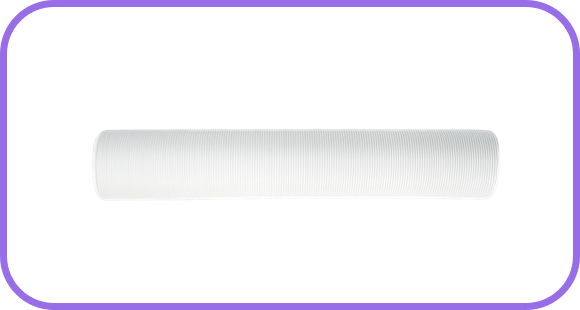
Attach the exhaust pipe to the Airflow Outlet on the back.

Route the other end of the pipe to an outdoor vent.
Since the air is already filtered, it is safe to vent outdoors.
Step 7: Connect to Laser Engraver
Item needed: Choose the appropriate Pipe Connector (Large or Small). The official Aliencell pipe requires the Large Connector.
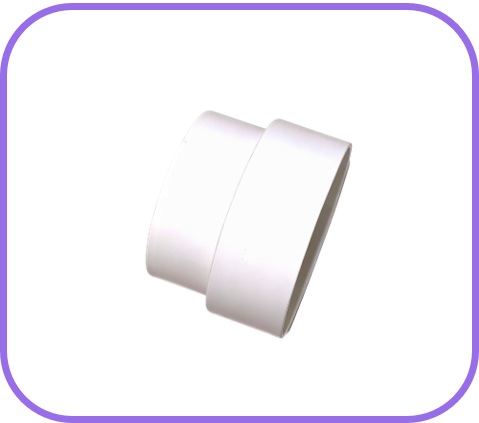
Screw the large connector counter-clockwise onto the laser engraver’s exhaust pipe.
Insert the connected end into the Airflow Inlet on top of the purifier.
You are now ready to proceed with configuring the purifier.
