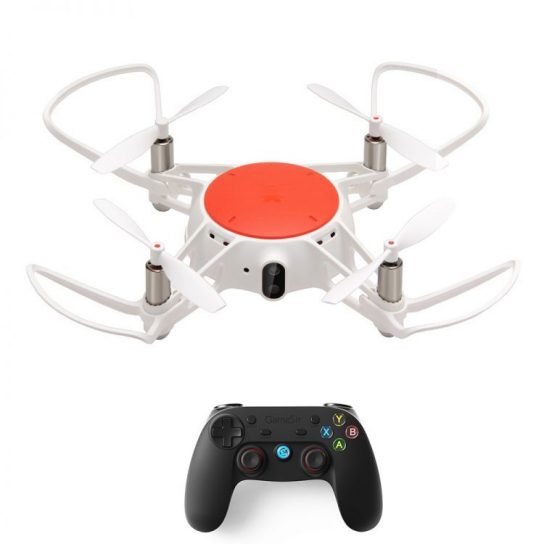
Ahora puedes jugar el Xiaomi MITU RC Drone RTF con el controlador Bluetooth Gamesir G3s!
Aquí está el tutorial de conexión.:
①Preparando el dron MITU: Encienda el MITU Drone y espere a que la parte inferior de la luz naranja parpadee lentamente.; Presione continua y rápidamente el botón de encendido tres veces, Puedes ver que la luz naranja y la luz azul comienzan a parpadear.. Se está preparando para conectarse..
②Preparando el controlador Bluetooth: Mantenga presionado el botón de emparejamiento del controlador Bluetooth hasta que la luz indicadora parpadee rápidamente. Se está preparando para conectarse..
③Conectar Exitoso: Después de conectar correctamente, la luz indicadora del controlador Bluetooth brilla constantemente y las dos luces del dron parpadean lentamente, ahora puedes usar tu controlador Bluetooth para controlar el dron.
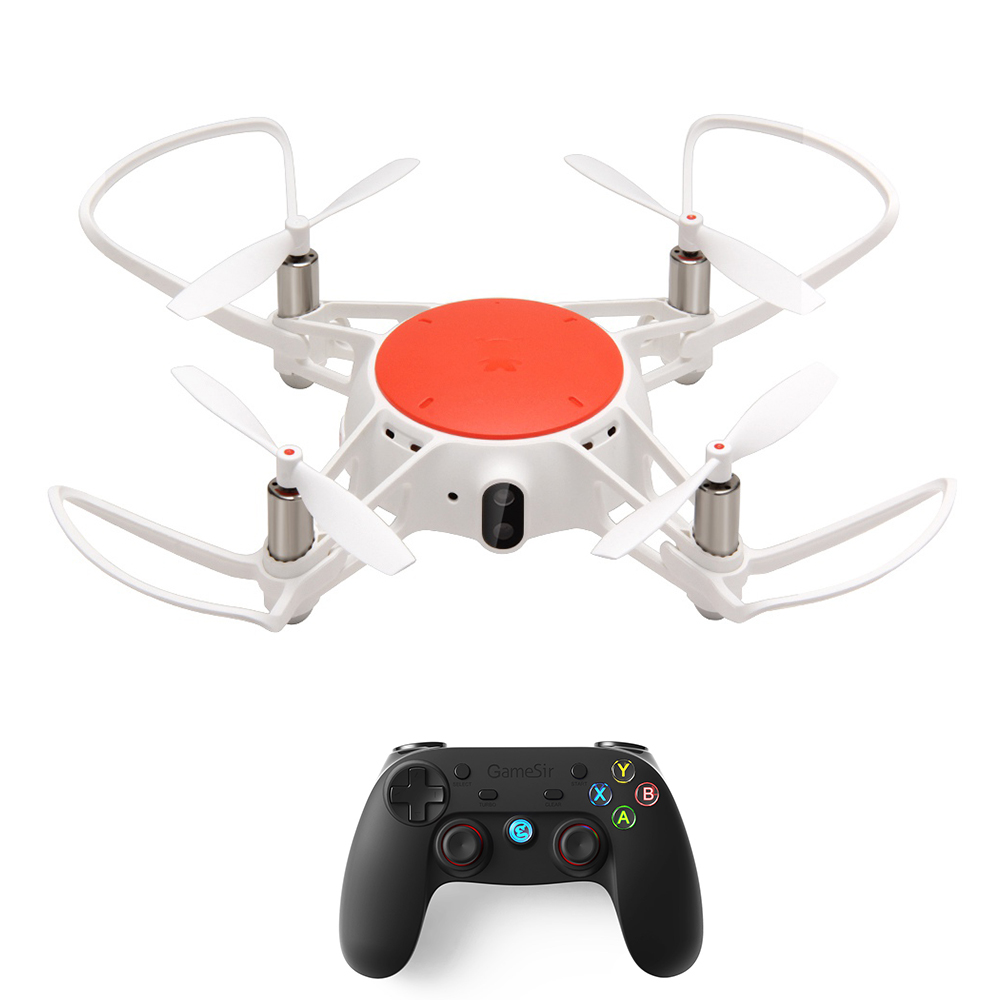
| Botón del controlador Bluetooth | Función del botón |
| Botón de encendido | Enciende el controlador |
| Hogar(Hogar + X/A) | Empezar a emparejar Bluetooth |
| Palo izquierdo | Arriba/Abajo/Girar a la izquierda/Girar a la derecha |
| Stick derecho | Adelante/Atrás/Izquierda/Derecha |
| L1 | tomar fotos |
| R1/ Presione dos veces R1 | Grabar/Detener grabación |
| L2 | Ajustar la sensibilidad |
| R2 | Tiroteo |
| Botón de inicio | Despegue/aterrizaje con una sola tecla |
| Botón Seleccionar/Atrás | Despegue/Aterrizaje en la palma |
| Sosteniendo el botón B + Palo izquierdo(Izquierda/Derecha/Arriba/Abajo) | Adelante/atrás/izquierda/derecha cayendo |
| Manteniendo presionado el botón X | Activar el modo sin cabeza |
| Manteniendo presionado el botón Y | Desactivar el modo sin cabeza |
| Un botón | Aún no |
Actualmente puedes conseguir Dron Xiaomi MITU RC y elControlador Bluetooth Gamesir G3s en GeekBuying.
