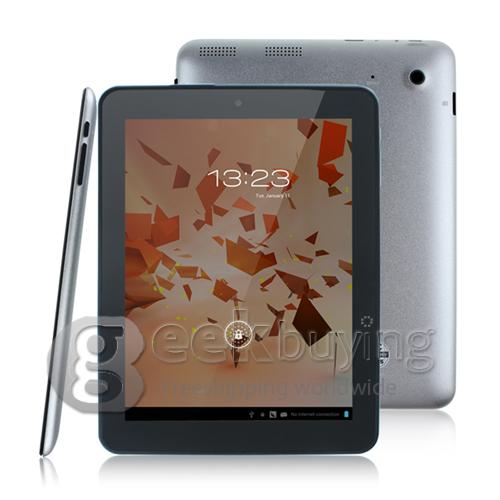
Make sure USB Debugging is enabled on your F8s(Settings –> Developer Options)
Connect your F8s Tablet(using the microUSB port) to your PC
Wait for Moborobo to detect the device and install the driver
Extract the contents of root tool you just download
Run TPSparkyRoot.bat
Do as the screen instructions, and after 2 reboot, your device will get rooted!
Enjoy!
After root, here is the pre-installed app which you can remove safely:
360Mobilesafe.apk
Nextway.apk
oupeng.apk ( this is oupeng chinese version, you should download the english version if you like)
PinyinIME.apk(This is chinese input method)
wannianli.apk