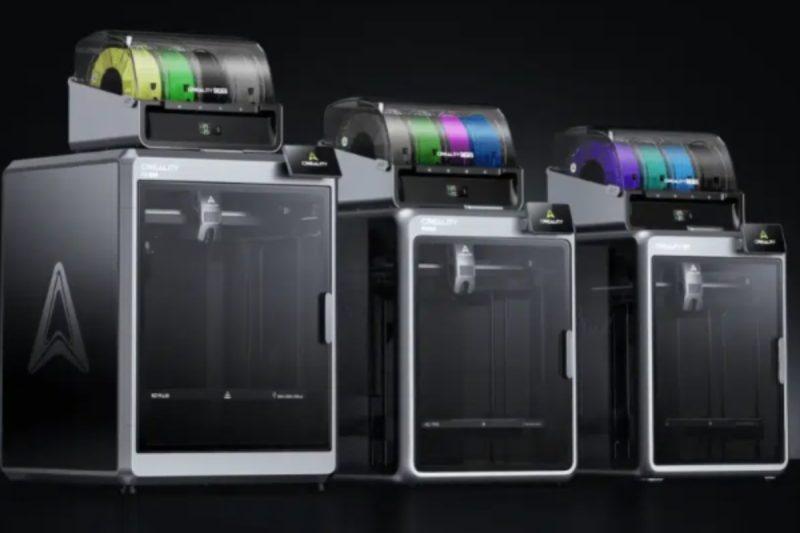
If you’ve been watching the 3D printing space recently, you’ve probably felt the shift. The new Creality K2 series feels like a genuine leap forward, designed not just for speed, but for high-precision, multi-color work that actually feels accessible. Whether you’re setting up your very first desktop machine or you’re a pro looking to fill out a print farm, there is a distinct personality to each of these three printers.
It can be a bit overwhelming to stare at a spec sheet, so let’s break down the real-world differences between the K2 Plus, the K2 Pro, and the standard K2 to help you figure out which one belongs on your desk.
At a Glance: The Raw Numbers
Before we get into the “feel” of these machines, it helps to see how they stack up on paper. Here is the hierarchy of the hardware.
| Feature | K2 Plus (The Powerhouse) | K2 Pro (The Balanced Choice) | K2 (The Entry Point) |
| Build Volume | 350 x 350 x 350 mm | 300 x 300 x 300 mm | 260 x 260 x 260 mm |
| Max Speed | 600 mm/s | 600 mm/s | 600 mm/s |
| Acceleration | 30,000 mm/s² | 20,000 mm/s² | 20,000 mm/s² |
| Chamber Heating | 60°C | 60°C | N/A |
| Nozzle Temp | Up to 350°C | Up to 300°C | Up to 300°C |
| Bed Temp | Max 120°C | Max 110°C | Max 100°C |
| Belt Tension | Automatic | Manual | Manual |
| Air Filtration | 2 Filters | 1 Filter | 1 Filter |
| Storage | 32GB | 32GB | 8GB |
The Deep Dive: What Actually Matters?
1. Space and Size
The first thing you’ll notice is the physical footprint. It really comes down to what you dream of making.
- K2 Plus: This is the big one. With a massive 350 mm³ volume, it’s the go-to for anyone printing large cosplay props like helmets, or if you just want to print huge batches of parts in a single run without worrying about running out of room.
- K2 Pro: I like to think of this as the “sweet spot.” You get a generous 300 mm³, which feels like a perfect compromise—it’s big enough for most serious projects but won’t completely dominate your workspace.
- K2: If you’re living in a cozy apartment or setting up a classroom, this 260 mm³ compact design is likely your best bet. It’s capable, but it knows its place.
2. Speed and “Zip”
We all want our prints done faster. While all three models top out at an impressive 600 mm/s, the K2 Plus is undeniably the “muscle car” of the group. It rips off the line with an acceleration of 30,000 mm/s². The Pro and Standard K2 are still incredibly quick at 20,000 mm/s², but the Plus just has that extra bit of specialized power for ultra-fast production.
3. What Can You Print?
This is where the machines really start to separate themselves based on your needs.
- The Industrial Edge (K2 Plus): If you are looking to print tough, industrial parts, this is the one. With a nozzle that hits 350°C and a bed that warms to 120°C, it’s built to handle demanding materials like ABS, ASA, PA-CF, and PPA-CF. It also packs a stronger 100W heating element to keep up with that flow.
- The Strong Prototype (K2 Pro): This machine is no slouch. Reaching 300°C, it comfortably handles ABS, ASA, and Carbon Fiber composites, making it fantastic for functional parts.
- The Daily Driver (K2): Optimized for the materials we use 90% of the time—PLA and PETG. While it can handle PLA-CF, it’s really designed for standard, hassle-free printing rather than high-temp engineering tasks.
4. Living with the Machine
It’s the little things that make a printer a joy to use. All models come with AI cameras to watch your prints for failures (and make cool timelapses) and they all run quietly at ≤45 dB, which your housemates will appreciate.
However, the K2 Plus has a few premium touches that just make life easier:
- Automatic Belt Tensioning: You don’t have to fiddle with tools; the machine handles it.
- Better Air Management: It sports two auxiliary fans and two air filters for stability and safety, whereas the others stick to one.
- Connectivity: Both the Plus and Pro give you the stability of an RJ45 (Ethernet) port, while the standard K2 keeps it simple with Wi-Fi and USB.
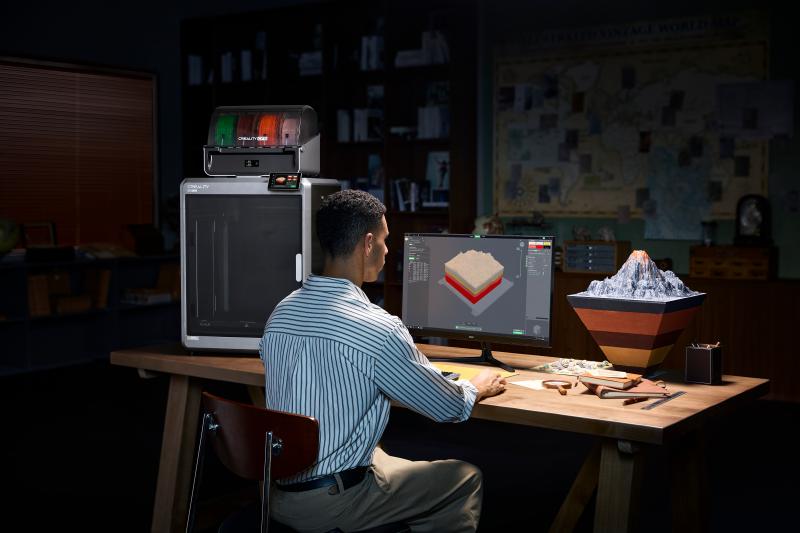
Verdict: Which One Fits Your Life?
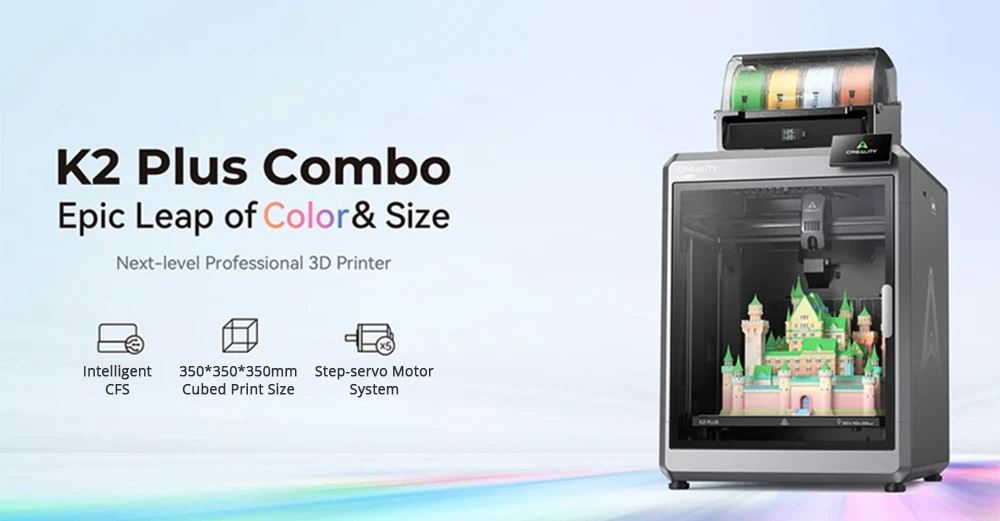
Go for the Creality K2 Plus if:
- You’re a professional maker, or perhaps you’re running a print farm where time is money.
- You have big ideas—literally—and need that large volume or industrial materials like PPA-CF.
- You just want the best specs with the least manual maintenance, thanks to features like auto-tensioning.
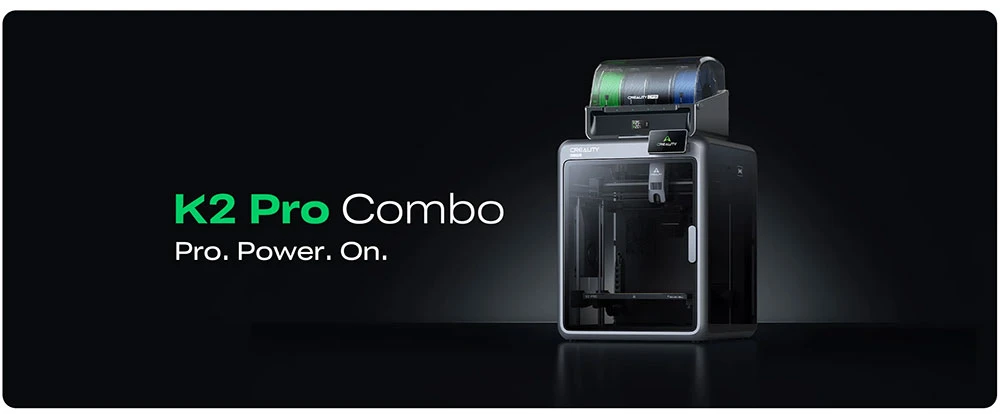
Go for the Creality K2 Pro if:
- You’re an enthusiast who wants serious power but doesn’t quite need the “industrial” price tag or footprint.
- You want a versatile workhorse for prototyping that strikes a great balance between size and performance.
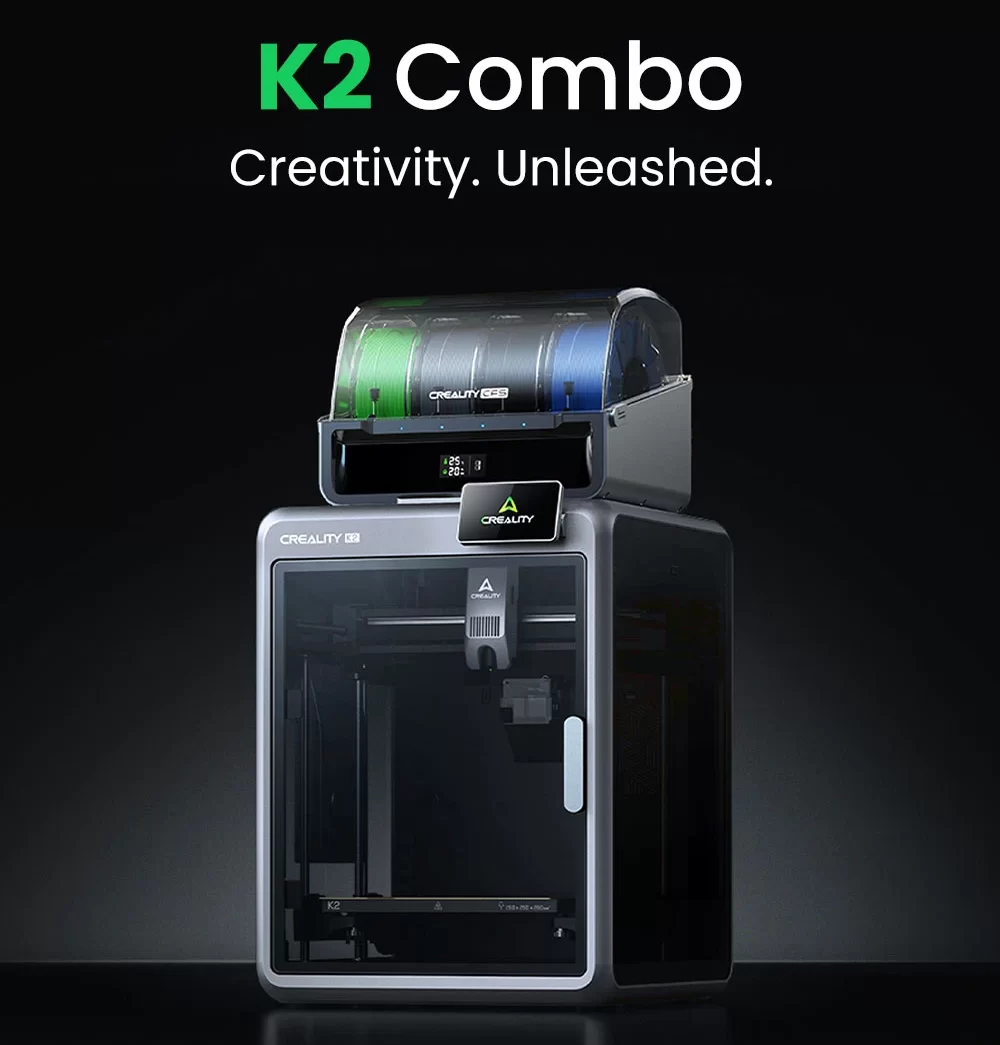
Go for the Creality K2 if:
- You are just starting out, or maybe buying for a school.
- Budget and desk space are your main constraints, but you still want modern AI tech and high speeds.
- You mostly stick to reliable plastics like PLA or PETG.
A Few Common Questions
Q: Can I really print in multi-color with these?
A: Absolutely. This is one of the coolest parts of the series. All three models support the Creality CFS (Color Filament System), which lets you daisy-chain units to print with up to 16 colors at once.
Q: Will it be too loud for my apartment?
A: Surprisingly, no. They’ve done a good job dampening the sound. All three operate at ≤45 dB, so they shouldn’t disturb your work or sleep.
Q: What about software?
A: You’ll be using Creality Print to slice your files and Creality Cloud if you want to manage prints remotely or grab models from their library.
Q: Does the standard K2 do Carbon Fiber?
A: Sort of. It handles PLA-CF (PLA Carbon Fiber) just fine. But if you need to print high-temperature composites like PA-CF, you really need to step up to the K2 Plus or K2 Pro.
