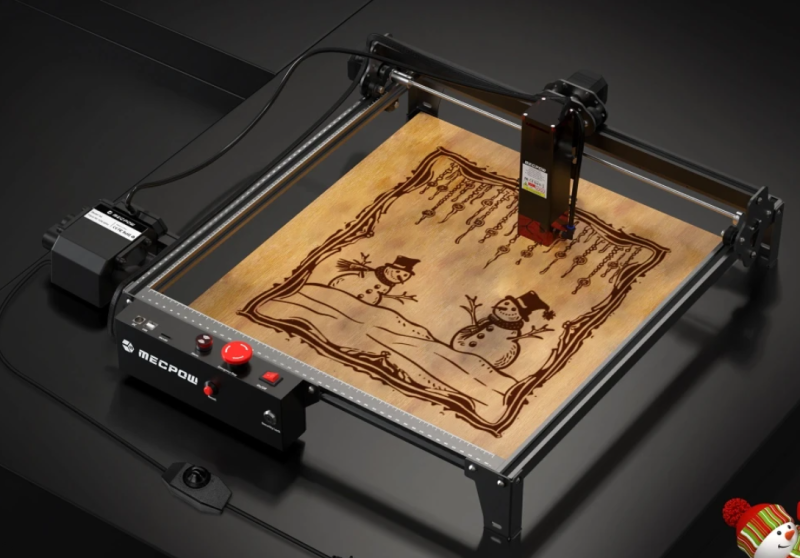
Deciding whether the Mecpow X3 Pro 10W laser engraver is the right investment requires looking past the spec sheet and understanding how it performs in a real workspace. Positioned in the highly competitive sub-€200 budget category, this machine bundles a 10W optical output diode laser with an included air assist pump. For buyers trying to transition from basic crafts to a more capable setup, the primary question is whether this specific combination of power, safety features, and price delivers a reliable return on investment or if it falls short for practical applications.
This guide provides an objective breakdown of the machine’s capabilities, material limits, and intended user profiles to help you make an informed purchasing decision.
Self-Qualification: Who Should (and Shouldn’t) Buy the X3 Pro
To avoid buyer’s remorse, it is critical to align the machine’s technical limits with your daily workflow.
The Ideal Buyer
- Bootstrapping Crafters: Users looking to produce and sell small-batch items (such as custom leather patches, wooden coasters, or slate tags) with minimal upfront overhead.
- Safety-Conscious Hobbyists: Home users operating in shared spaces (like a garage or spare room) who require physical safety lockouts to prevent unauthorized use by children.
- Budget-Restricted Upgraders: Beginners who have outgrown 5W machines and specifically need an out-of-the-box air assist system to achieve clean, scorch-free cuts on 3mm to 6mm wood without spending over €300.
Dealbreakers: Who Should NOT Buy This Machine
- High-Volume Sellers: If you need to cut 10mm wood rapidly for daily production, a 10W laser is too slow. You require a 20W to 40W diode or a CO2 laser.
- Clear Acrylic Users: Due to the physics of 445nm blue diode lasers, this machine cannot cut or engrave clear, translucent, or blue acrylics.
- Metalworkers: While it can mark coated metals or stainless steel, a diode laser cannot cut metal or deeply engrave bare, reflective metals. For that, a fiber laser is required.
The 10W Reality Check: Power, Speed, and Material Limits
A 10W laser is a capable middle-ground, but it requires realistic expectations regarding speed and patience.
Material Compatibility Realism
While marketing materials often cite maximum thicknesses (like 20mm wood), achieving these depths requires tedious multi-pass jobs. Below is a realistic expectation of the Mecpow X3 Pro’s cutting capabilities:
| Material | Thickness | Realistic Performance |
|---|---|---|
| Plywood / Basswood | 3mm | Cleanly cuts in 1 pass (at approx. 360-480mm/min) |
| Plywood / Basswood | 6mm | Cleanly cuts in 1 pass (at slower speeds, approx. 180mm/min) |
| Plywood | 10mm | Requires roughly 4 passes (at 180mm/min) |
| Black Acrylic | 6mm | Requires 2 passes (at 180mm/min) |
The Hard Limits
The X3 Pro utilizes a 445±5 nm wavelength diode laser. The light from this laser will pass harmlessly through clear glass and clear acrylic, meaning it cannot cut them. Attempting to cut highly reflective surfaces (like bare copper or brass) can cause the beam to bounce back into the laser module, potentially damaging the diode.
Hobby vs. Small-Business Use Cases
The machine boasts a maximum movement speed of 10,000 mm/min. For engraving lightweight vectors or burning logos onto wood, this is sufficient for a side hustle. However, if your business relies on rapid, high-volume cutting, the time spent running multi-pass jobs on thicker materials will bottleneck your production. The 10W power level is best suited for businesses where engraving is the primary task, and cutting is secondary or limited to thin stock.
Evaluating the Bundled Air Assist: Gimmick or Game-Changer?
One of the primary selling points of the X3 Pro is the inclusion of the air assist kit. At this price point, bundled accessories require scrutiny.
Scorched vs. Clean Edges
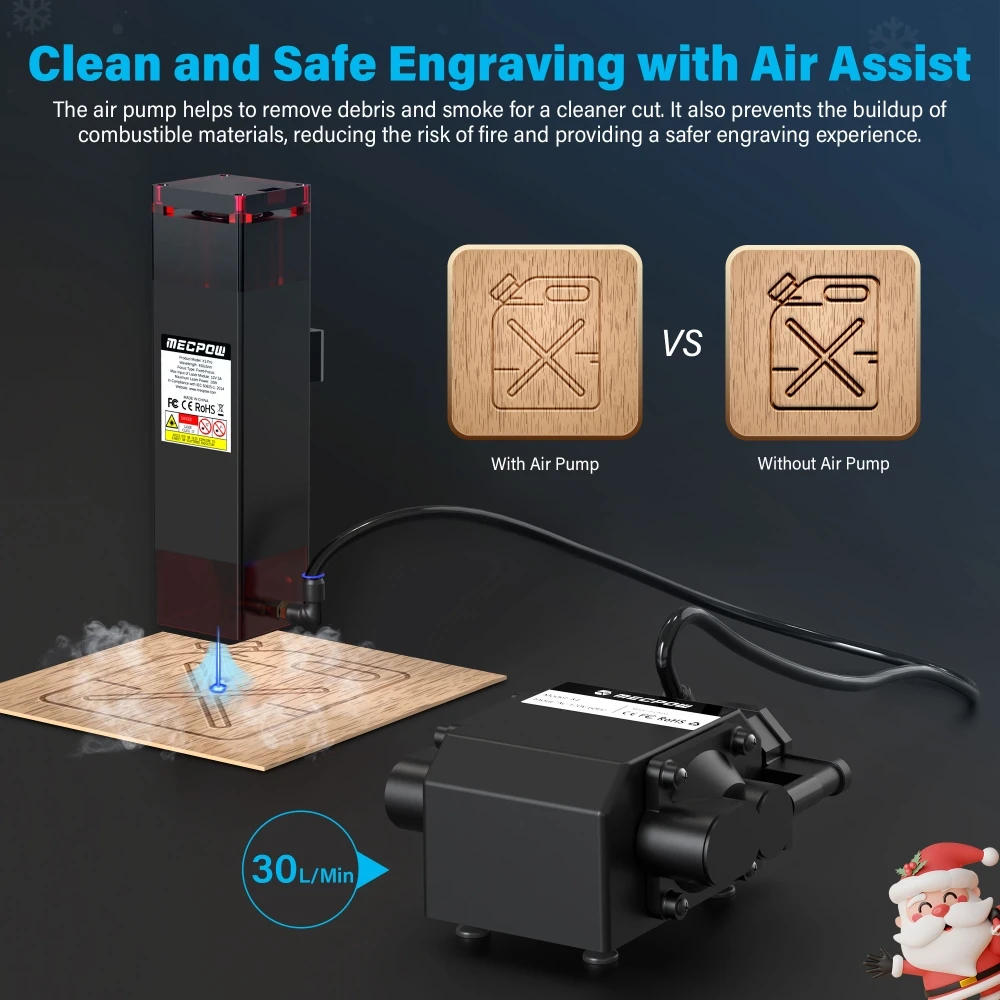
When a laser cuts wood, the vaporized material creates smoke and carbon buildup, leading to heavily scorched, black edges. The included 30L/min adjustable air pump actively blows this debris away from the focal point. In practical application, this 30L/min flow rate is sufficient to drastically reduce charring on 3mm and 6mm plywood, resulting in clean, caramel-colored edges that require little to no post-sanding. It also pushes smoke out of the laser beam’s path, slightly improving cutting depth efficiency.
Cost-Efficiency Logic
Standalone 30L/min air pumps typically cost between €40 and €80. Purchasing a barebones 10W laser and sourcing an aftermarket air pump often exceeds the total price of the X3 Pro bundle. If your workflow involves cutting wood, an air assist is mandatory, making this bundled approach highly cost-efficient.
Safety and Usability Features (Beyond the Marketing Hype)
Operating a laser engraver inherently involves fire risks and fumes. The X3 Pro includes several physical interventions designed to mitigate these risks.
Workspace Realities
- Noise: The addition of the 30L/min air pump introduces a noticeable humming noise to the workspace.
- Smoke Management: While the air assist clears smoke from the laser lens, it simply pushes it into your room. You will still need to purchase or build an external enclosure with exhaust ventilation to safely operate this machine indoors.
- Footprint: The machine requires a stable surface larger than its 410×400 mm working area to accommodate the frame movement and cable management.
Validating the Safety Suite
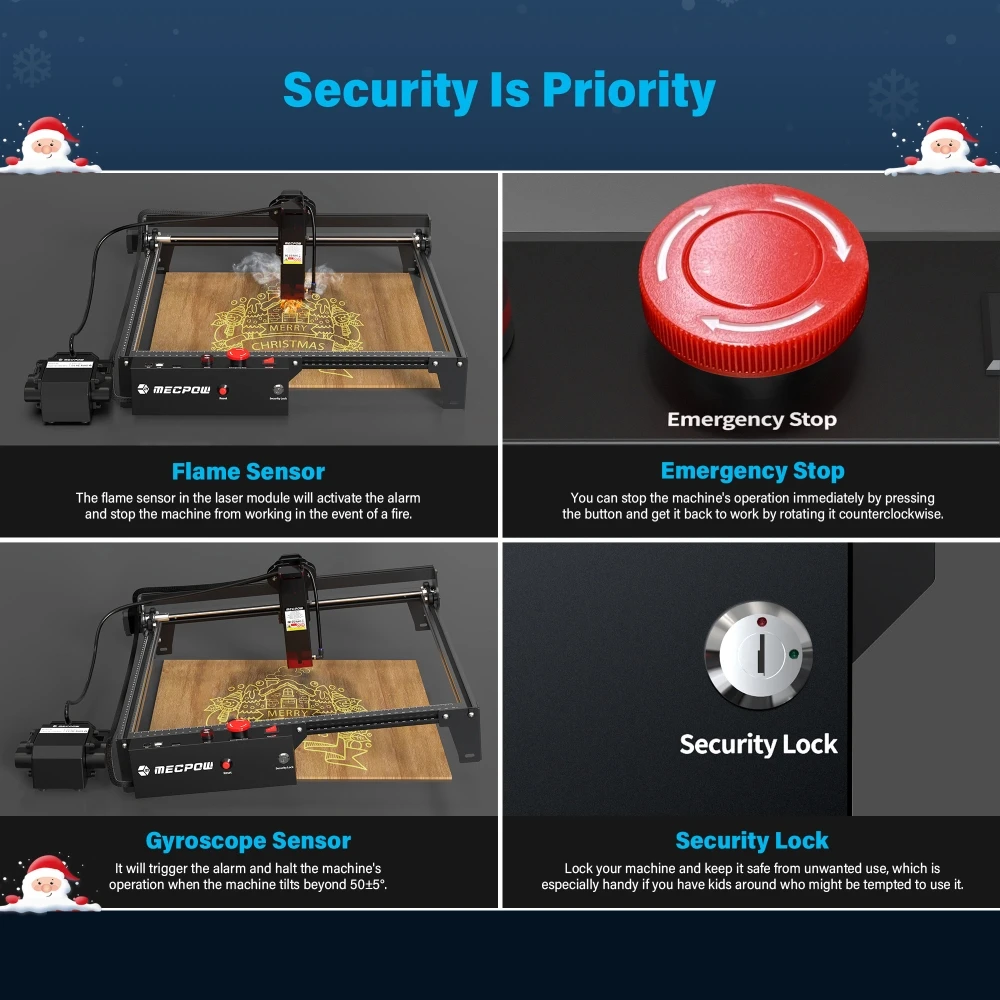
- Flame Sensor & Tilt Alarm: The module includes a sensor to detect flare-ups and a gyroscope that triggers an alarm and stops the job if the machine is tilted beyond 50±5 degrees. This is highly valuable if the machine is accidentally bumped during operation.
- Security Lock & Emergency Stop: The physical key lock prevents the machine from being turned on without the key, a crucial feature for households with children. The prominent emergency stop button allows for immediate hardware-level shutdown without fumbling with software.
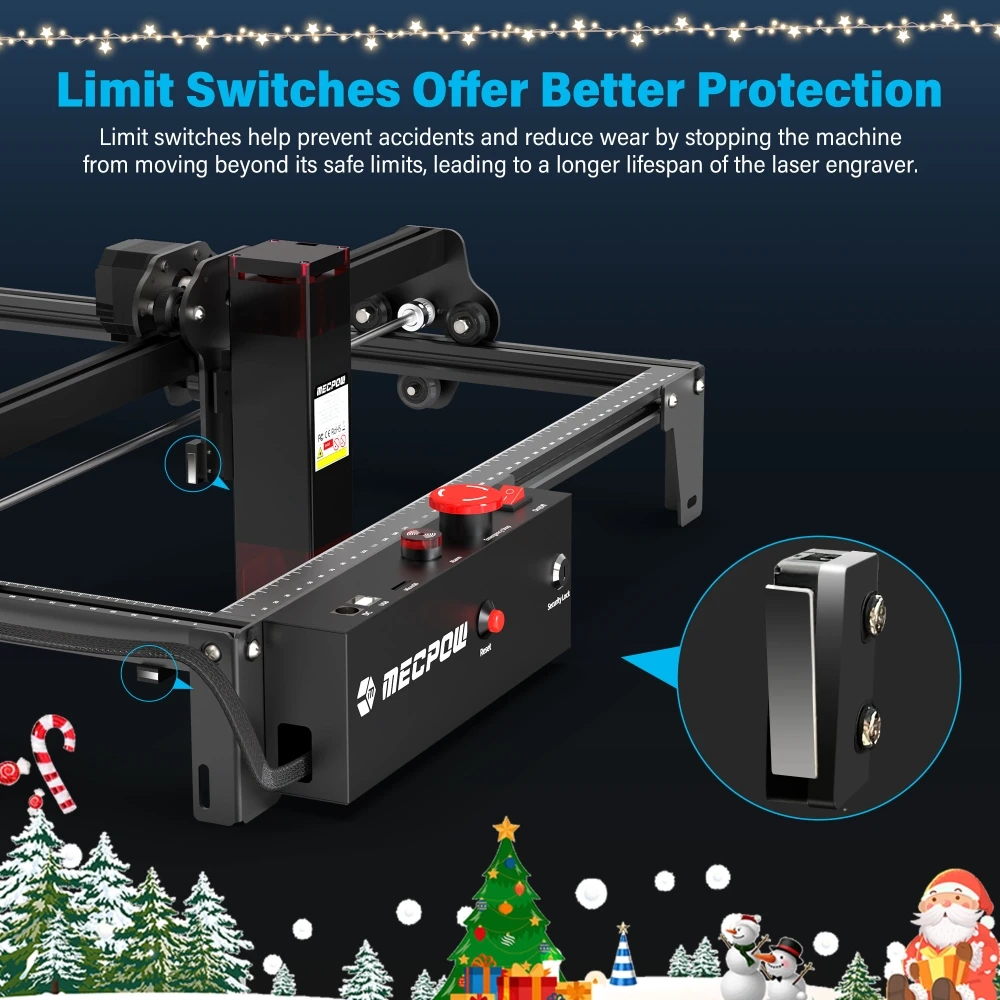
- Limit Switches: Dual limit switches prevent the laser head from crashing into the frame, reducing wear on the stepper motors and belts.
Software & Setup
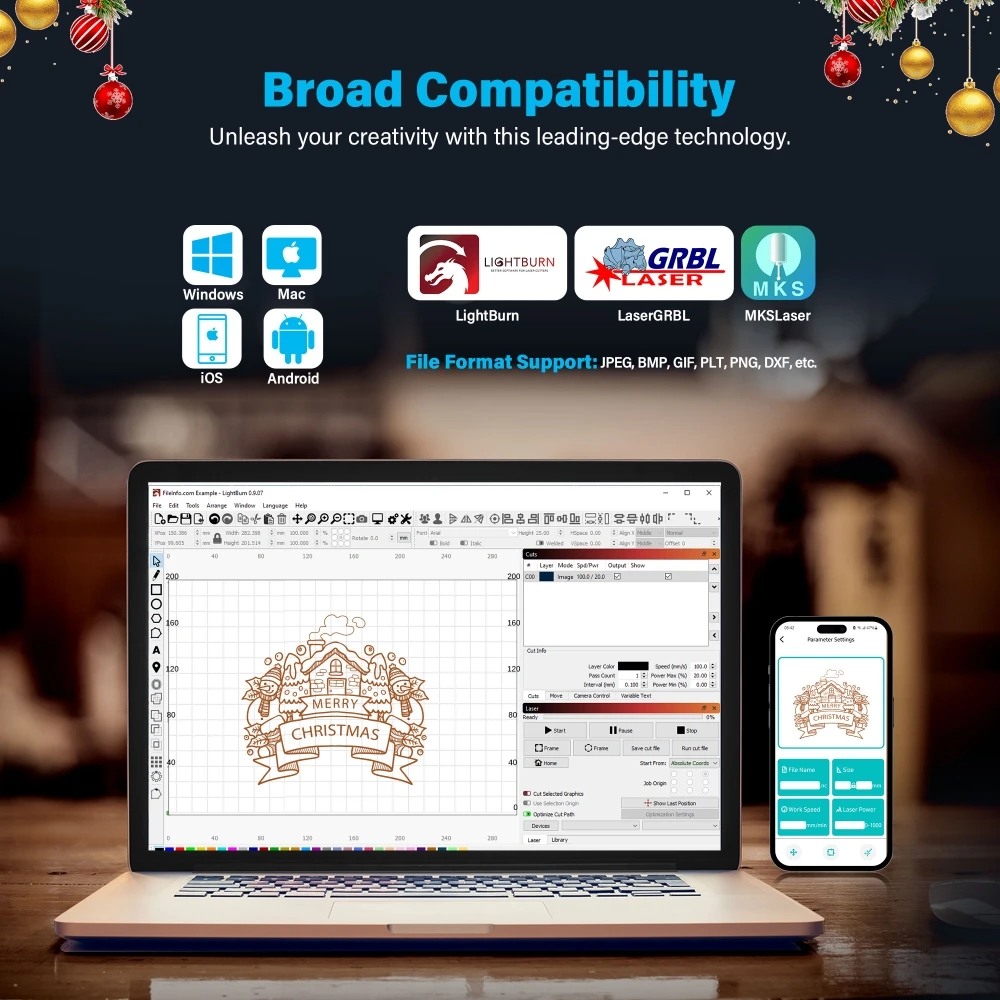
The X3 Pro relies on a fixed-focus system. You place an included focusing screen on your material, lower the laser head until it touches the screen, and tighten the thumb screw. This is faster and more reliable than older manual-focus twisting rings. Furthermore, the machine avoids proprietary software lock-ins; it is fully compatible with industry standards like LightBurn and LaserGRBL.
Final Verdict: Does the Sub-€200 Price Tag Justify the 10W Output?
Final Cost-to-Value Summary and Next Steps for Buyers
The Mecpow X3 Pro achieves a highly pragmatic balance between cost and capability. By pairing a competent 10W diode laser with a mandatory accessory (the 30L/min air assist) and wrapping it in a robust suite of safety features, it provides excellent value for bootstrapping crafters and hobbyists. It will not serve the needs of a high-volume manufacturing shop or those needing to cut metal and clear plastics. However, if your goal is to cleanly cut thin woods, engrave dark acrylics, and safely learn standard laser software without overspending, the X3 Pro is a logically sound starting point.
Purchasing Tip: If you decide this machine fits your workflow, you can currently bring the price down to €169 by using the discount code GKB26M1 at checkout. At this price point, the inclusion of the Air Assist kit makes it one of the most cost-effective starter bundles available.
