The sub-€300 3D scanner market is historically filled with toys disguised as tools—devices that promise the world but deliver messy point clouds and constant tracking failures. The 3DMakerpro Moose Lite, priced aggressively at €279 for the Premium Version, claims to break this trend by offering 0.05mm accuracy, AI visual tracking, and optical anti-shake technology.
But does a plastic-bodied, mono-texture scanner actually belong on a serious maker’s workbench?
This review breaks down exactly who should invest in the Moose Lite, its hard limitations, and whether its core technology holds up for functional 3D printing and reverse engineering.
Quick Verdict: Stop Reading and Decide Here
To save you time, here is the unfiltered reality of the Moose Lite.
Buy It If:
- You are a 3D printing enthusiast: You need highly accurate STL/OBJ files to replicate broken mechanical parts, design custom brackets, or remix physical objects.
- You want CAD-ready geometry on a budget: You care about structural shape and dimensions, not surface colors.
- You hate using marker dots: You want a clean, marker-free scanning workflow for organic shapes and medium-sized objects.
Skip It If:
- You develop game assets or VR/AR environments: The Moose Lite captures mono (black-and-white) texture. You need a full-color scanner if your end goal is photorealistic digital rendering.
- You scan entire vehicles or rooms: With a 100mm scan depth and high-detail focus, this is meant for tabletop-sized objects, not architectural scaling.
Precision in the Real World: Testing the 0.05mm Accuracy
Reverse Engineering & 3D Printing Workflows
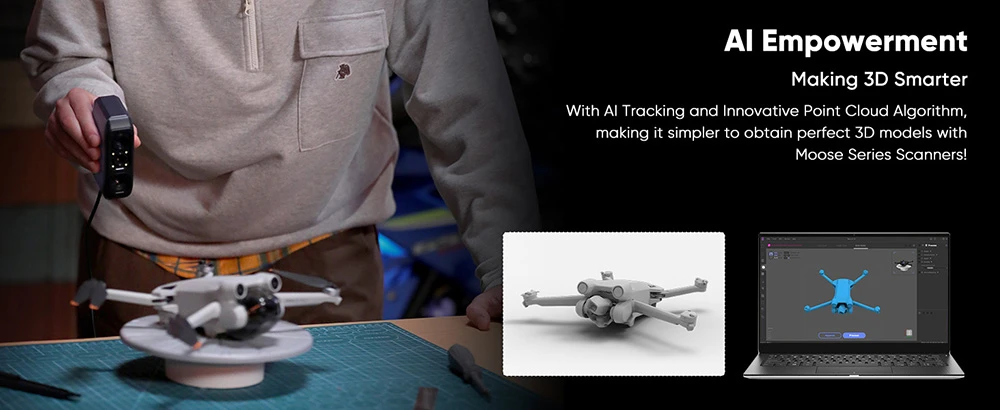
Manufacturers often boast about accuracy, but in reverse engineering, resolution dictates whether your scanned gear teeth will actually mesh. The Moose Lite utilizes blue light structured light technology to deliver a 0.05mm single-frame accuracy and a 0.1mm resolution.
In practical terms, this means the point-cloud density is tight enough to fine surface details such as shallow grooves and moderate mechanical contours or the precise curvature of a plastic casing. When exporting directly to OBJ or STL formats, the geometry is sharp enough to drop straight into Fusion 360 or your desktop slicer without requiring hours of manual mesh repairing.
The Marker-Free Reality: AI Tracking & Optical Anti-Shake
Handheld scanning is notoriously unforgiving. A slight jitter usually misaligns the frames, ruining the scan. The Moose Lite combats this with two critical features:
- Optical Anti-Shake Module: Because the scanner only weighs 250g, it is highly susceptible to micro-movements from your hand. The optical anti-shake module improves frame alignment tolerance during handheld scanning, reducing tracking interruptions caused by minor hand movements.
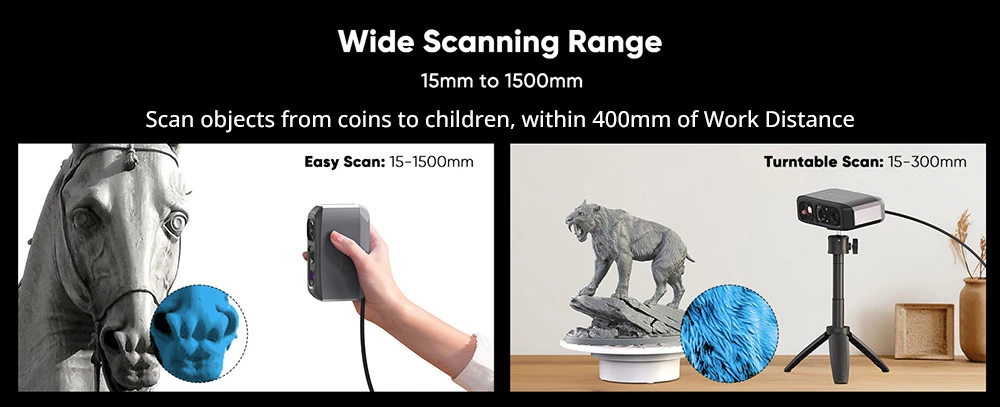
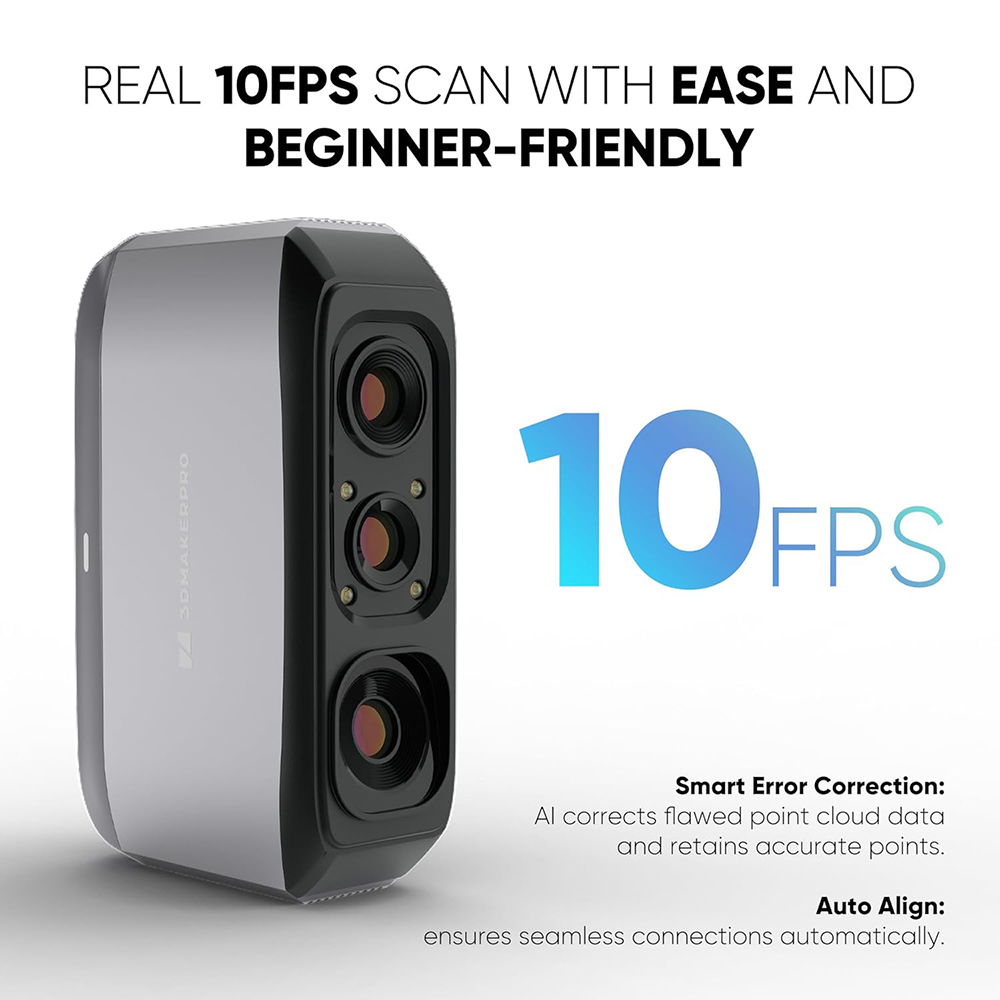
- AI Visual Tracking at 10fps: The algorithm relies on the geometric features of the object rather than requiring you to cover your part in sticky target markers. At 10 frames per second, the tracking is robust, provided the object has distinct structural characteristics.
The Mono Texture Trade-Off: A Dealbreaker or a Smart Cost-Saver?
The most frequent hesitation buyers have is the “mono texture” specification. Let’s be clear: if you are an engineer, a DIY maker, or a 3D print hobbyist, you do not need color capture.
Color data exponentially increases file sizes and processing times. By stripping out the 24-bit RGB cameras found in more expensive models, 3DMakerpro reduced the hardware cost and shifted all processing power toward capturing raw geometric perfection.
Hard Limitations: What the Moose Lite Cannot Scan
To make an informed decision, you must understand the physics of blue light scanners. The Moose Lite is not magic; it has the same natural enemies as all structured light devices.
- Highly Reflective or Chrome Surfaces: The light will bounce off, blinding the sensors.
- Pitch-Black Objects: Dark surfaces absorb the blue light projection, returning zero data.
- Transparent or Translucent Parts: Glass or clear plastics will not register.
The Solution: You must use AESUB vanishing scanning spray (or a cheap dry shampoo alternative) to coat these difficult items in a matte white layer.
Additionally, the scanner features 9 levels of adjustable light, allowing it to scan in completely dark rooms. While this is excellent for maintaining consistent tracking regardless of your workshop’s ambient lighting, it does not bypass the need for scanning spray on shiny or black materials.
Software & Workflow: Evaluating JMStudio
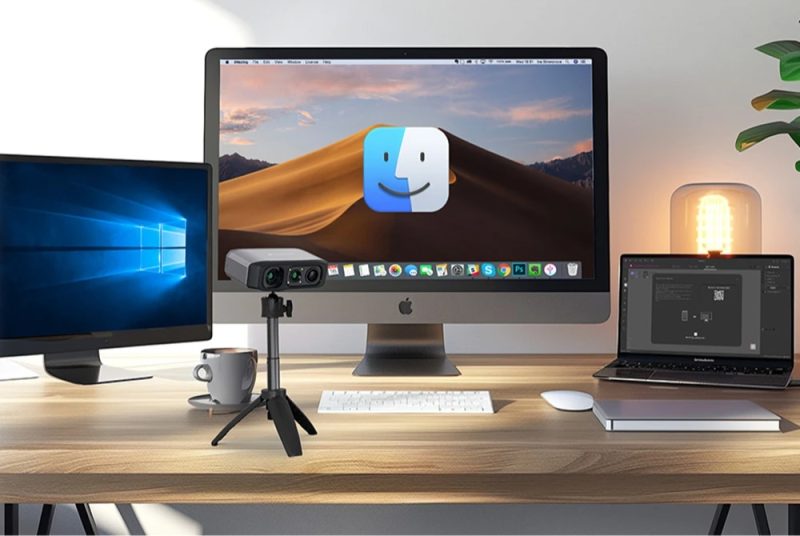
Hardware is only as good as the software driving it. 3DMakerpro uses its proprietary JMStudio suite (compatible with Windows 10/11 64-bit and macOS 12/13).
JMStudio handles the entire pipeline: Scanning > Alignment > Editing > Meshing > Export (OBJ / STL / PLY / ASC).
- The Pros: The interface is highly visual and beginner-friendly. The automated alignment tools do an excellent job of stitching multiple scanning passes together (e.g., flipping an object over to scan the bottom). Furthermore, the Moose Lite is completely fanless, operating in total silence while your PC’s CPU/GPU handles the heavy computational lifting.
- The Cons: Because the scanner relies heavily on your computer for processing, you need a reasonably modern machine. Attempting to process complex 0.05mm meshes on an outdated, low-spec laptop will result in sluggish software performance.
Head-to-Head: Moose Lite vs. Standard Moose
If you are debating whether to upgrade to the standard Moose, here is the pragmatic breakdown:
| Feature | Moose Lite | Standard Moose |
|---|---|---|
| Housing Material | Plastic (250g) | Aluminum Alloy (280g) |
| Texture Capture | Mono (Black & White) | 24-bit Full Color |
| Target Audience | 3D Printing, CAD Makers | Digital Artists, VR/AR |
Value Breakdown: Maximizing the €279 “Premium Version”
At its retail price, the Moose Lite is a strong contender. However, assessing its value right now requires looking at the available bundle.
The Premium Version bundle on Geekbuying includes the necessary accessories—like the automated turntable—that turn a frustrating handheld process into a seamless, hands-free workflow. Currently, you can apply the coupon code GKB26M3D05 to drop the final price to €279.
Getting a 0.05mm accurate, marker-free blue light scanner with an automated turntable for under €300 is an exceptional return on investment for any serious maker.
Final Verdict & Next Steps
The 3DMakerpro Moose Lite is not trying to be a cinematic asset creator. It is a highly focused, utilitarian tool designed to do one thing exceptionally well: capture high-resolution geometry for 3D printing and reverse engineering. By removing unnecessary color cameras and utilizing a lightweight plastic body, 3DMakerpro created a budget scanner that performs competitively within the entry-to-mid professional scanning segment.
If you are ready to stop measuring complex curves with digital calipers and want to bridge the gap between physical objects and CAD, the Moose Lite is currently the smartest €279 you can spend for your workshop.
Frequently Asked Questions
Does the Moose Lite require a high-end PC?
While it runs on standard Windows 10/11 and macOS, processing dense 0.1mm resolution meshes requires a decent processor, and a modern multi-core CPU and sufficient RAM are recommended for processing dense meshes smoothly.
Can it scan human faces or body parts?
Yes. The Moose Lite utilizes Class 1 eye-safe blue light. Combined with the optical anti-shake and rapid 10fps capture rate, it can scan relatively still human subjects under controlled conditions, though it is not optimized as a dedicated body scanner.
Do I need an internet connection to use JMStudio?
No, JMStudio processes your scan data locally on your machine, which is ideal for users concerned about data privacy or working in offline workshops.
