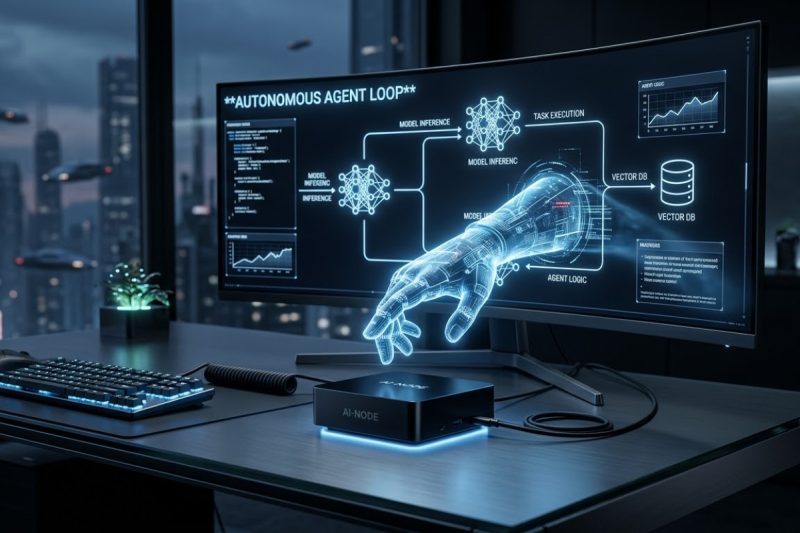
Driven by the rise of autonomous AI agents, developers are moving beyond static scripts to build intelligent, automated systems using advanced frameworks like OpenClaw. As running these complex workflows locally becomes increasingly essential for data privacy, iterative testing, and low-latency edge computing, choosing the right hardware node is critical. For developers, finding a capable mini PC for OpenClaw is often the perfect solution, as these modern compact machines deliver the processing power, unified memory architecture, and energy efficiency needed to host sophisticated AI environments right on your desk.
In this guide, we will explore what OpenClaw is, outline the hardcore hardware reality of running AI agents locally, and highlight the best Geekbuying mini PCs for your development setup.
What Is OpenClaw?
OpenClaw is an autonomous AI agent framework explicitly designed for developers who are building sophisticated AI workflows. Unlike simple chatbots that wait for continuous human input, OpenClaw enables developers to orchestrate Large Language Models (LLMs) and local automation tools to execute multi-step, complex tasks autonomously.
Typical use cases for OpenClaw include:
- AI Assistants: Creating personalized, locally hosted digital assistants capable of managing calendars and files without sending sensitive data to the cloud.
- Automation Workflows: Building backend agents that can scrape websites, parse complex datasets, and automatically generate reports.
- Developer Experiments: Prototyping multi-agent systems where different AI personas collaborate on writing code and debugging applications.
- Local AI Orchestration: Serving as a bridge between cloud-based LLM APIs and localized data, ensuring proprietary information remains strictly within your physical network.
Why Mini PCs Are the Secret Weapon for Local AI
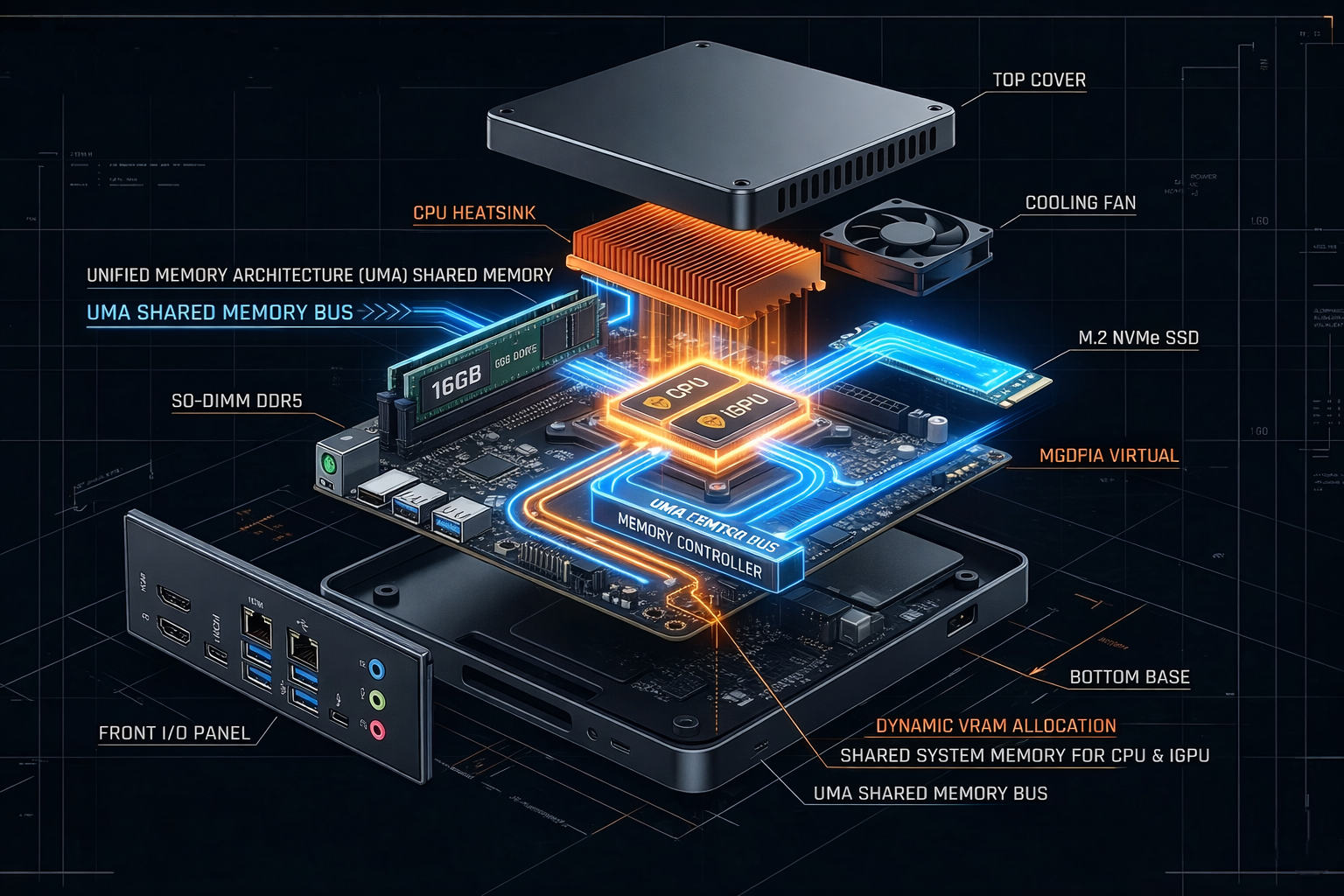
While many developers initially look toward massive tower PCs with expensive dedicated graphics cards (GPUs) for AI development, an AI development mini PC offers a surprisingly robust alternative thanks to one massive advantage: Unified Memory Architecture (UMA).
- The UMA Advantage for VRAM: Running local LLMs (like Llama 3 or Mistral) is notoriously bound by Video RAM (VRAM). A budget dedicated GPU might only have 8GB of VRAM, leading to out-of-memory (OOM) errors. However, mini PCs use integrated graphics that share system memory (UMA). This means on a 32GB Mini PC, you can enter the BIOS and allocate 16GB or even 24GB of RAM directly to the iGPU. This allows you to run larger quantized models locally that would normally crash a traditional budget gaming PC.
- Energy Efficiency for Always-On Agents: Running AI agents 24/7 on a traditional desktop can lead to significant electricity bills. Mini PCs utilize mobile-class processors that deliver exceptional performance per watt.
- Compact Form Factor: A developer mini PC workstation takes up a fraction of the space, easily fitting on a crowded desk or mounting behind a monitor.
The Reality of Hardware Specs for Running OpenClaw
When building an OpenClaw-compatible mini PC, you need to look past marketing buzzwords and focus on the practical realities of local AI development.
- RAM (The 32GB Baseline): 16GB of RAM is often a trap for local AI. A modern OS takes 4-6GB. A 4-bit quantized 7B model requires around 5GB. That leaves almost nothing for the OpenClaw framework, Docker, VS Code, and browser tabs. If you plan to run local LLMs, 32GB is the strict baseline. 16GB is only acceptable if you are exclusively using cloud APIs (like OpenAI) to power your local agents.
- CPU & GPU Ecosystem (AMD vs. Intel): For running local LLMs via tools like Ollama or llama.cpp, AMD processors with Radeon graphics (like the 780M) are currently superior due to their mature Vulkan and ROCm backend support. Intel CPUs offer incredible single-core speeds for running Python logic and API requests, but their OpenVINO ecosystem for local LLM inference requires much more configuration overhead.
- Storage: Fast data retrieval is critical for AI agents referencing local vector databases. Look for PCIe 4.0 NVMe SSDs with 512GB to 1TB of capacity.
Best Mini PCs Compatible with OpenClaw
To help you build the ultimate developer mini PC workstation, we have curated a list of top-tier devices from Geekbuying, categorized by their real-world development strengths.
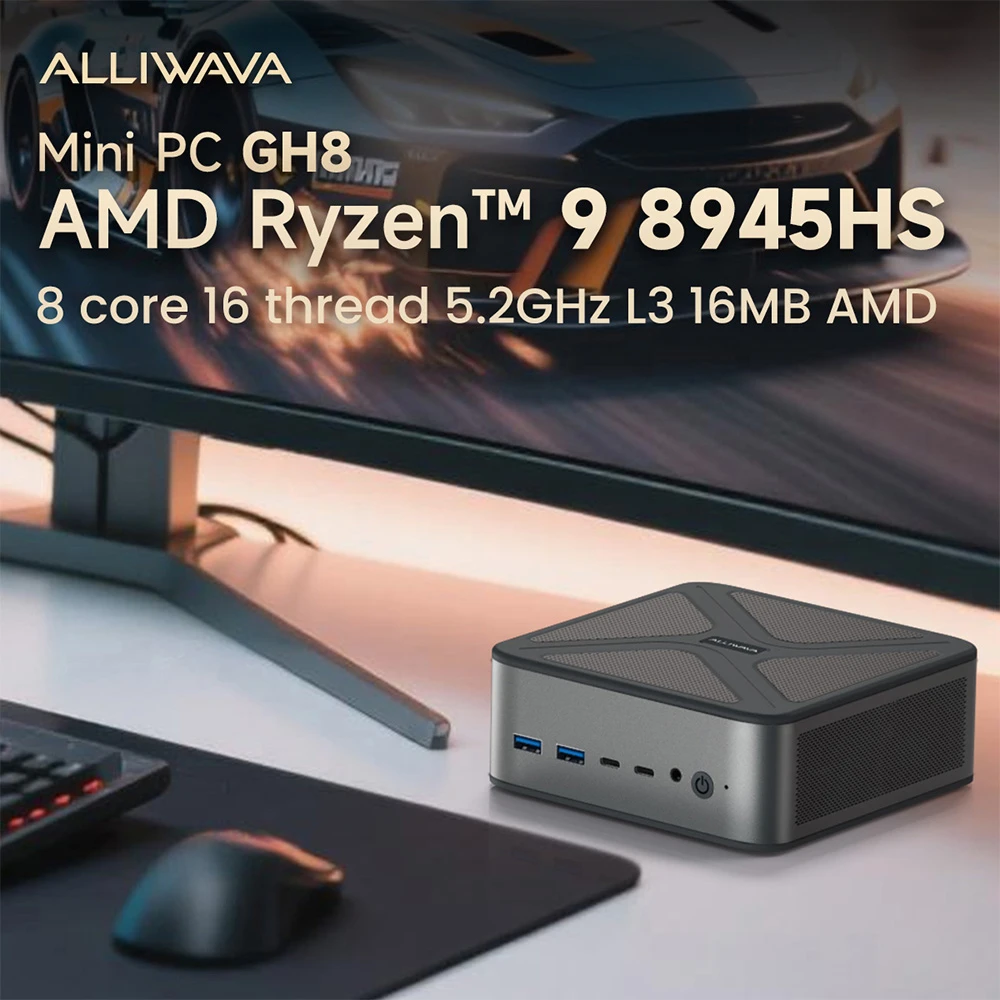
ALLIWAVA GH8 Gaming Mini PC: The AMD VRAM Powerhouse
- Coupon: ALP6KHO0
- Price after coupon: €779
- Key specs: AMD Ryzen 9 8945HS | 32GB DDR5 RAM | 1TB PCIe 4.0 SSD | USB4 | Dual 2.5G LAN
Why it works well for OpenClaw:
This is the ultimate local AI machine. The AMD Ryzen 9 8945HS features an NPU for future-proofing, but its real power lies in the Radeon 780M iGPU combined with 32GB of DDR5 RAM. By leveraging UMA, developers can allocate massive amounts of memory to the iGPU, utilizing the Vulkan backend to run heavy quantized models seamlessly. The dual 2.5G LAN is also perfect for segregating network traffic in a home lab.
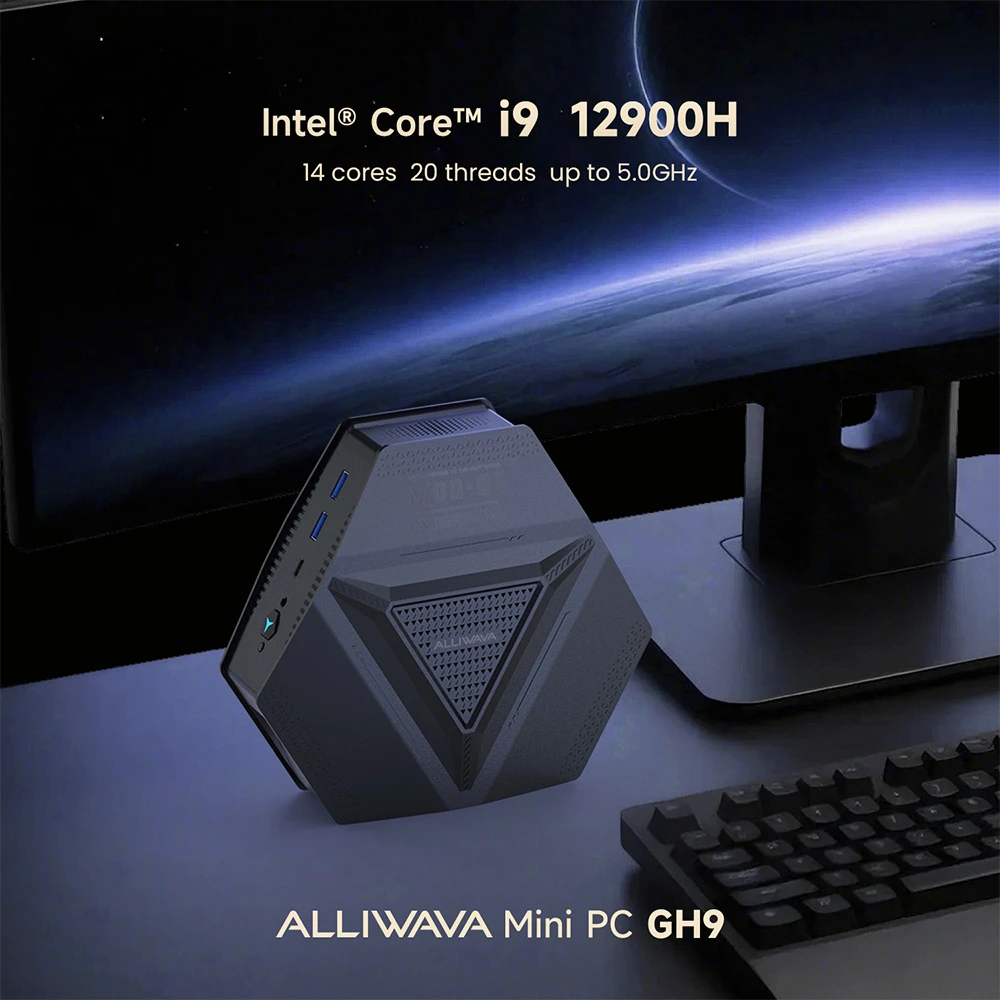
ALLIWAVA GH9 Mini PC: The API-Driven Logic Node
- Coupon: ARURE6BU
- Price after coupon: €659
- Key specs: Intel Core i9-12900HK | 16GB RAM | 1TB SSD | Intel Iris Xe graphics | Dual 2.5G LAN
Why it works well for OpenClaw:
If your architecture involves hosting the LLM in the cloud (via API) or on a separate dedicated server, the GH9 is your ideal orchestration node. The Intel Core i9-12900HK offers blistering single-core performance. It will execute high-frequency Python scripts, parse JSON data, and manage OpenClaw agent loops faster than almost anything else in its class.
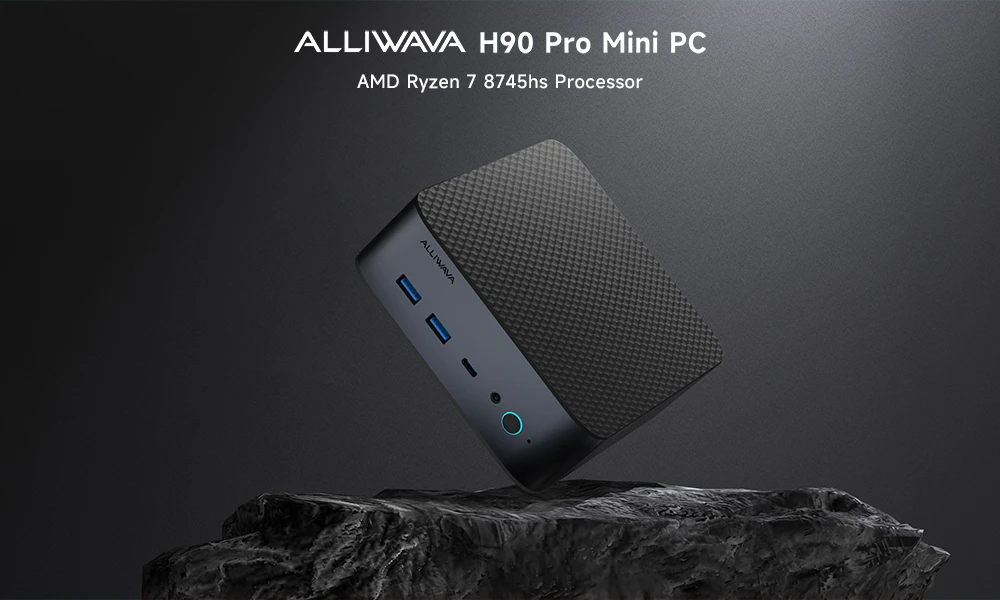
ALLIWAVA H90 Pro Mini PC: The Value AI Workstation
- Coupon: ASNW6W1D
- Price after coupon: €629
- Key specs: AMD Ryzen 7 8745HS | 16GB DDR5 RAM | 1TB SSD | Radeon 780M graphics
Why it works well for OpenClaw:
The H90 Pro strikes a perfect balance between high-end capabilities and value. The highly efficient Ryzen 7 8745HS and Radeon 780M graphics provide excellent capability for local GPU-accelerated tasks, such as running local embedding models for RAG (Retrieval-Augmented Generation) workflows. (Note: Consider upgrading the RAM if you plan to run large LLMs locally).
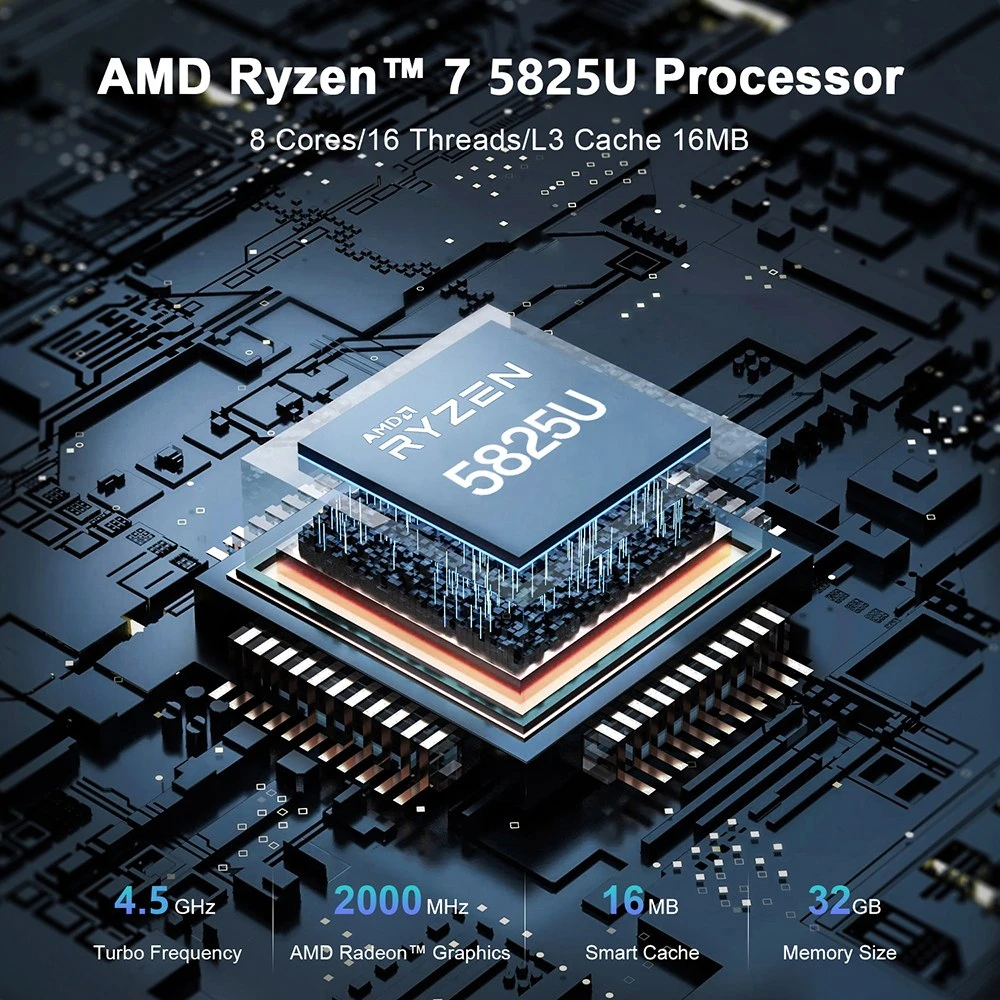
ALLIWAVA U58 Mini PC (32GB + 512GB): The True Entry-Level Local AI Hub
- Coupon: AKSDHKQD
- Price after coupon: €469
Why it works well for OpenClaw:
At under €500, this configuration is a hidden gem for AI enthusiasts. The 32GB RAM capacity is the critical factor here. It gives you enough overhead to load a local 7B or 8B model, run your IDE, keep documentation open, and execute the OpenClaw framework simultaneously without the system grinding to a halt due to virtual memory swapping.
ALLIWAVA U58 Mini PC (16GB + 512GB): The API-Only Experimenter
- Coupon: AKSDE0QY
- Price after coupon: €409
Why it works well for OpenClaw:
We recommend this strictly for developers who are relying on cloud models (OpenAI, Anthropic) to power their OpenClaw agents. It provides exactly the baseline specs needed to install Linux or Windows, set up a Python environment, and start experimenting with local agent logic and automation scripts without breaking the bank.
Mini PC vs Traditional Desktop for AI Development
When designing a workstation for an AI agent framework setup, developers should weigh these practical realities:
| Feature | Mini PC (AMD UMA) | Traditional Desktop (Budget GPU) |
|---|---|---|
| VRAM Capacity | Up to 16GB+ (Shared system RAM) | Limited to 8GB (Hardware capped) |
| Power Consumption | Very Low (15W – 65W typical) | High (300W – 800W+) |
| Noise | Whisper-quiet operation | Loud under heavy compute load |
| Use Case Fit | Agent orchestration, Quantized LLMs | Heavy model training, Unquantized LLMs |
How to Set Up OpenClaw on a Mini PC
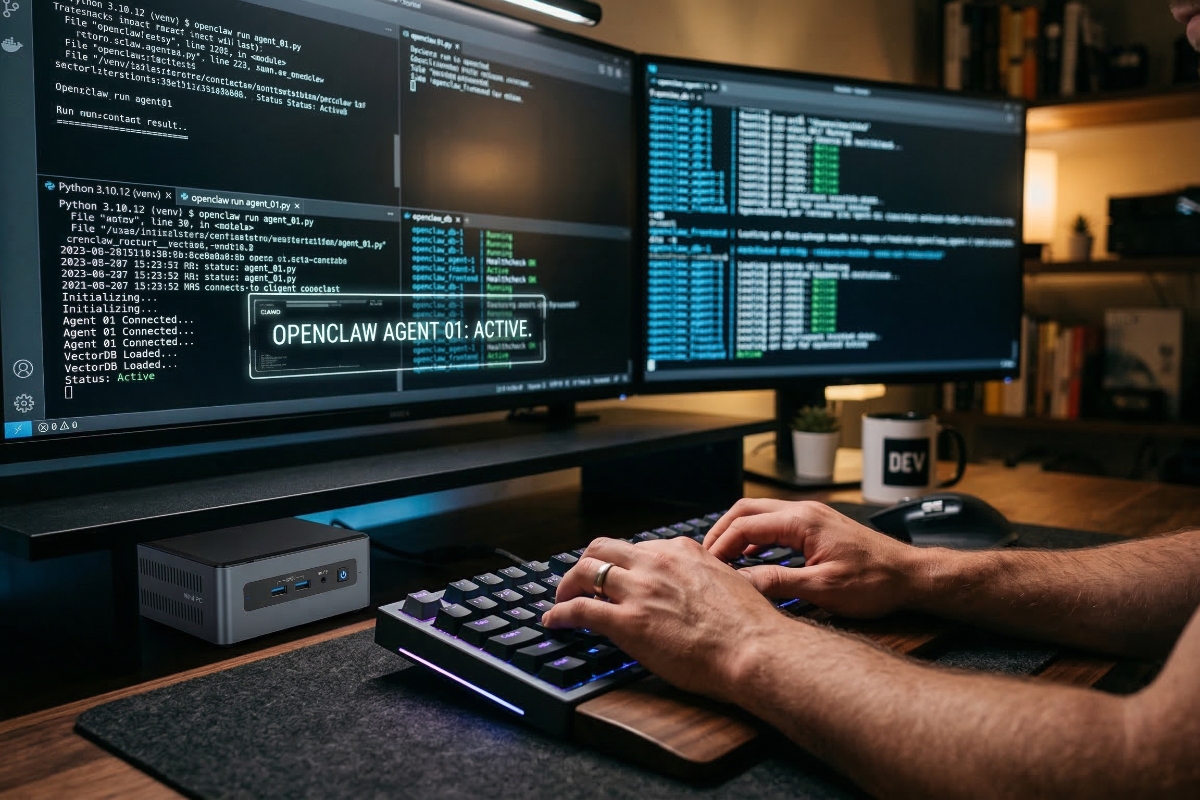
Setting up an AI development mini PC to run OpenClaw is a straightforward process for developers:
- Install OS: Use Ubuntu Linux or Windows Subsystem for Linux (WSL2) for the best compatibility with AI development tools.
- BIOS Configuration (For AMD models): Enter your BIOS and adjust the UMA Frame Buffer Size to allocate more RAM to your iGPU (e.g., 8GB or 16GB) if you plan to run local models.
- Install Environment: Install Python 3.10+ and use venv or Conda to create an isolated environment.
- Install Framework: Clone OpenClaw from GitHub and install dependencies via pip install -r requirements.txt.
- Configure Models: Set up a local instance of Ollama to serve your quantized LLM, or add your cloud API keys to the .env file.
- Run Agents: Execute your Python scripts and watch your mini PC orchestrate your automated workflows.
Final Thoughts
Building local AI agents with frameworks like OpenClaw requires hardware that is smart, efficient, and appropriately configured. By understanding the power of UMA VRAM allocation and the realities of memory requirements, developers can bypass expensive desktop rigs and build incredibly capable autonomous nodes using compact hardware.
Whether you are orchestrating API calls with an Intel powerhouse or running local quantized models on an AMD machine, modern mini PCs represent the ultimate developer workstations. Explore the Geekbuying deals above to find the perfect hardware foundation for your next AI project.
