- Shipping Company Estimated Delivery Time Shipping Cost
Trusted Shipping Partners:  and more




Highlights
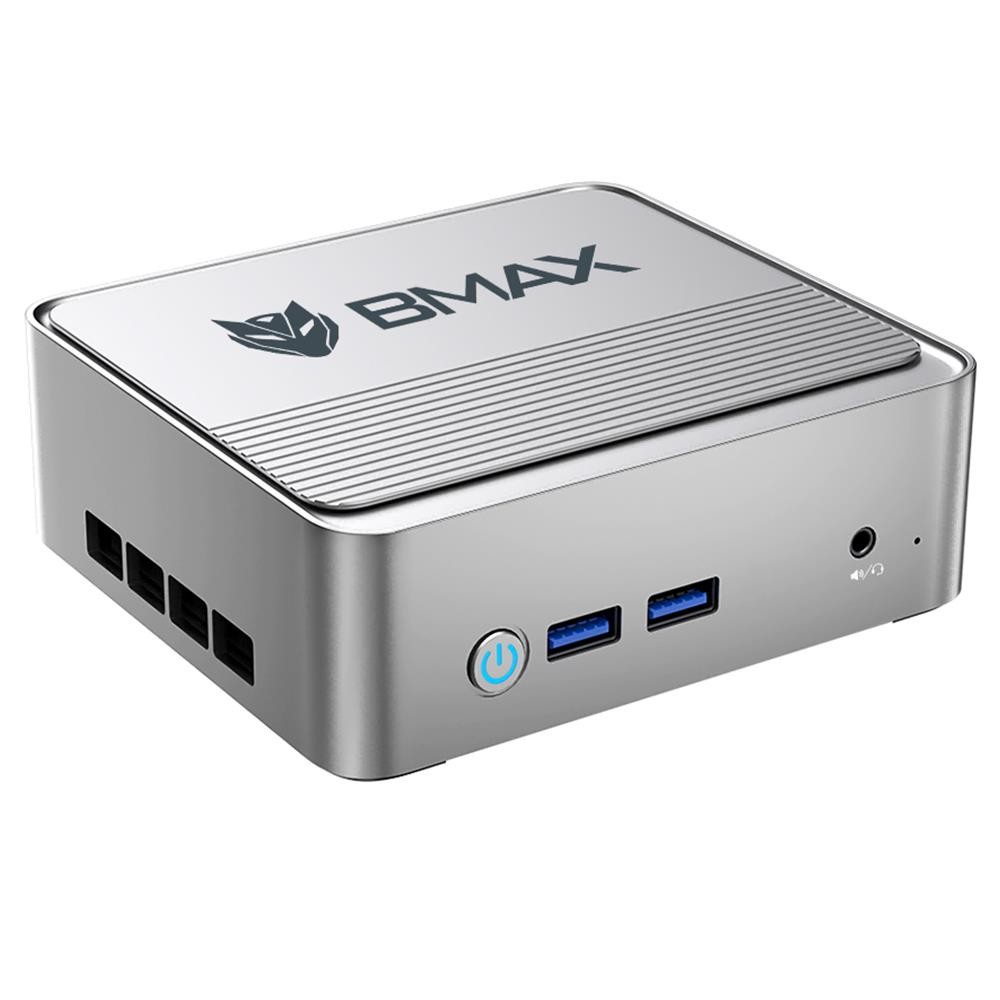
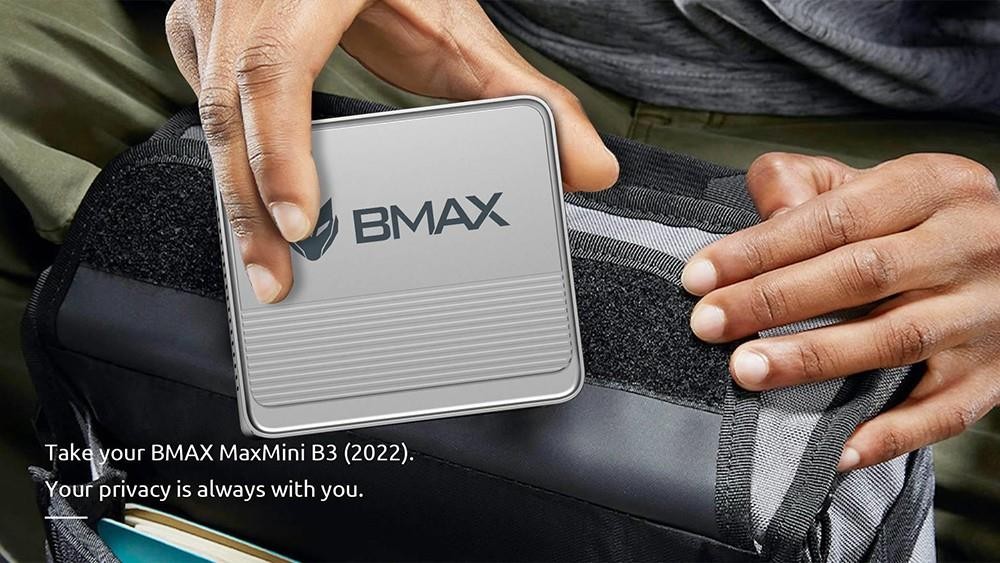
Innovative Push Cover Design
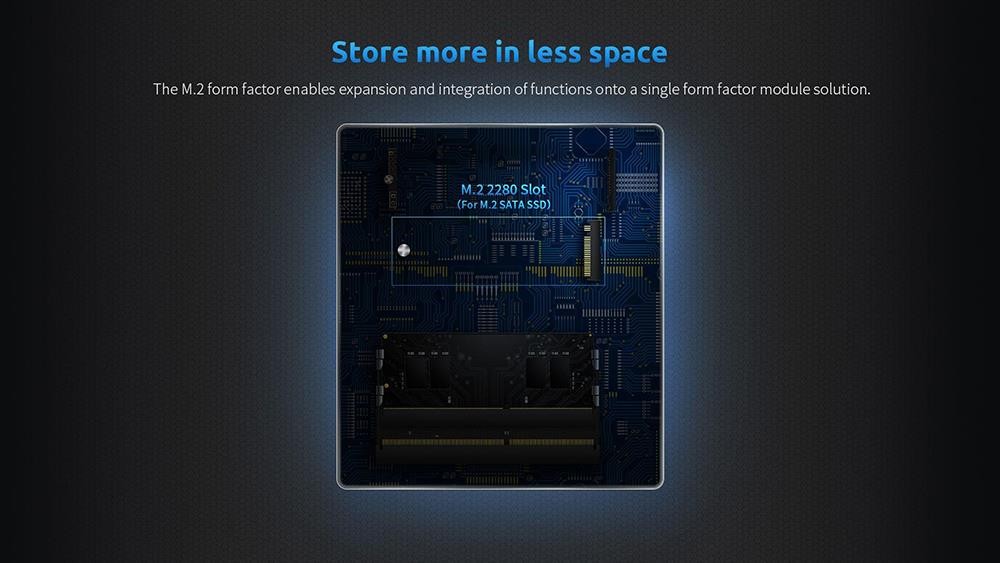
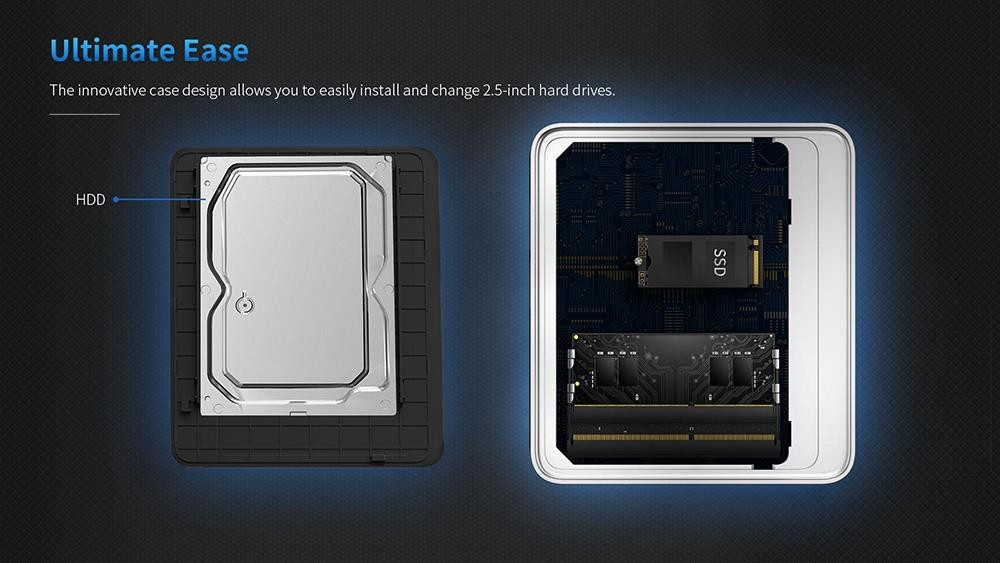
BMAX B3 mini PC open cover with only one touch button, no need to turn screws, just press lightly, 2.5-inch hard drive can be installed, M. 2 SSD plug in the slot, then gently push the cover back to replace the memory. (Come with a SATA cable in the package to connect the SSD, perfect choice)
Mini but Powerful Processor
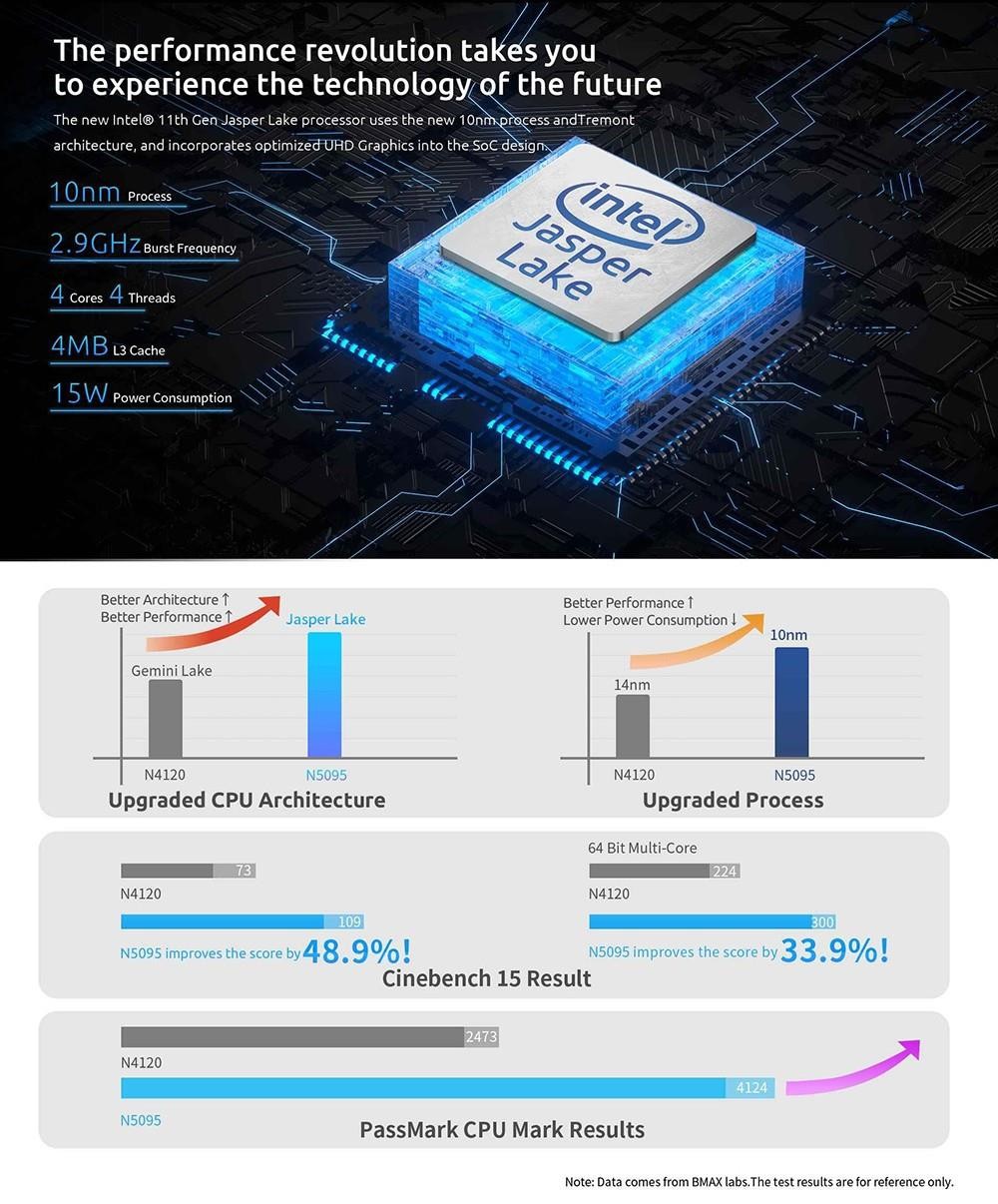
Micro computer is equipped with 11th Gen Intel Jasper Lake N5095 processor, 4 cores, 4 threads, and 4MB L3 cache, manufactured with a 10nm process, with pulse frequency up to 2.90 GHz, which is faster than the previous Gen. The performance of the device is 35% higher, the maximum speed of the memory, capacity is 2933 MHz, 16 GB.
Large Storage Space
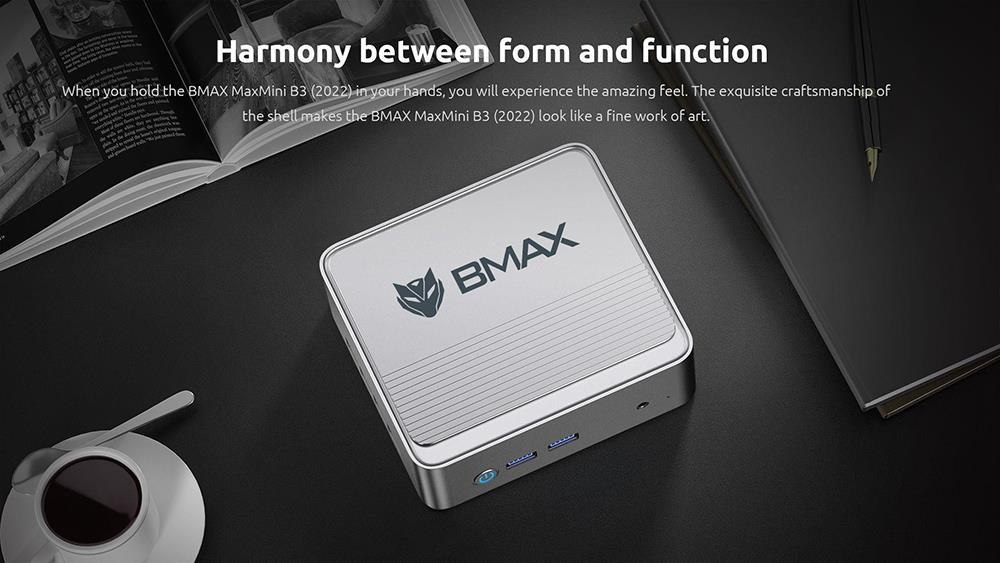
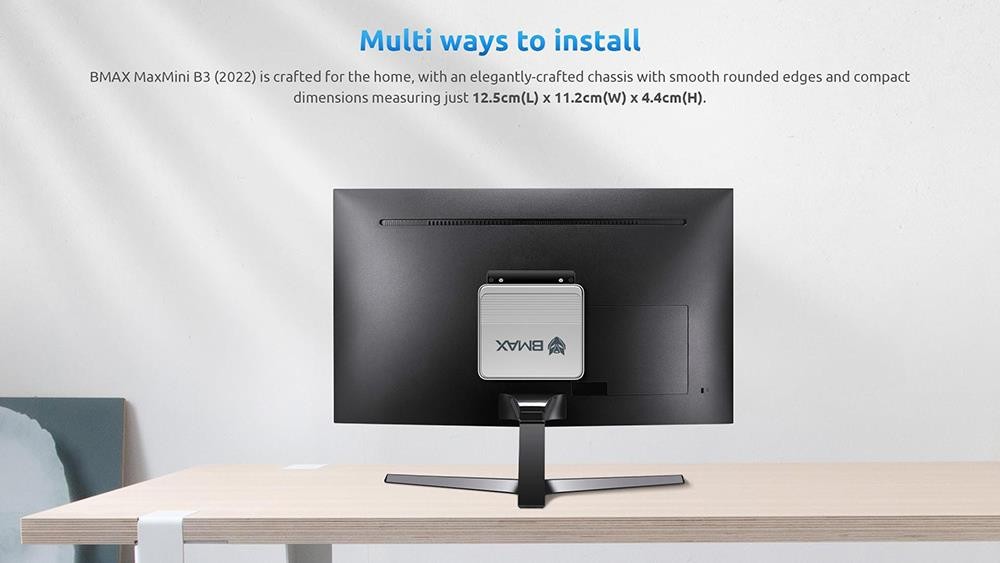
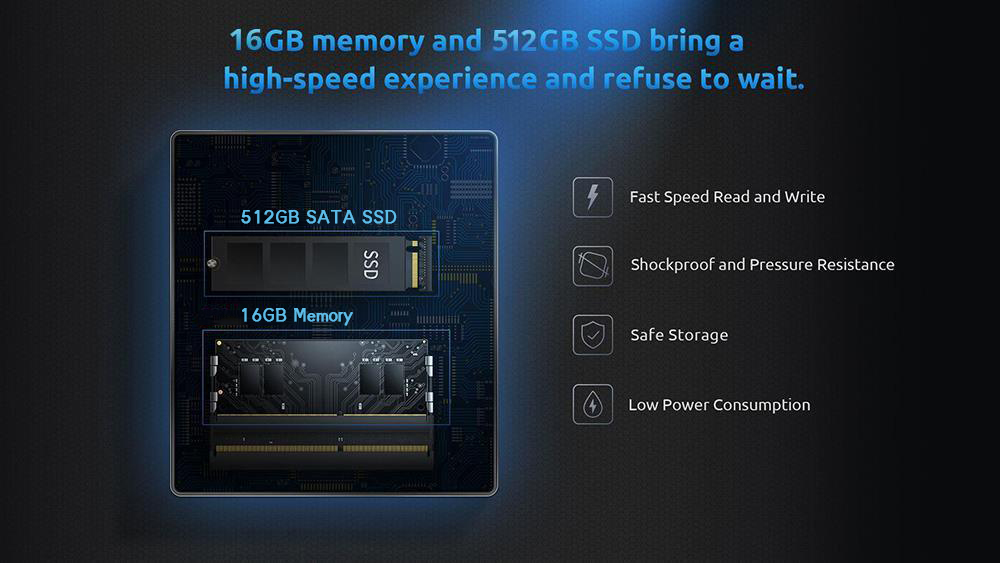
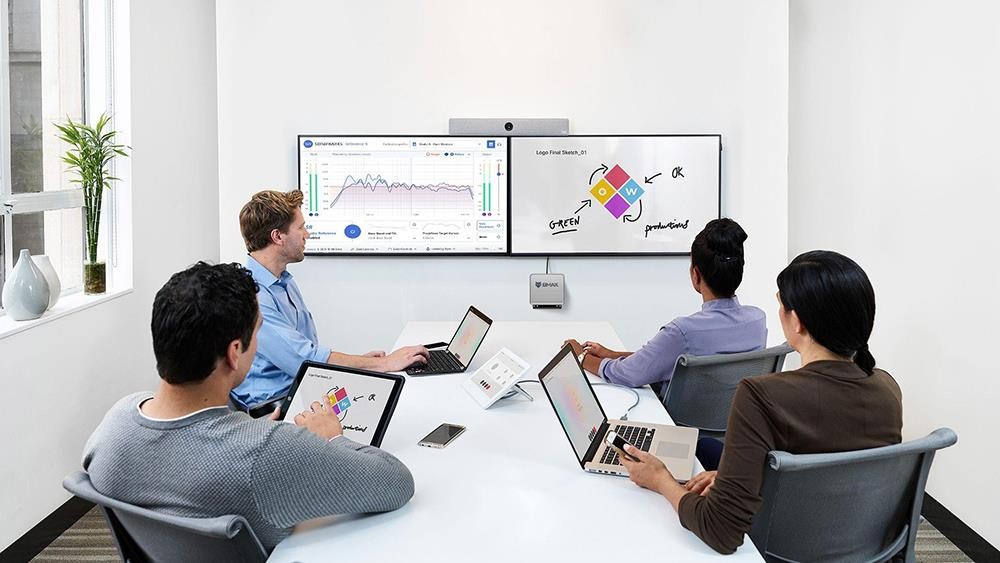
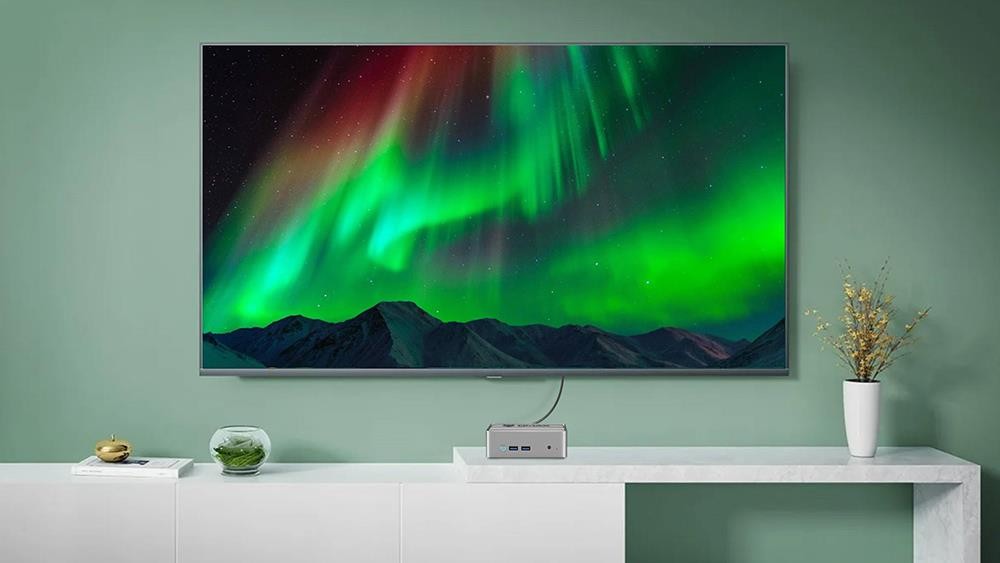
BMAX B3 PC has a large capacity and fast transmission. 512GB M.2 SATA 3.0 SSD and 16GB DDR4 memory, the sequential read speed of SSD is over 500 MB/s, which is your first choice for light office work such as AI, PS, CAD, Office, PR, Keyshot, etc. Multitasking is easy. Space-saving design, the VESA base attaches to the back of the monitor.
Support 4K 60Hz Dual Display
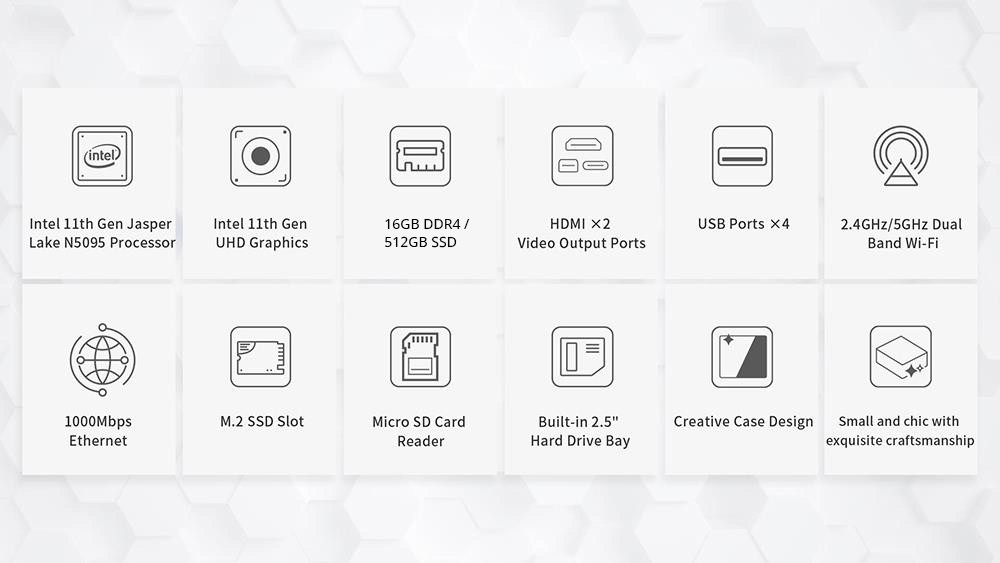
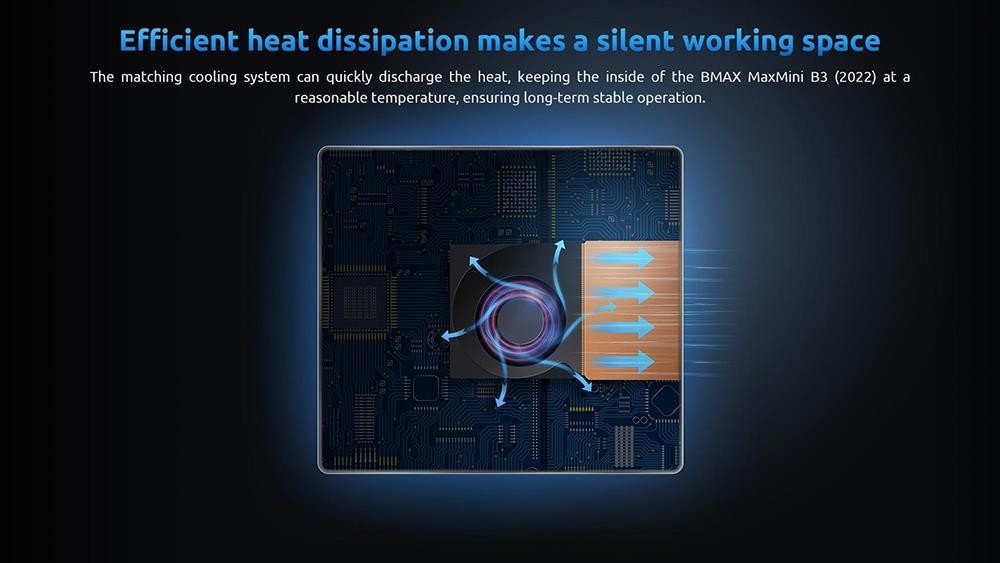
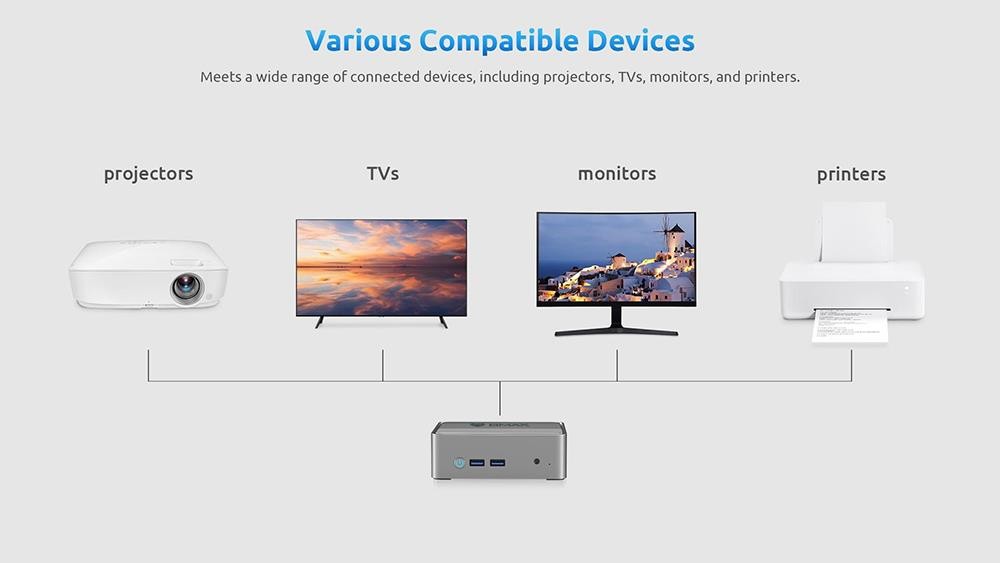
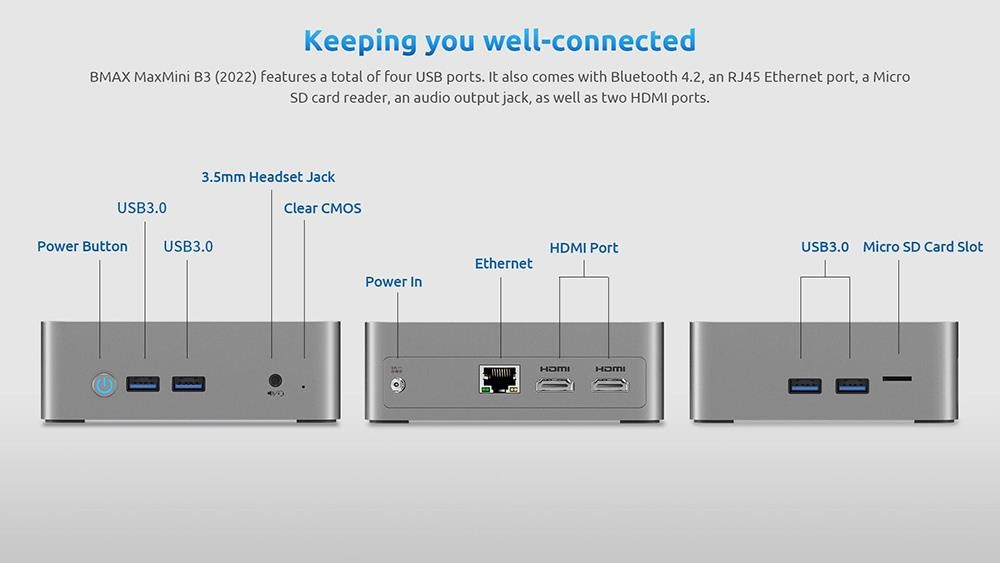
Mini computer with many interfaces, including USB 3. 0×4, 3.5mm audio interface×1, Micro SD card reader×1, RJ45×1, HDMI×2, 11th Gen Intel UHD graphics, frequency up to 750 MHz, perfect support for synchronous and asynchronous output on 4K @ 60Hz dual displays. Intelligent fan + metal heat sink, quiet and efficient operation.



Specification
| General |
Brand: BMAX |
| Specification | CPU: Intel® Jasper Lake N5095 4 Core, 4 Threads Memory: 16GB Storage: 512GB SSD GPU: Intel® UHD Graphics OS: Microsoft Windows 11(64-bit) WiFi: IEEE WLAN Standard: 802.11a/b/g/n/ac Band: 2.4GHz/5GHz Bluetooth: BT4.2 Cooling System: Smart Fan Battery: Lithium metal battery CR2032_3V_230mAh Case Material: Plastic |
| Weight & Size | Product Weight: 0.29kg Package Weight: 0.71kg Product Size(L x W x H): 125 x 112 x 44mm Package Size(L x W x H): 267 x 156 x 74mm |
| Package Contents |
1 x Mini PC |
Customer Photos

Customer Videos
Customer Reviews
Questions & Answers
FAQ
How to restore Windows OS?
1. Our products use Microsoft digital key to activate, and can't be activated by cracking tools.
If the Windows system cannot be activated after networking, please contact us, and we will give you a new Microsoft key for activation.
2. If the customer suspects that there is a virus or Trojan in the Windows system; then reinstall the system or "press F9" for quick system recovery
Enter Into Smart Recovery and Reset Your BMAX Mini PC