





Ship to:
United States
Select the desired shipping method
- Shipping Company Estimated Delivery Time Shipping Cost
Trusted Shipping Partners:  and more


Highlights
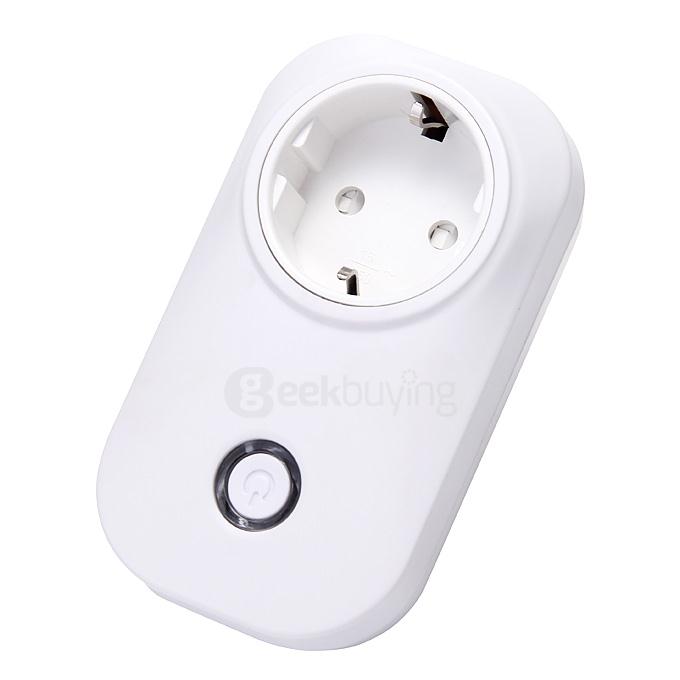
- Software installation: Mobile phones or two-dimensional code scanning application Baidu search client, IOS search in the AppStore.
- The blue light flashes slowly: Plug the device into power, wait four seconds until the blue light starts flashing slowly. If the new socket is then open App configure wifi connection, already-configured socket, you need to hold down the switch for more than five seconds, I heard the socket has been reset operation shows the socket can be reconfigured
- WiFi settings: After the phone is connected to your wifi router first time, open App, select Add Device, select Configure device wifi connection, and then scan two-dimensional code, select the wifi network name, and fill in the wifi password, click Start configuration, wait for the device wifi configuration is complete, complete socket blue light from flashing and steady wifi state.
- The long bright blue light: It indicates a normal networking.
Specification
| General | |
|---|---|
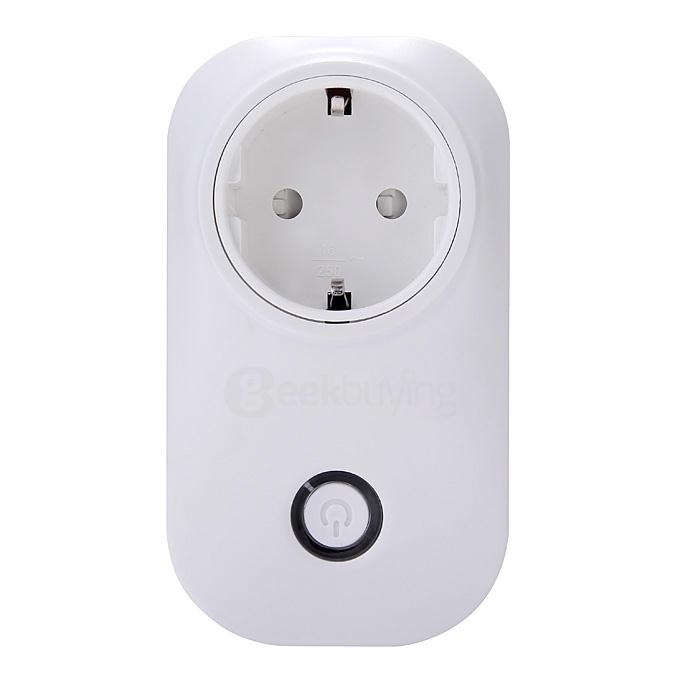
| Type | Wall Socket |
| Model | SDW-001PL |
| Size | 100mm * 60mm * 30mm |
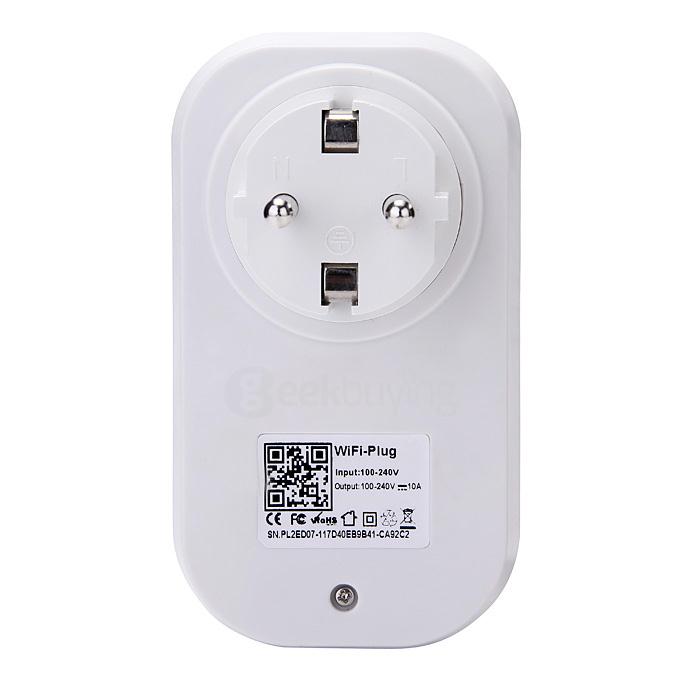
| WiFi standard | 802 11b / g / n |
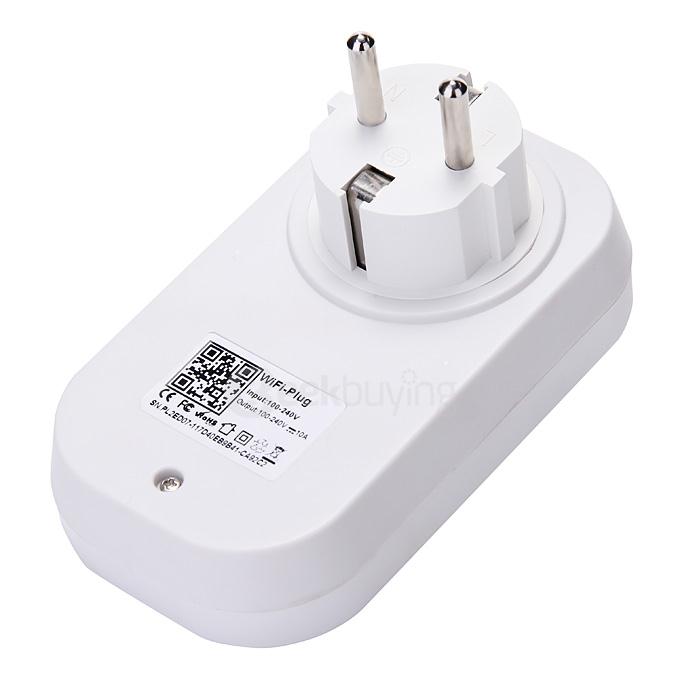
| Power supply | Input voltage: AC110-265V 50 / 60HZ Rated power: 10A |
| Other features | Remote Control: Support Timer switch: Support Delay switch: Support |
| Applicable system | IOS6.1 +, Android 2.3+ |
| Package Contents | |
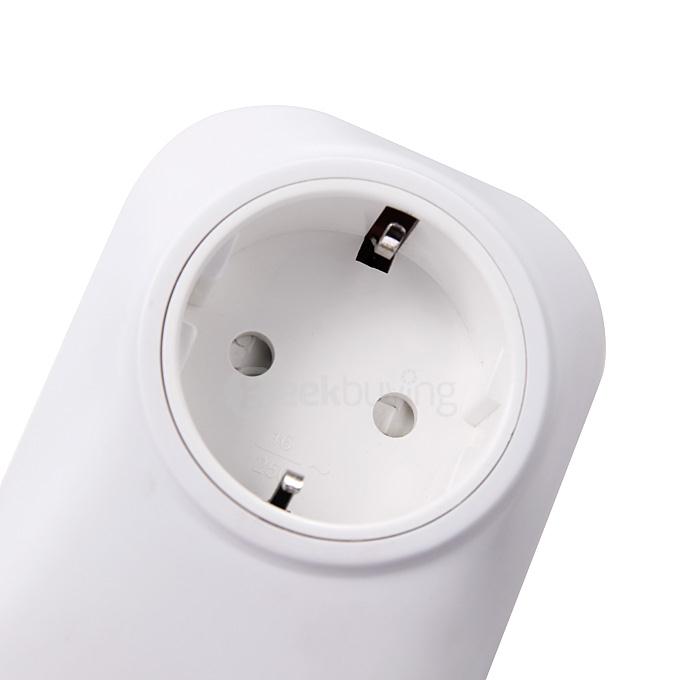
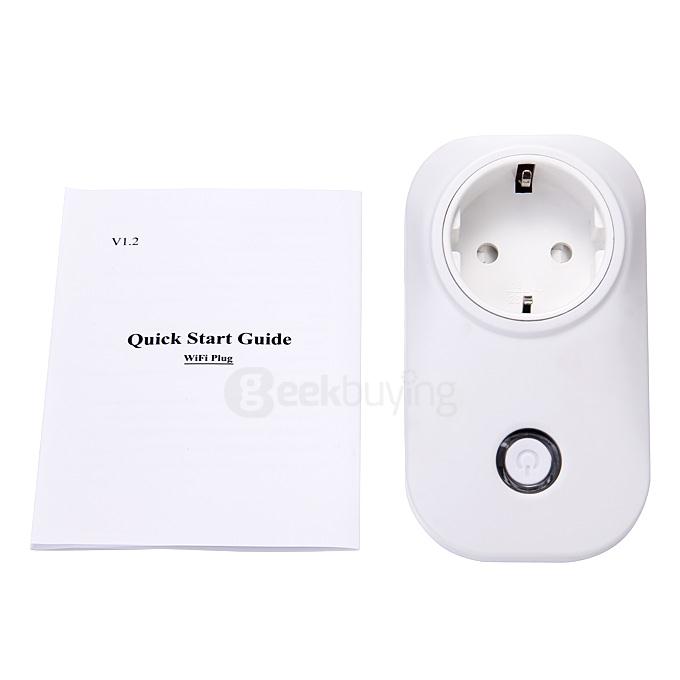
| 1 x WiFi Smartplug | |
| 1 x User manual | |
Customer Photos
Customer Videos
Customer Reviews
Clear
View all
View all
Photos
Videos
All star
All star
5 star
4 star
3 star
2 star
1 star
Most relevant