


- Shipping Company Estimated Delivery Time Shipping Cost
Trusted Shipping Partners:  and more


Highlights
3DMakerpro Toucan - Ultra-High Precision Scanning
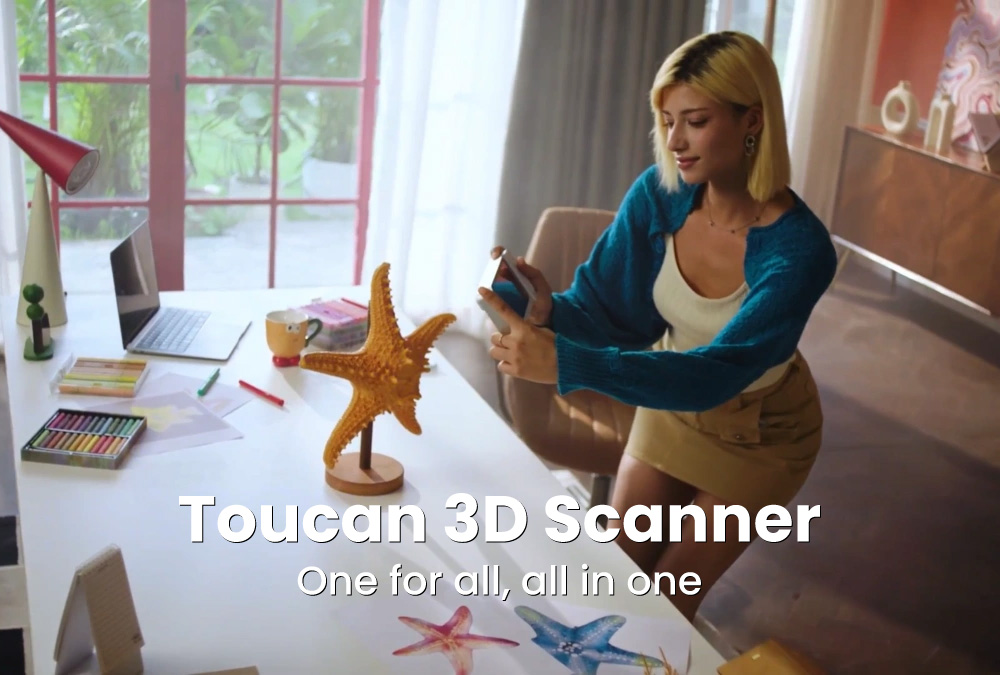
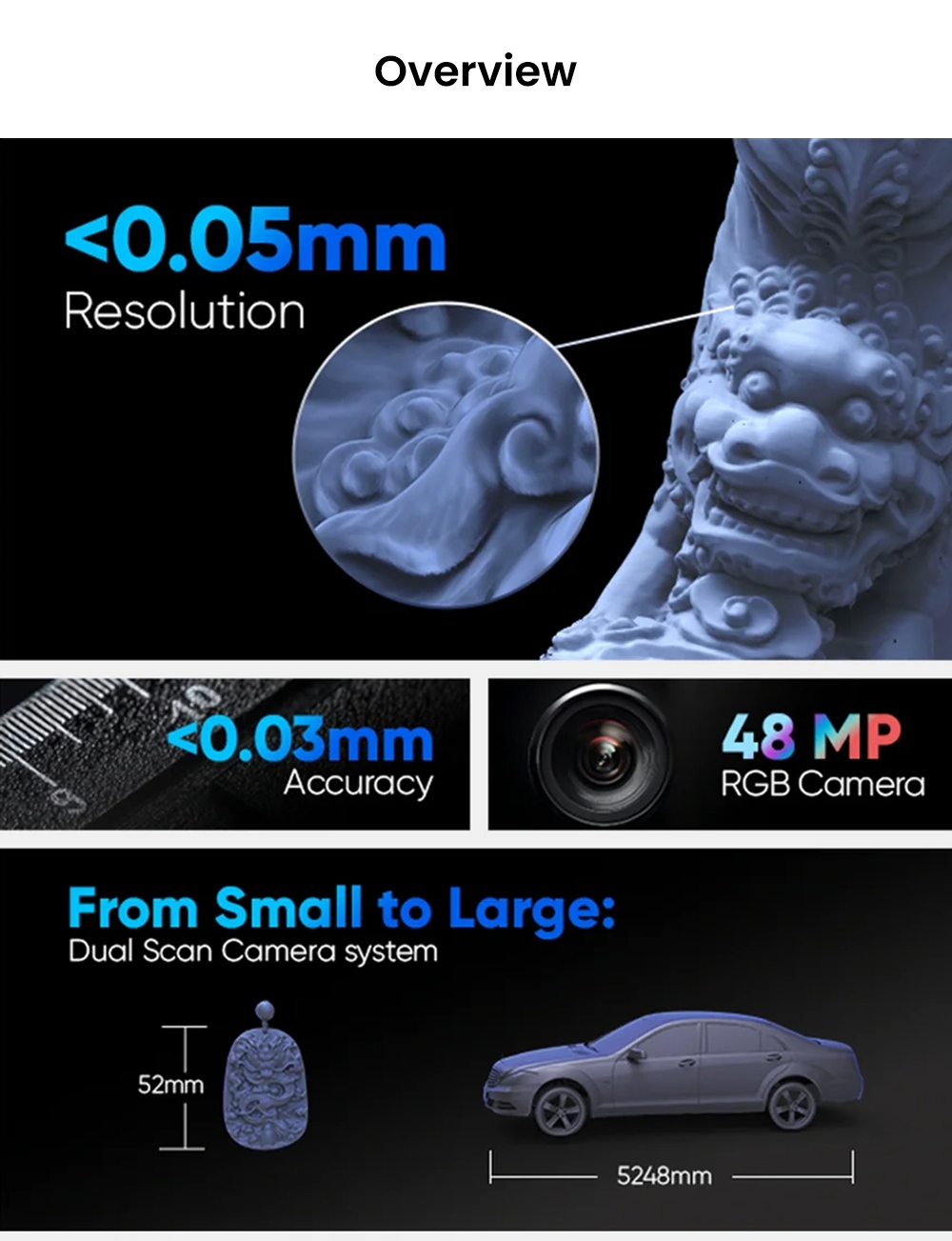
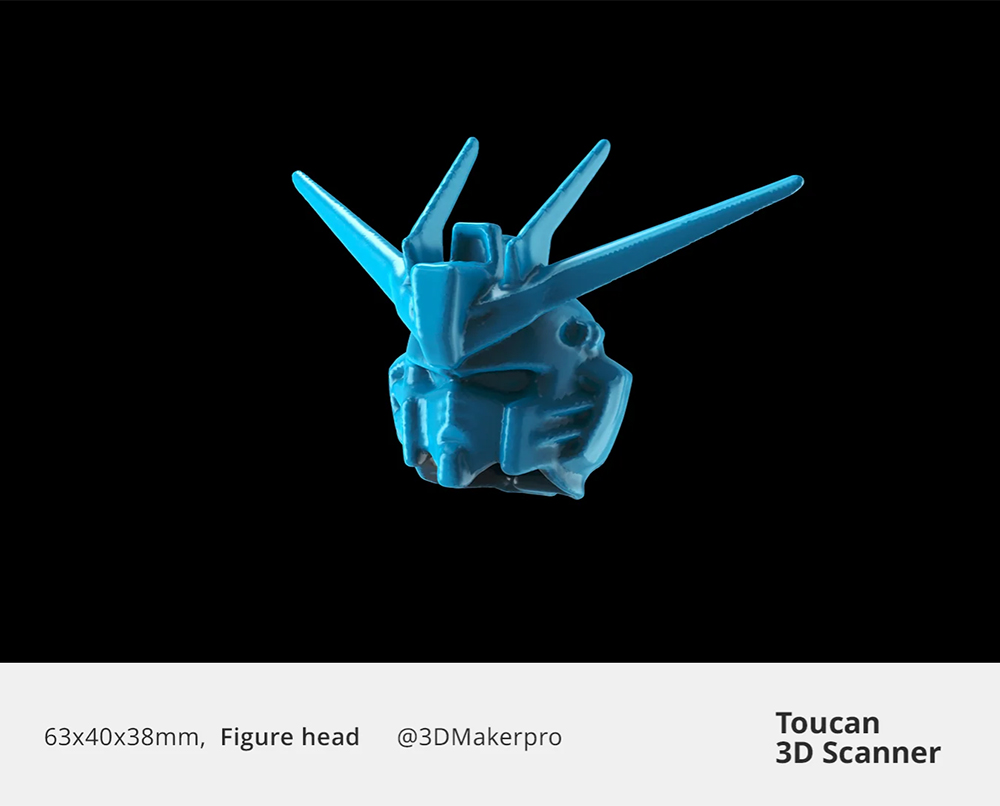
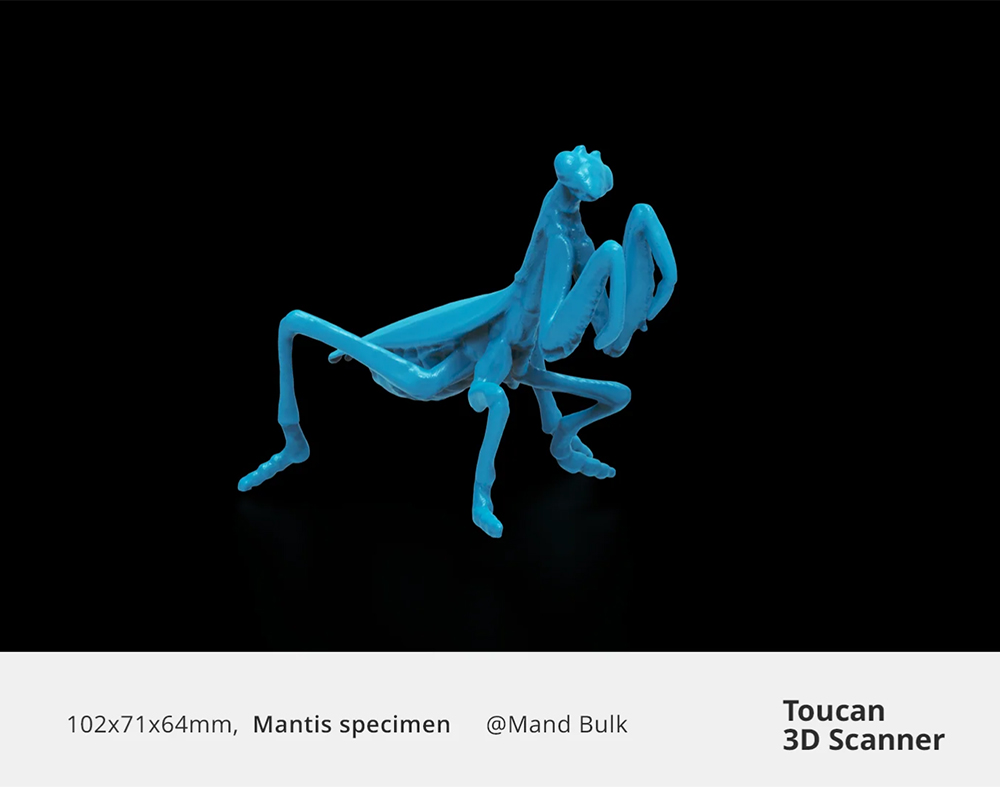
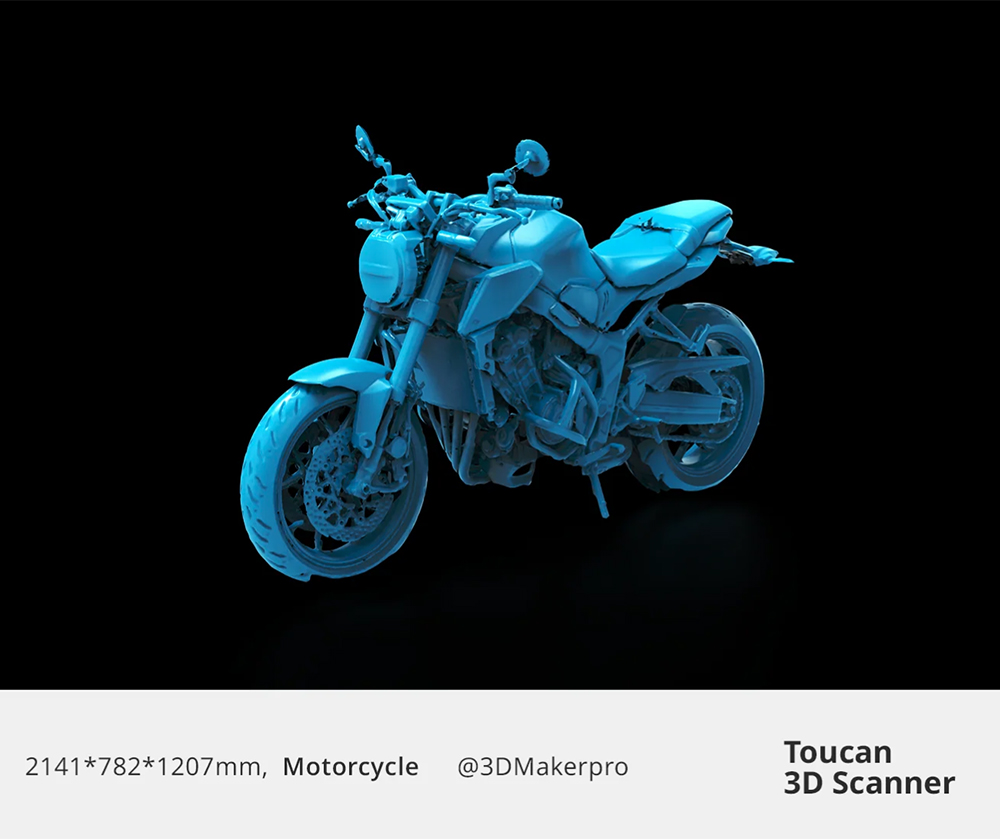
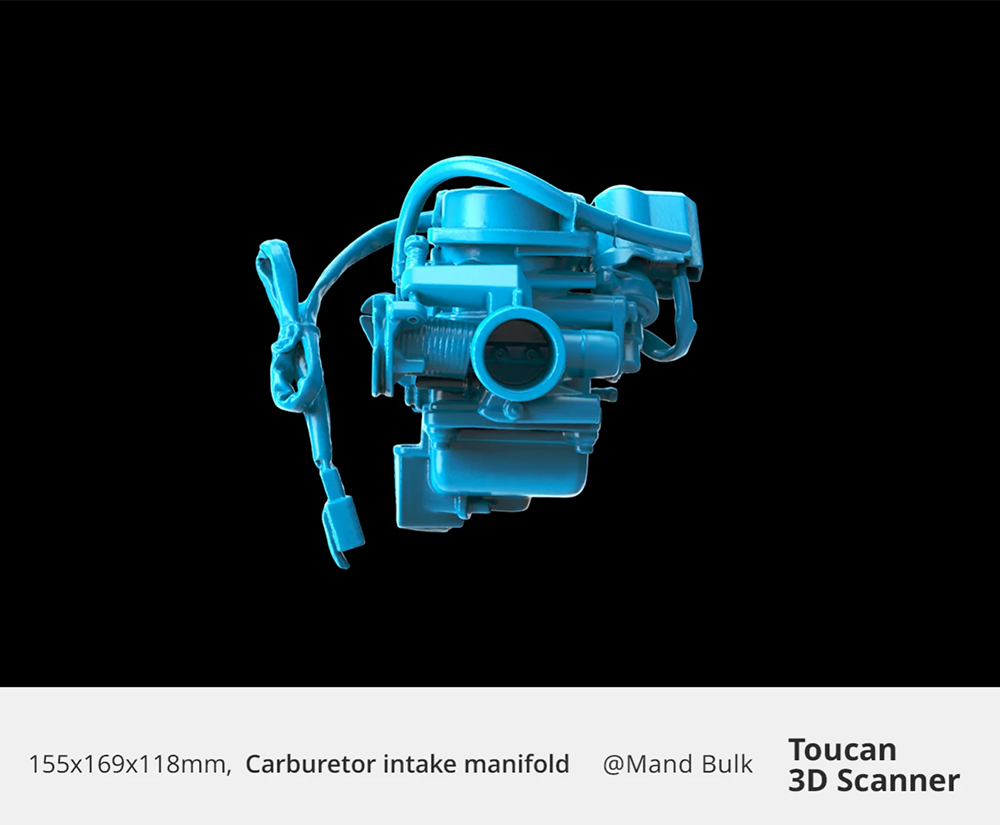
The 3DMakerpro Toucan is an all-in-one, standalone 3D scanner built for creators, engineers, designers, artists, and professionals who want computer-free scanning with vivid color results. It delivers accuracy up to ≤0.03 mm, a dual field-of-view range (135×185 mm to 1000×750 mm) for both small detailed objects and large surfaces, and 48 MP full-color texture capture on-device. With built-in processing, intuitive controls, long battery life, and support for OBJ/STL/PLY exports for 3D printing, VR/AR, or CAD workflows, the Toucan is optimized for high-quality 3D scan production anywhere.
- Standalone operation (no PC required)
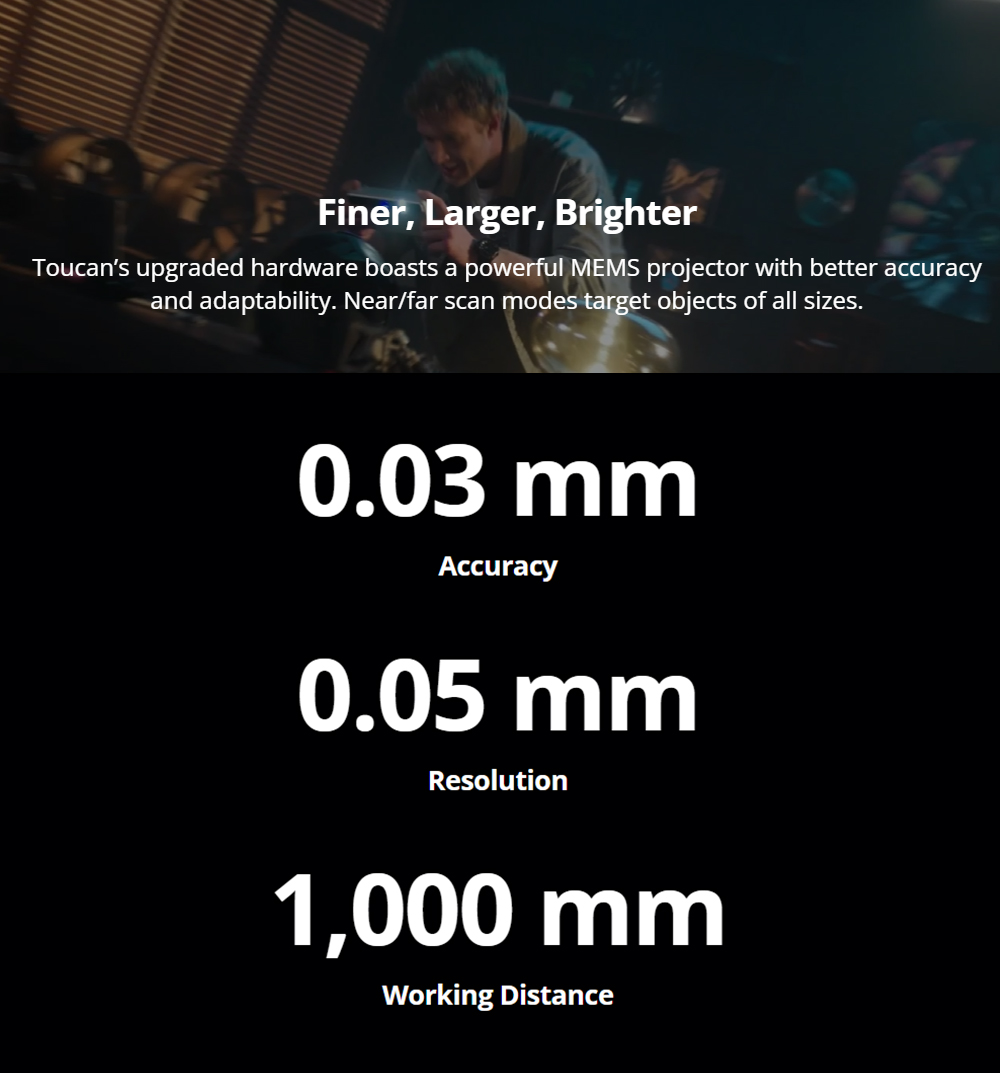
- ≤0.03 mm high-precision scanning
- Dual FOV for small and large objects
- 48 MP color texture capture
- Export formats: OBJ / STL / PLY
Key Facts — Standard vs Premium Version
The Toucan comes in Standard and Premium. Both versions share the same scanner hardware and core performance: ≤0.03 mm accuracy, 135×185 mm to 1000×750 mm FOV, 48 MP RGB color capture, and support for OBJ/STL/PLY exports.
Standard includes the scanner and essential accessories such as the power adapter/cable, manual turntable, markers, calibration board, silicone case, and lanyard.
Premium includes everything in Standard, plus a tripod, a carrying case, and a Geomagic Wrap Lite license for additional mesh editing and cleanup.
Key Features & Capabilities
Standalone All-in-One Workflow
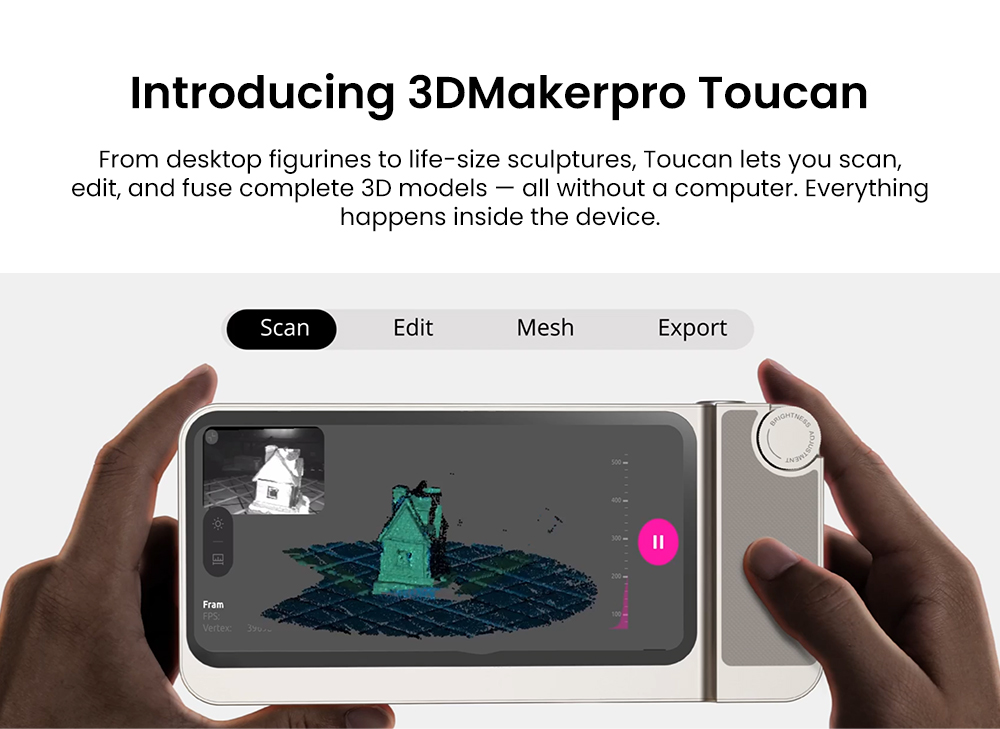
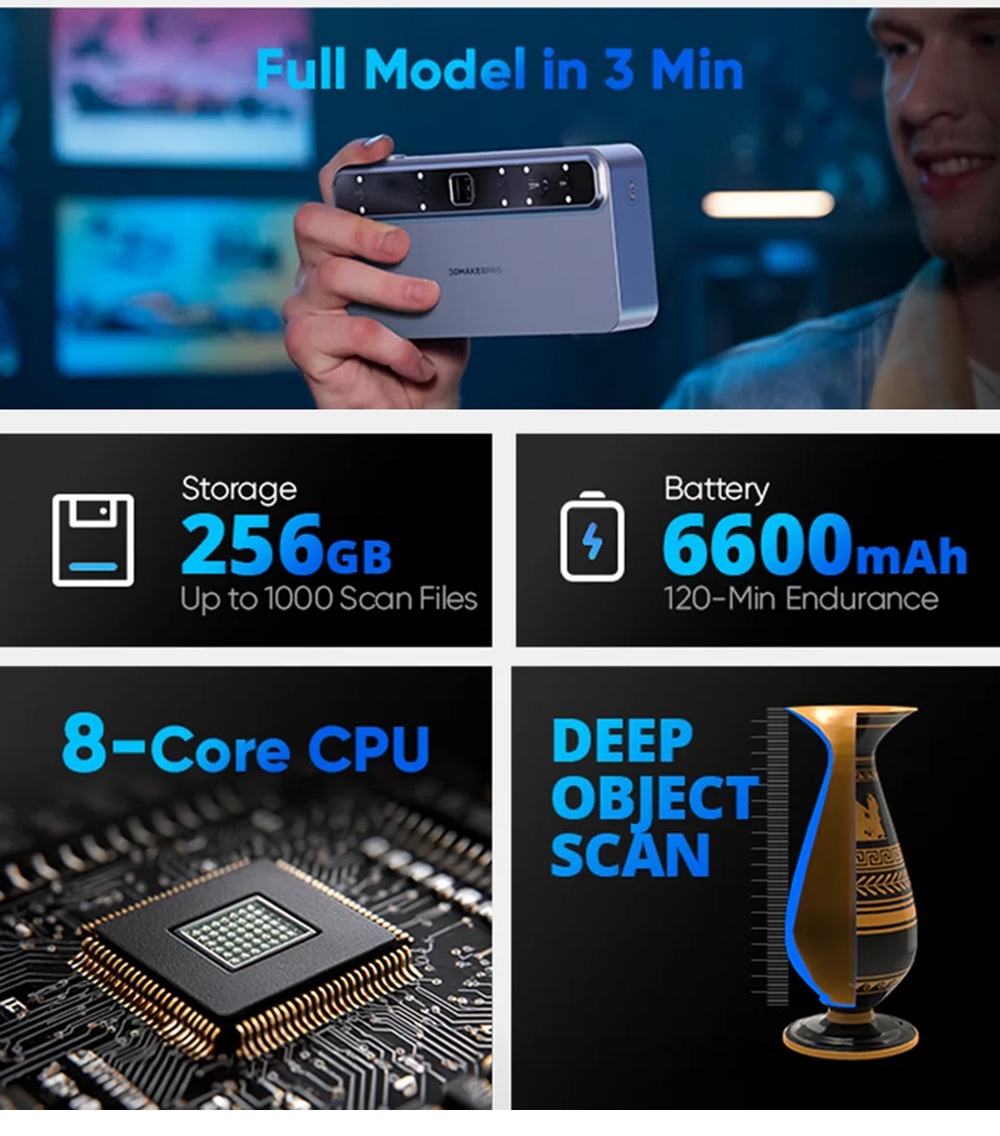
Scan, process, fuse, texture, and export directly on the device—no computer or external software required. Ideal for studios, classrooms, and outdoor workflows.
Dual Field-of-View Scanning
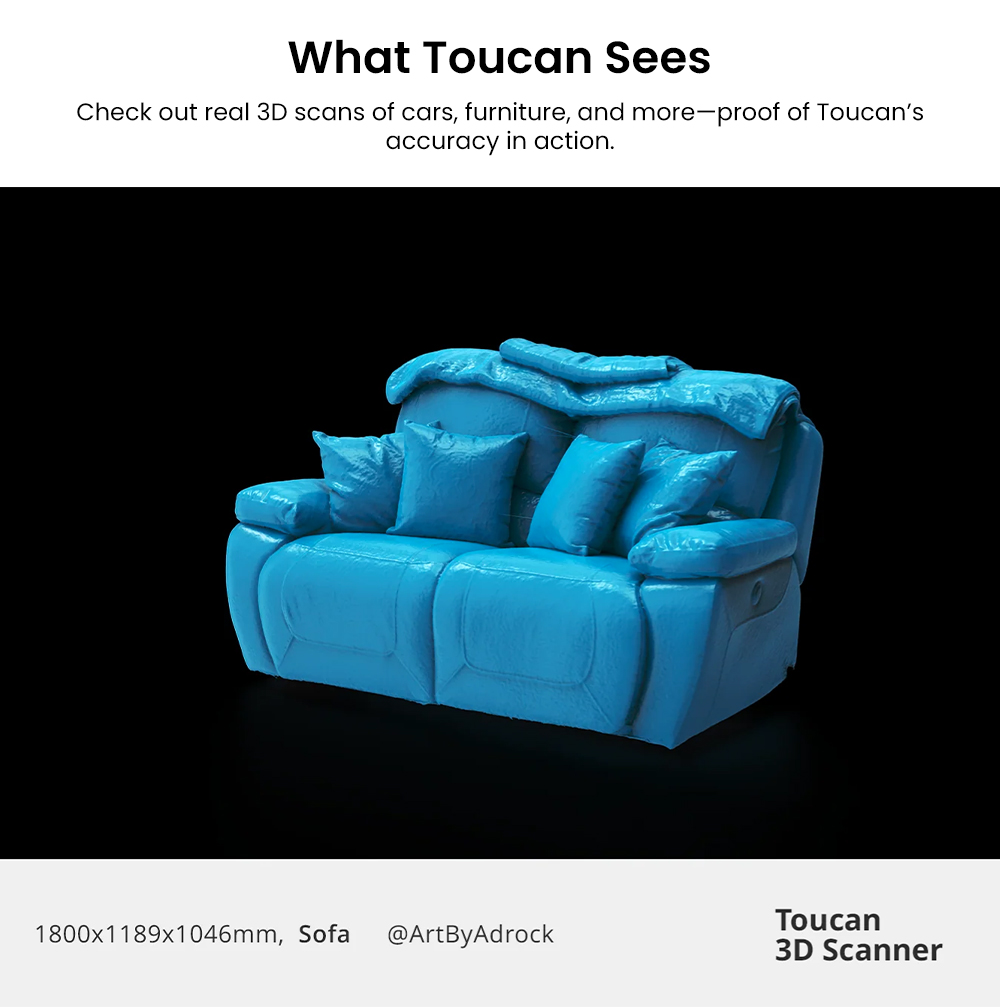
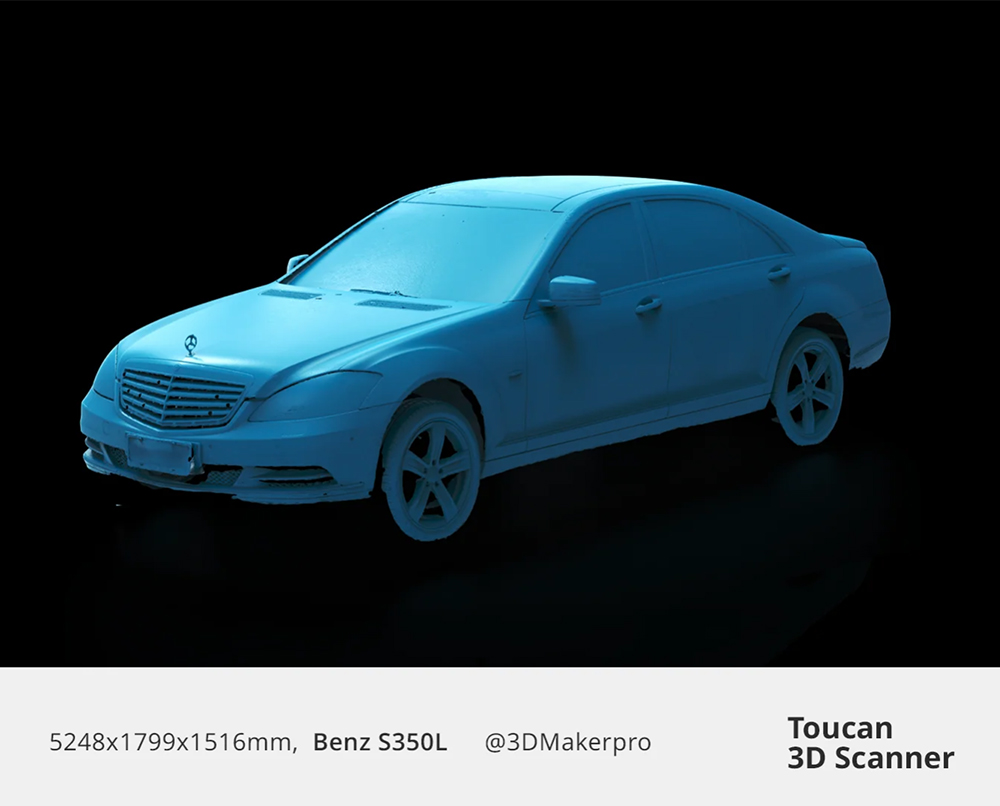
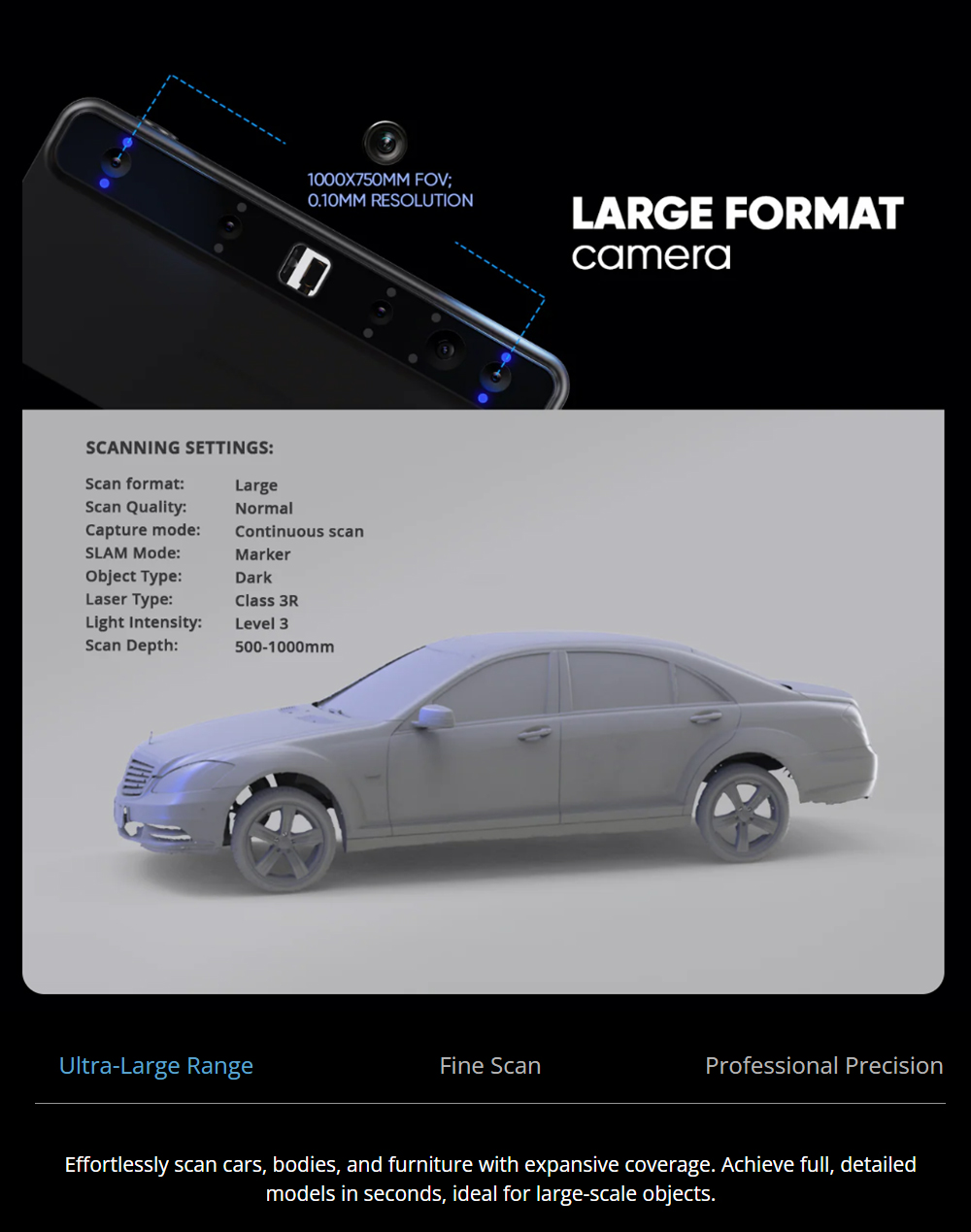
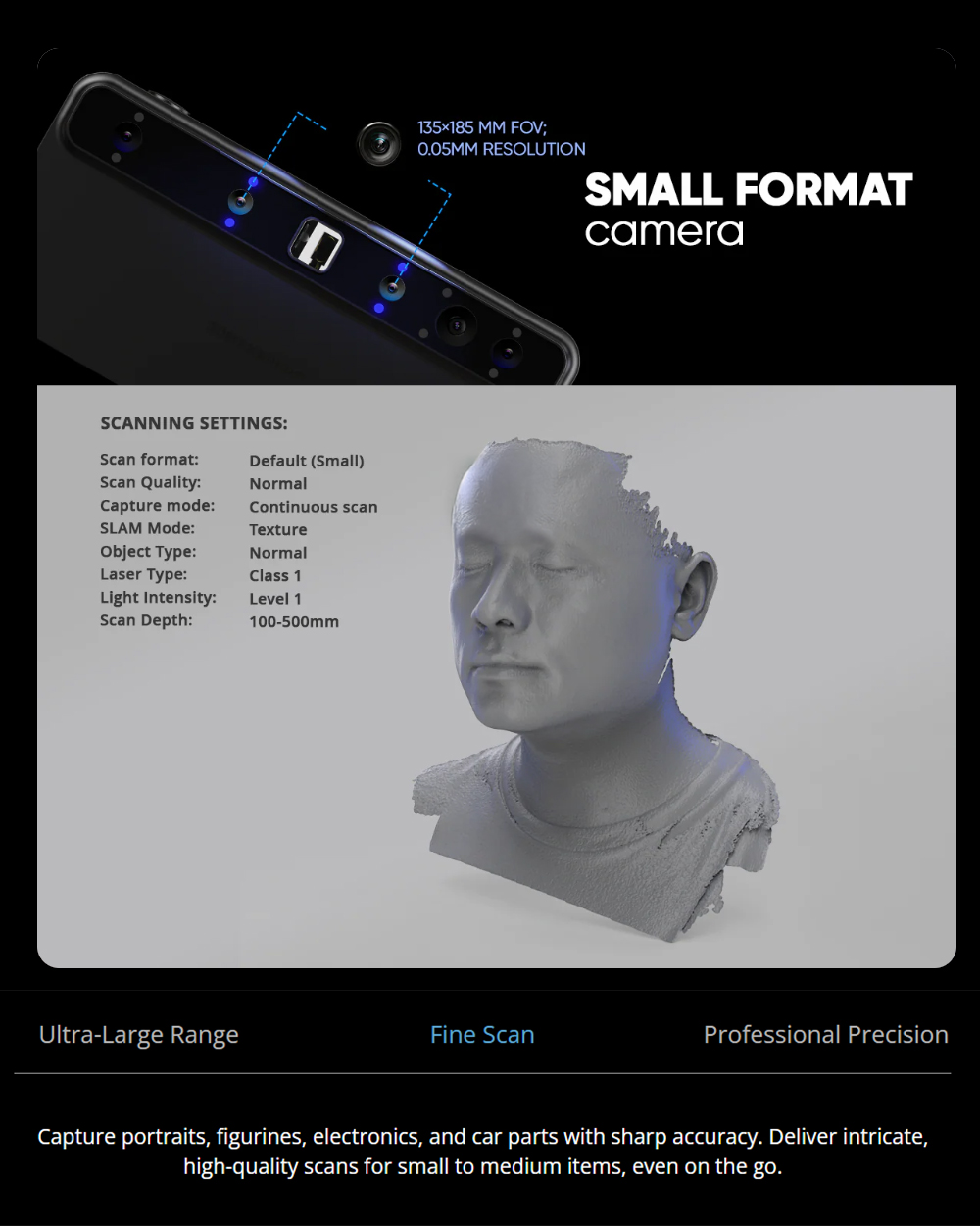
Switch from small, high-detail objects to large surfaces such as furniture, sculptures, or vehicle parts, reducing the need for multiple scanners.
High Accuracy with Full-Color Textures
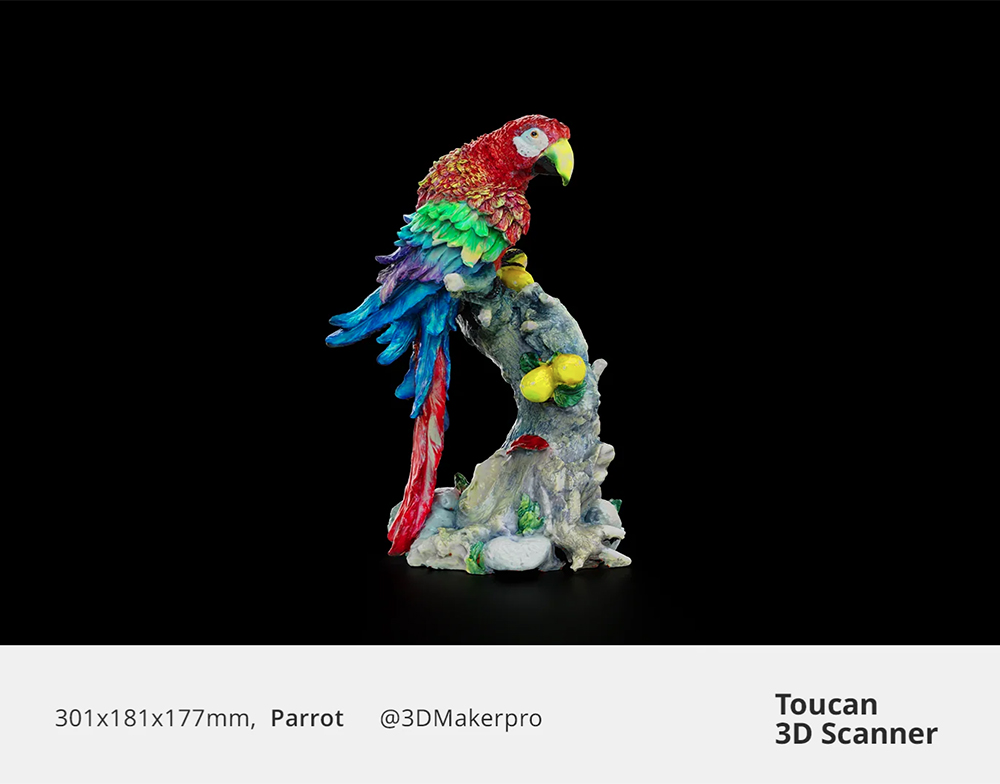
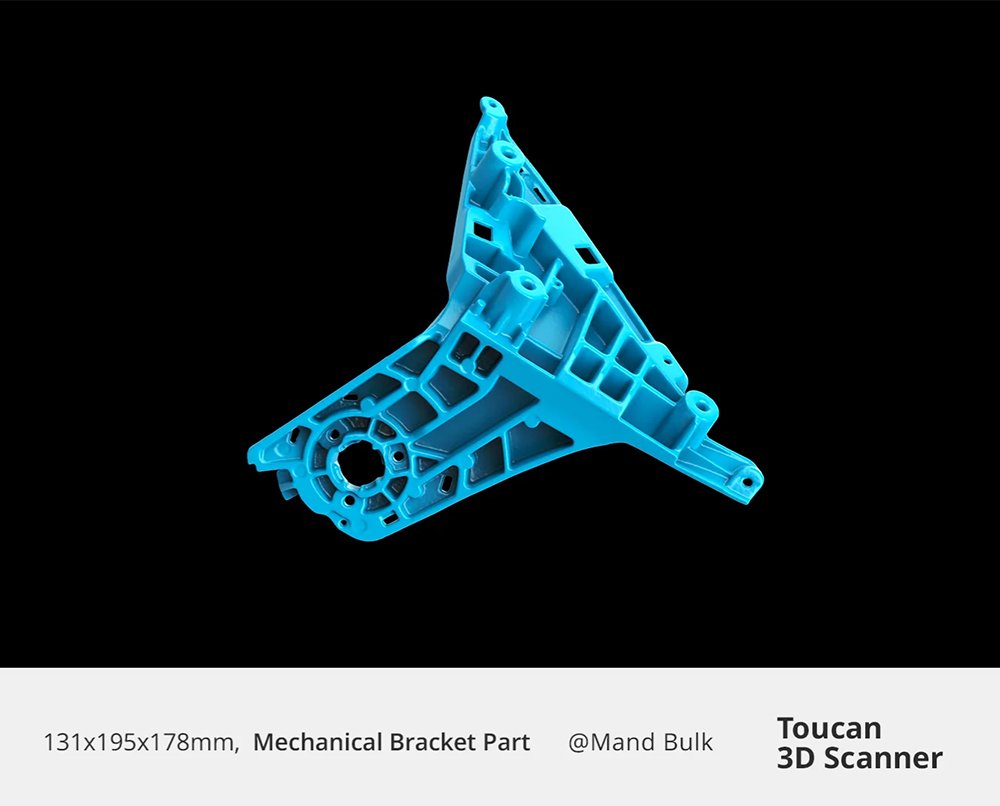
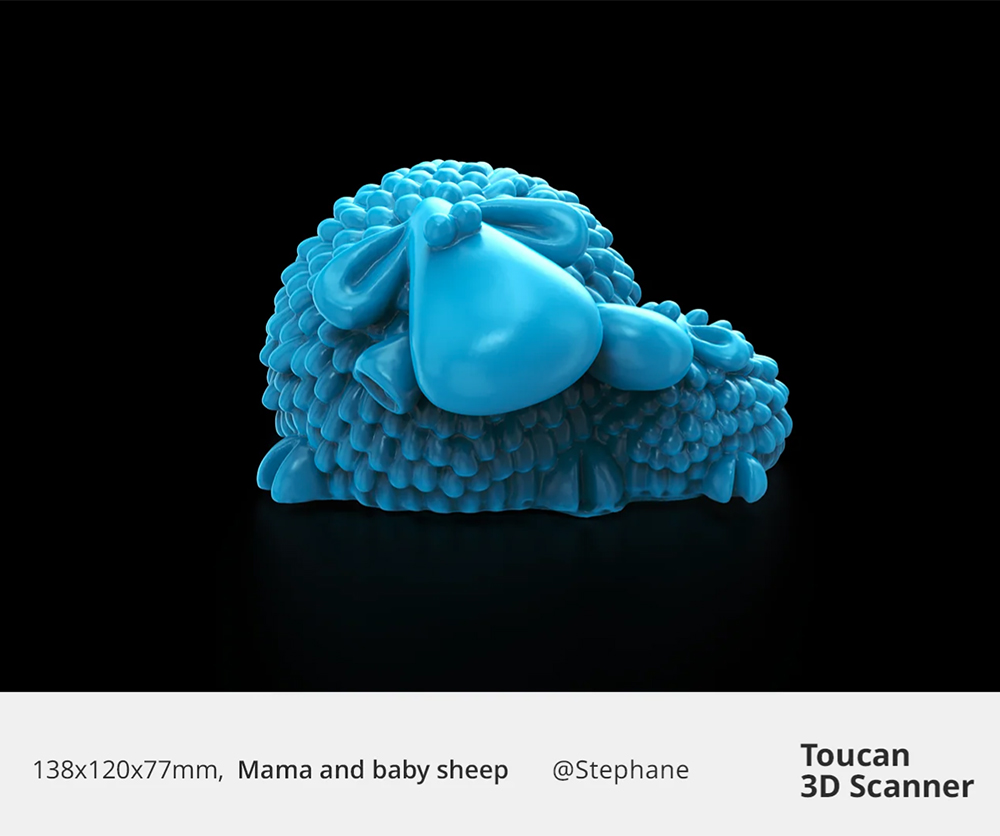
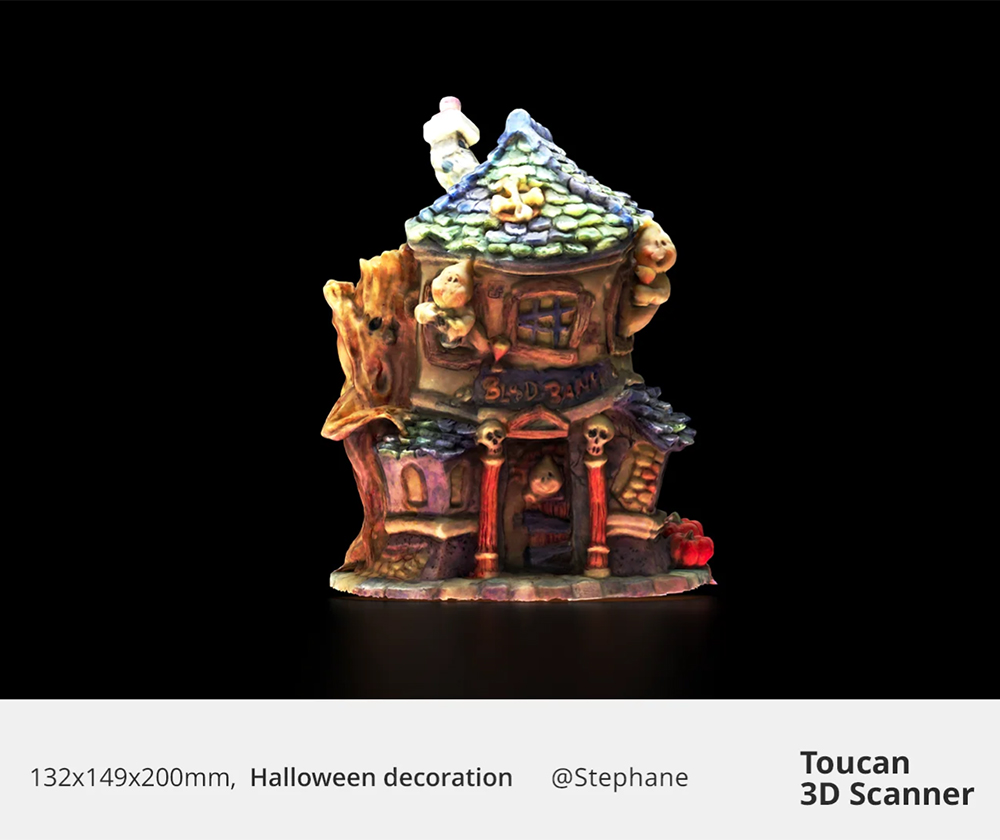
Achieve up to ≤0.03 mm accuracy and capture realistic textures using the 48 MP RGB camera, suitable for presentation-grade models and professional digital assets.
Portable and User-Friendly Design
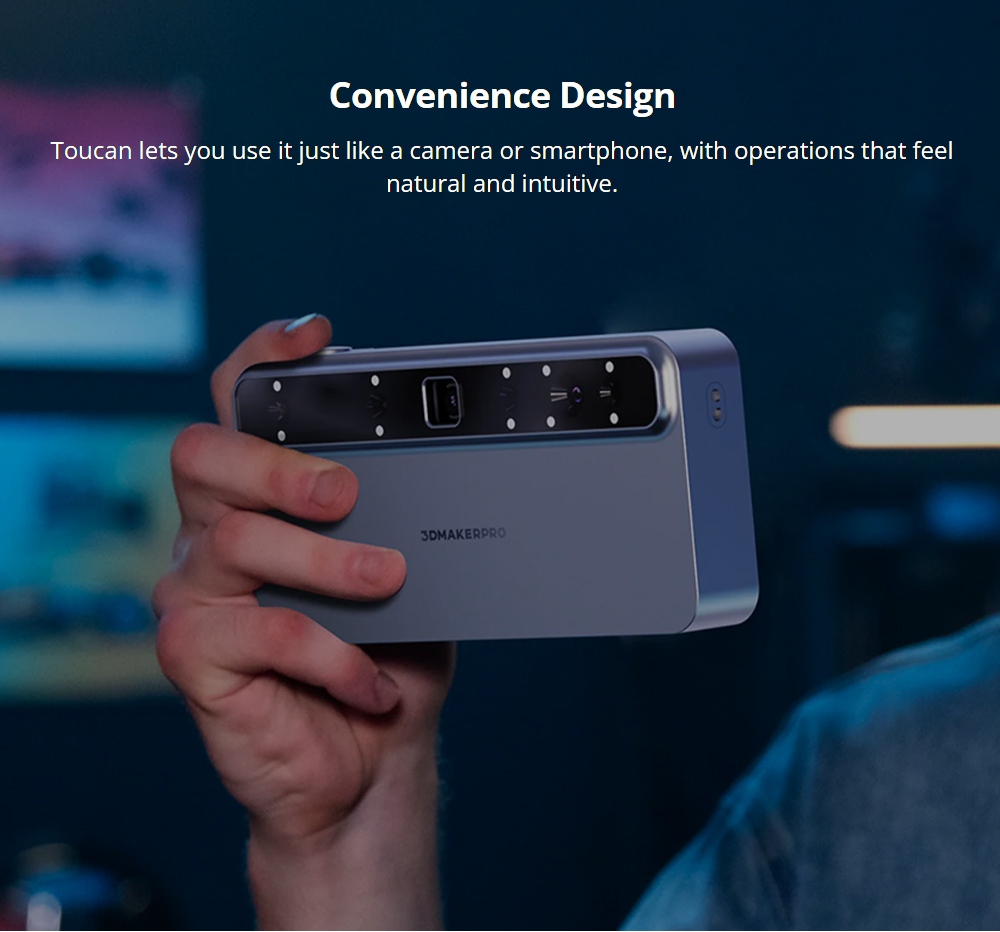
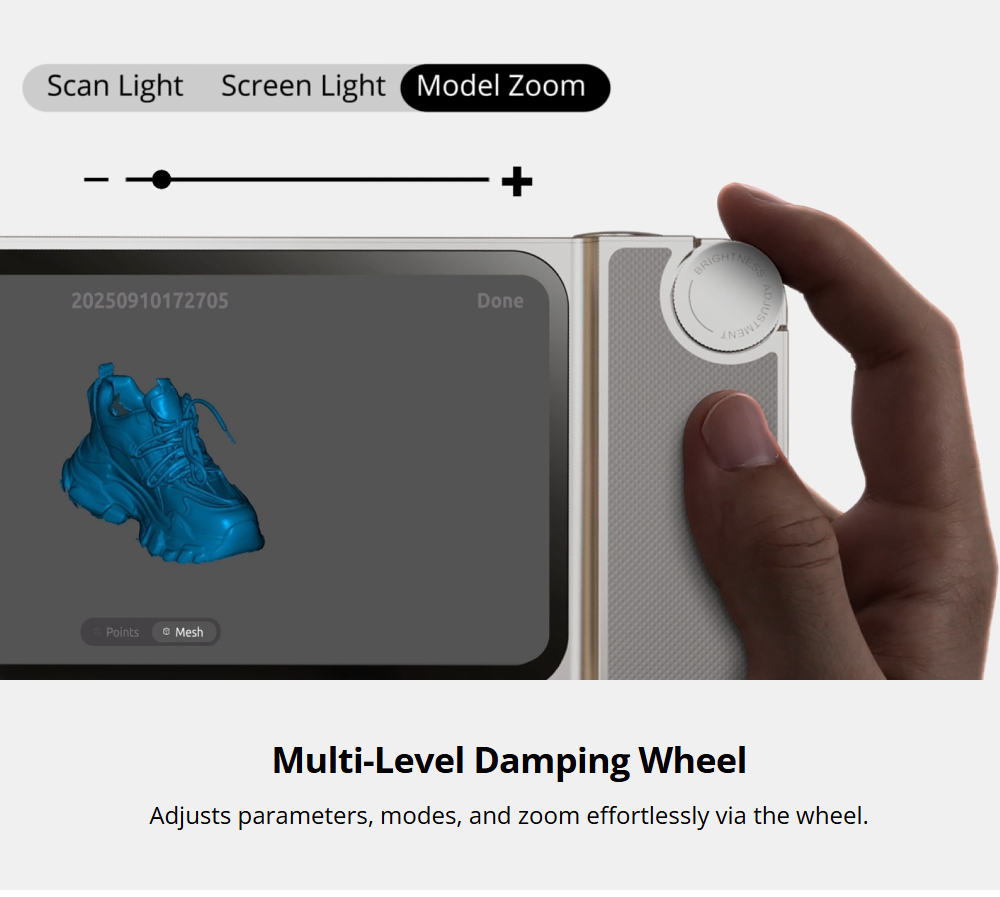
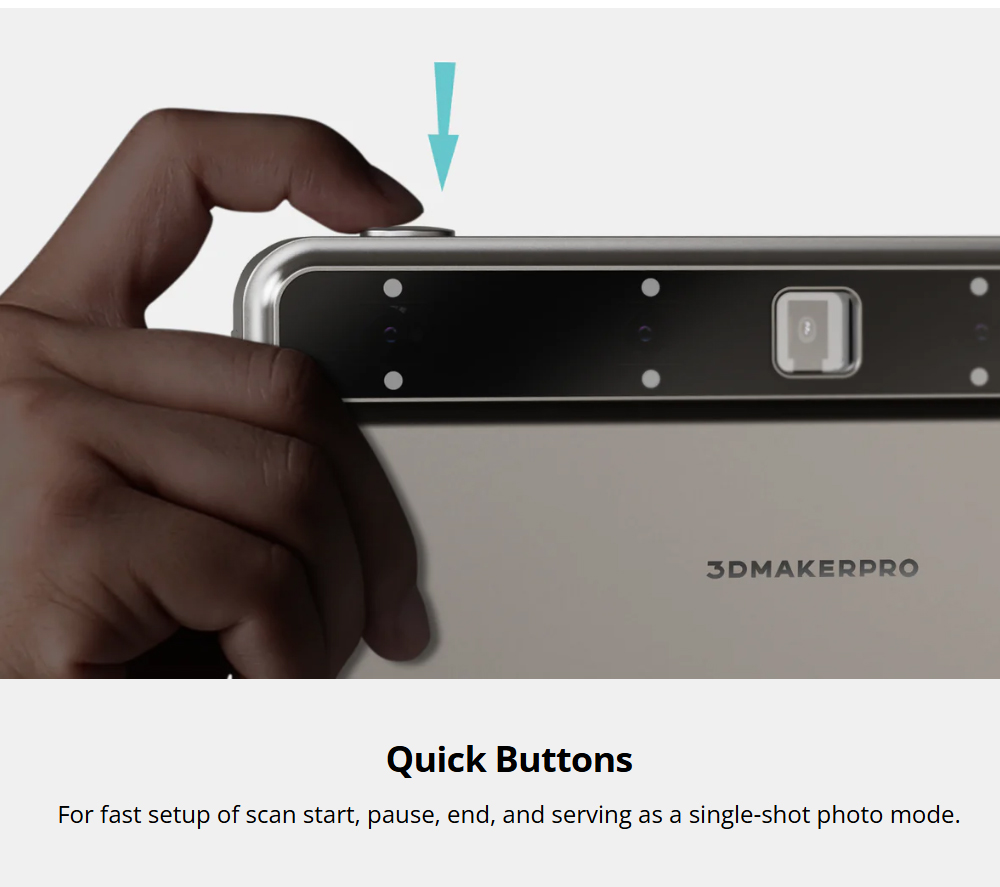
Lightweight at around 735 g with a 6600 mAh battery for extended sessions, plus simple physical controls for easy operation.
Deep Object Detection and Smart Scanning
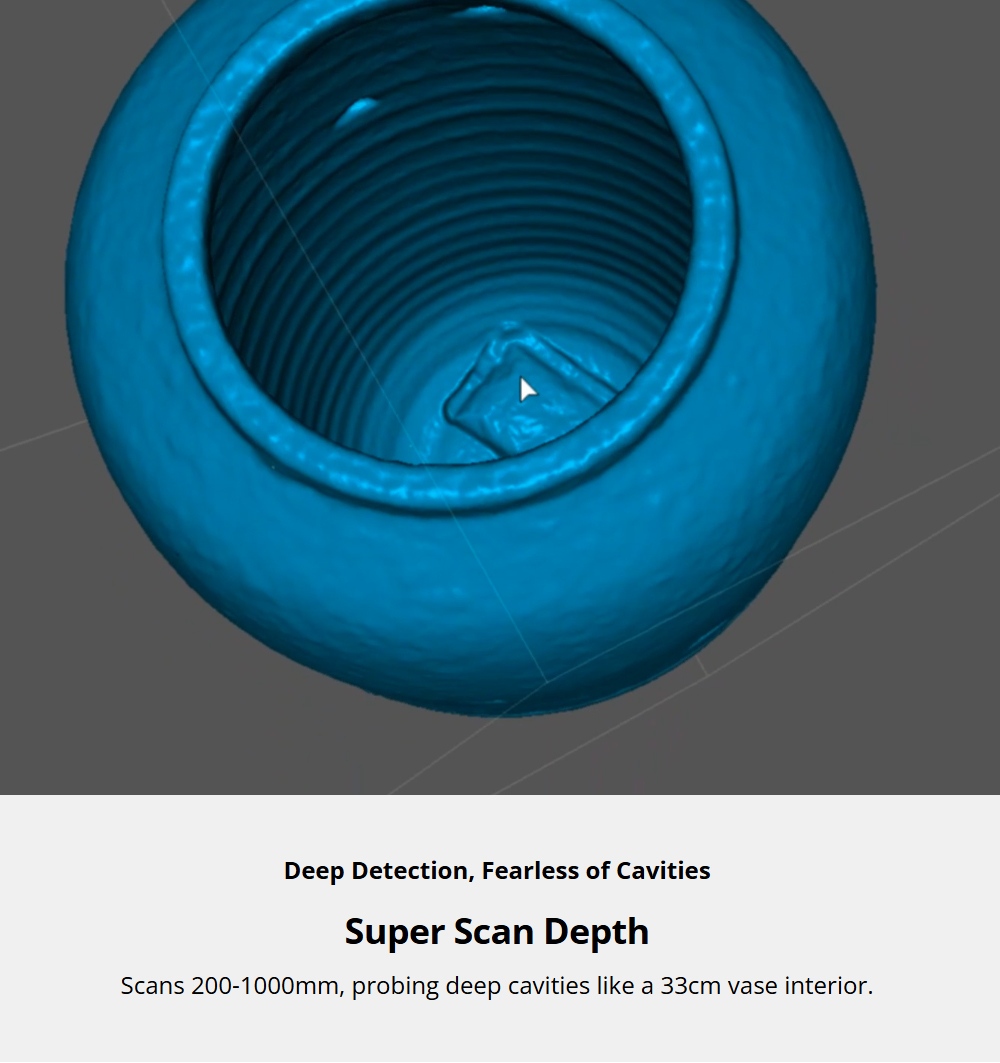
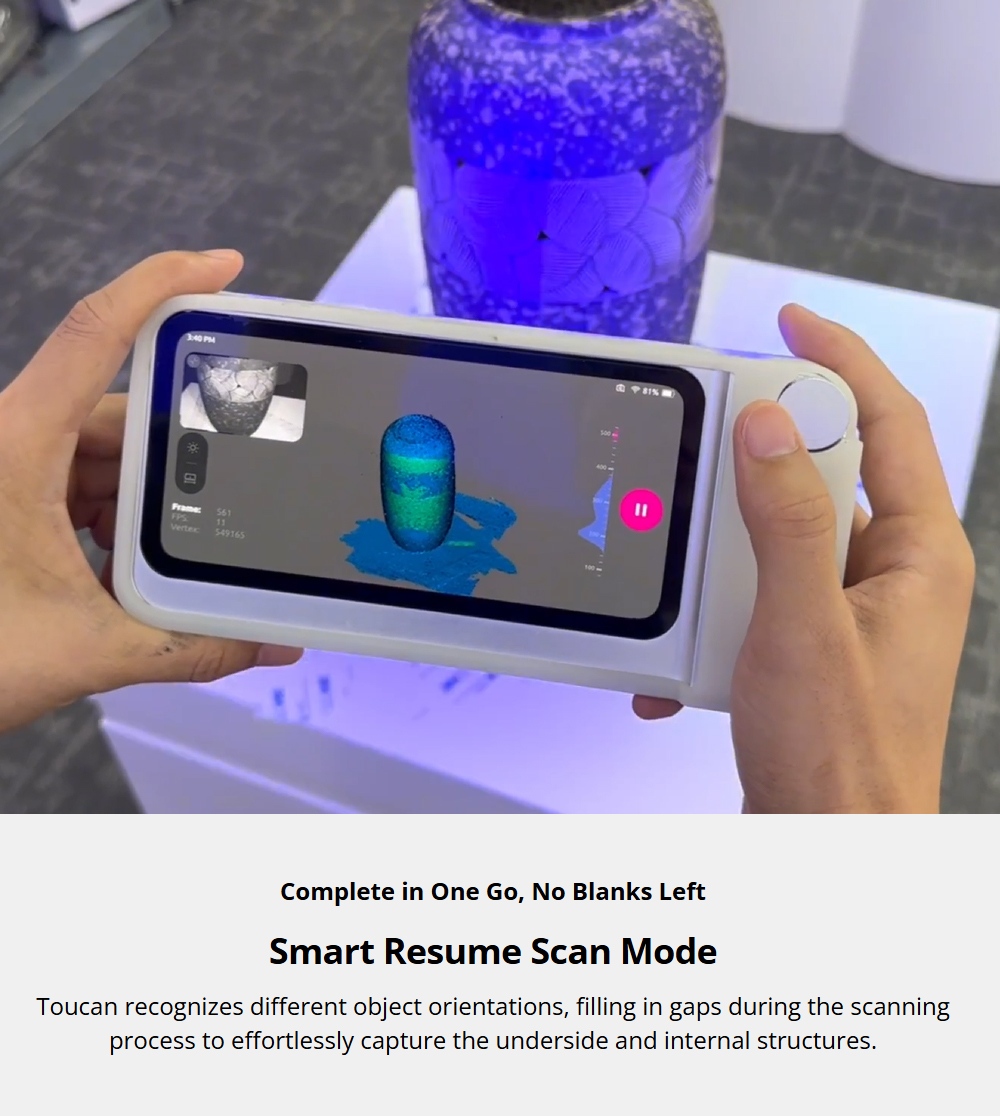
A working distance of 200–1000 mm helps scan recessed areas and complex geometry. Smart alignment and scan-resume features improve completeness and reduce missing data.
Pros & Considerations
Advantages
- Fully standalone 3D scanning solution
- High precision suitable for professional use
- Wide scanning range for versatile applications
- High-resolution color texture capture
- Portable design with long battery life
- Premium kit adds stability, protection, and mesh editing software
Considerations
- Transparent, reflective, or very dark surfaces may require scanning spray
- Best results come from steady movement and controlled lighting
- If you already own a tripod and editing tools, Standard may be sufficient
The 3DMakerpro Toucan 3D Scanner is a powerful computer-free scanning solution combining high accuracy, full-color capture, and wide object compatibility in a portable form. The Standard version covers essentials, while the Premium version adds accessories and software to create a more comprehensive professional workflow.
Specification
| General | Brand: 3DMakerpro Type: 3D Scanner Model: Toucan Premium Color: White |
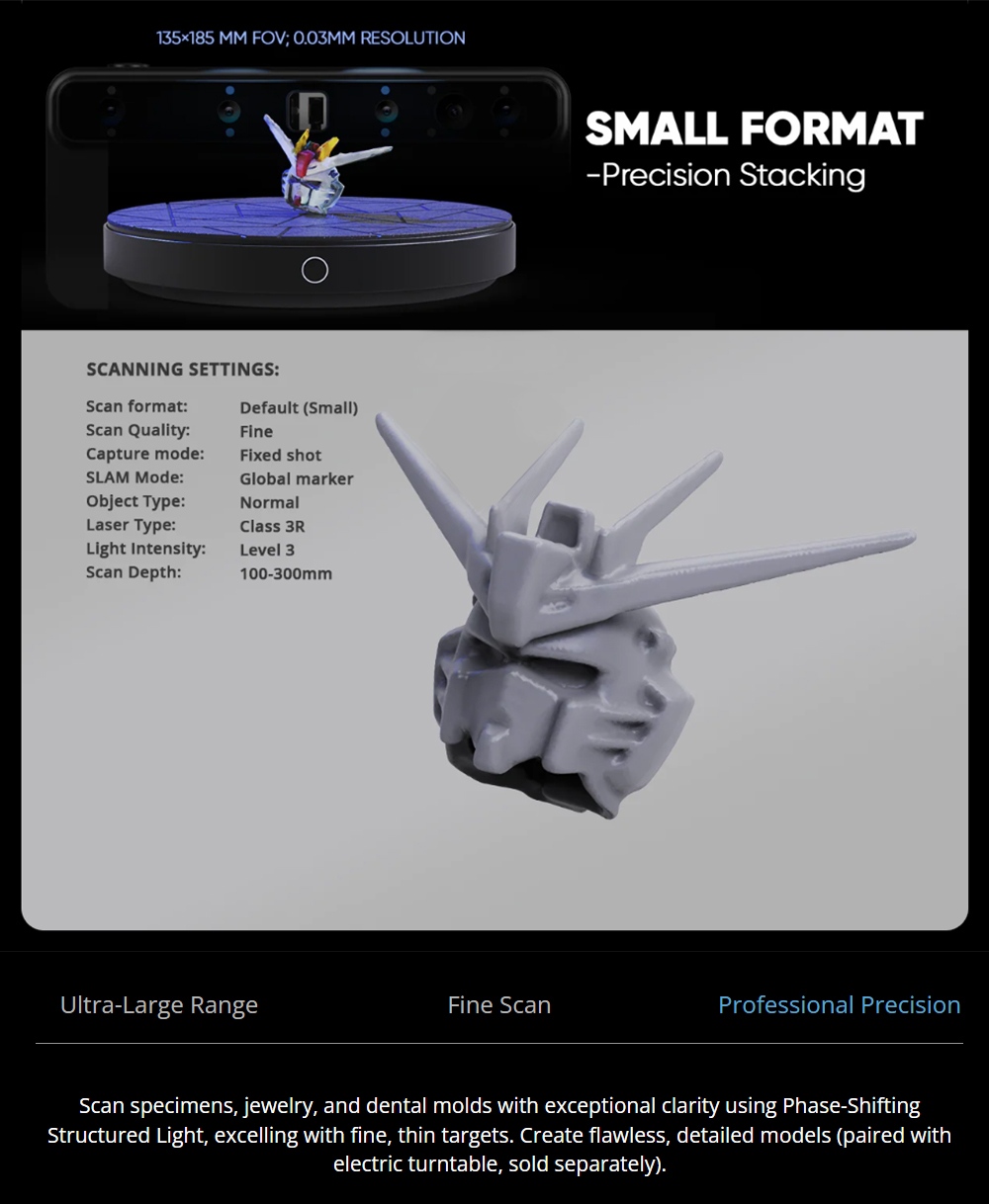
| Specification | Scan Type: Continuous Handheld Scan/ Photo Scan / Table Scan Single-Frame Accuracy: ≤ 0.03mm (Small) / ≤ 0.10mm (Large) Resolution: ≤ 0.03mm (Fixed Shot) / ≤ 0.05mm (Small) / ≤ 0.10mm (Large) Scanning Range (FOV): 135×185 mm (Small) / 1000×750 mm (Large) Working Distance: 200–1000 mm Scan Speed: Up to 15 fps Light Source: Blue Laser Structured Light (Class1/Class3R) Camera: 3D Cameras *4; 48 MP RGB Camera *1 Processor: 8-core 2.4 GHz CPU + Mali-G52 GPU Memory/Built-in Storage: 32 GB DDR4 / 256 GB eMMC Battery: 6600 mAh Connectivity: Wi-Fi 6, Bluetooth 4.1, Interface: USB-C Position Sensor: 9-axis IMU Tracking Method: Features/ Markers/ Global Markers Controls: Button ×2; Scroll Wheel ×1 |
| Weight & Size | Product Weight: 2.1kg (Scanner: 0.735kg) Package Weight: 2.5kg Product Size: 31x23x9cm (Scanner: 20×9.3×3.75cm) Package Size: 49x41x36cm |
| Package Contents | 1 x Toucan 3D Scanner 1 x Power Adapter & Cable 1 x Manual Turntable 1 x Markers 1 x Calibration Board 1 x Silicone Case 1 x Lanyard 1 x Tripod 1 x Carrying Case |
Videos
Customer Photos
Customer Videos
Customer Reviews
Questions & Answers
FAQ
1. What should I keep in mind when using Toucan from 3DMakerpro for the first time?
Toucan 3D Scanner benefits from the well-established 3DMakerpro ecosystem. This includes free scanning software (JMStudio), the Reverse Engineering tool (Geomagic Wrap for 3DMakerpro), a wide range of accessories, and a comprehensive after-sales support network.
2. I'm a long-time 3DMakerpro user. How does the Toucan differ from previous scanners?
Thank you for your support of 3DMakerpro! The Toucan is our first all-in-one scanner, utilizing Phase-Shifting Structured Light technology. This makes it especially effective for scanning thin and delicate objects. Notably, the Toucan can independently complete scanning and meshing tasks without being tethered to a computer. However, you can still use JMStudio and Geomagic for further processing.
3. What is the Toucan workflow like?
Toucan 3D Scanner is capable of independently handling tasks such as scanning, point cloud editing, model fusion, and texture mapping. Once you've completed your scans, you can export the files to a computer via JMStudio for further processing or application.
4. What is the range of a Toucan single frame?
Near range: 135 x 185 mm; Far range: 1000 x 750 mm.
5. Does the Toucan 3D Scanner use the same scanning software as the Moose/Seal 3D Scanner?
Yes, all 3DMakerpro 3D scanners, including the Toucan, utilize JMStudio software.
6. What file formats does JMStudio software support for export?
JMStudio software supports exporting to the following formats: OBJ, STL, PLY, and ASC. If you need additional formats, you can use third-party software for conversion.
7. Can we 3D print the scanned model directly?
Yes, if you export the file in STL format, it can be directly imported into any slicing software for 3D printing.
8. Can I modify the scanned model using other 3D design software?
Yes, the scanned model can be exported in formats such as OBJ and STL, which are compatible with all major design software, including Autodesk CAD, Blender, C4D, Maya, Rhino, ZBrush, and Fusion 360.
9. Can my scanned models be used in VR?
Yes, our scanned models can be directly imported into Unreal Engine or Unity3D to create VR applications. They also support the Apple ARKit for AR application development.
10. Do I need to apply markers for 3D scanning?
You can apply markers, but you don't need to. Applying markers is recommended if the object's features are unclear or difficult to identify. Toucan supports three tracking modes: feature recognition (no markers, local markers, and global markers).
11. How do you provide after-sales support?
We offer a two-year warranty. If you have any questions during use, please feel free to contact us, and we will respond as soon as possible.
12. Is scanning faces with the Toucan 3D Scanner harmful to the eyes?
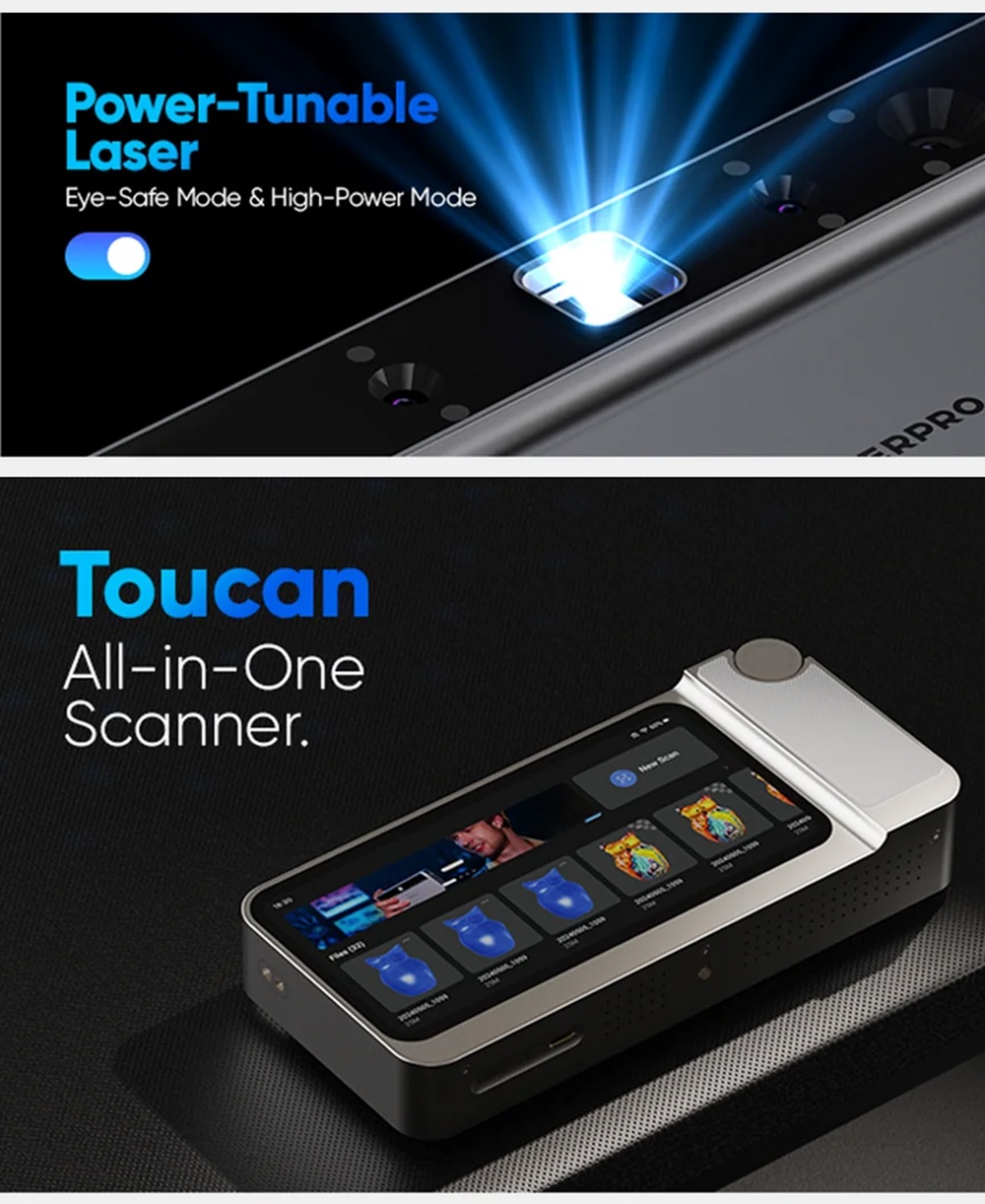
The Toucan 3D Scanner has a faces mode that reduces the light level to Class 1, making it eye-safe. However, direct viewing of the light source is not recommended.
13. Does the Toucan 3D Scanner support color textures?
Yes, the Toucan 3D Scanner features a 48MP color texture camera, allowing it to generate detailed color models.




