





- Shipping Company Estimated Delivery Time Shipping Cost
Trusted Shipping Partners:  and more


Product Summary
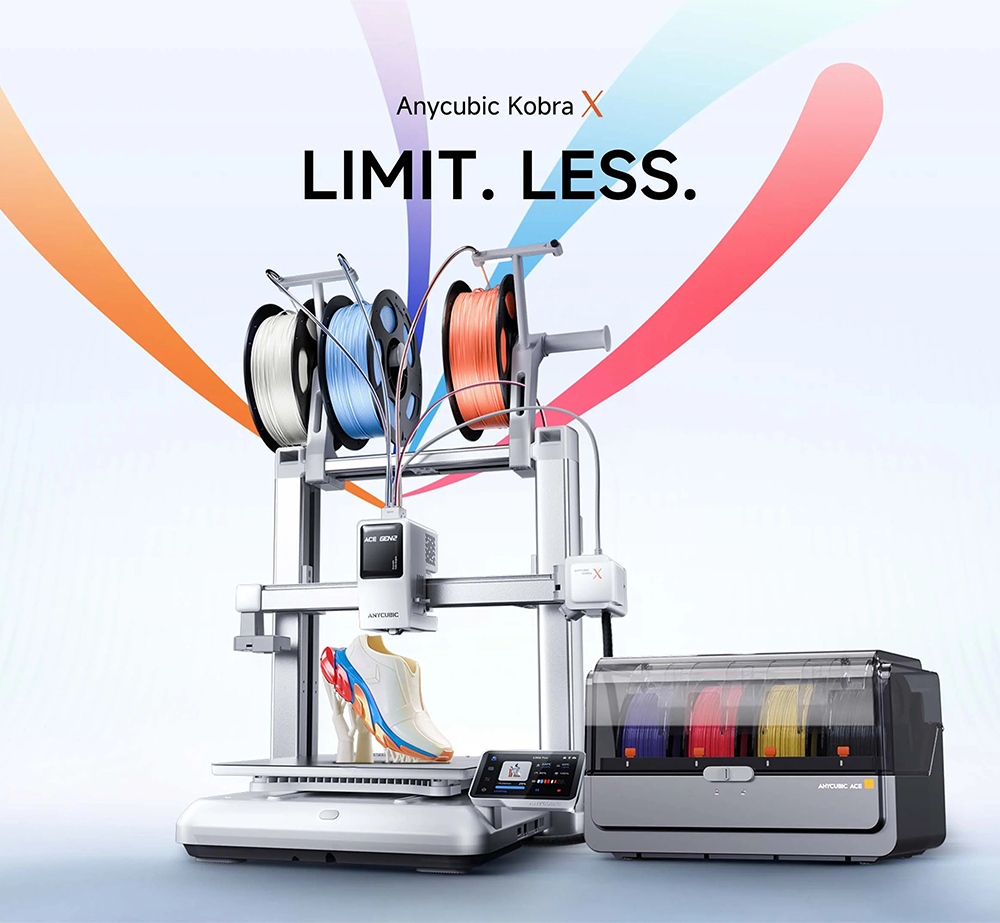
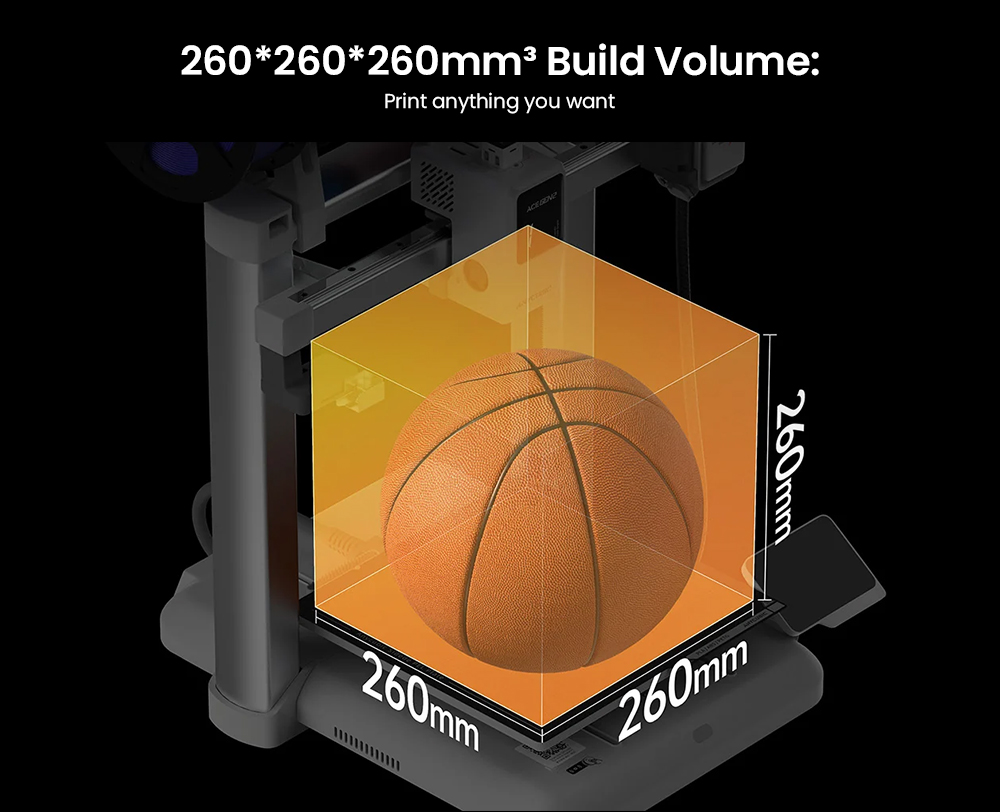
The Anycubic Kobra X Combo is a high-speed FDM 3D printer bundled with one ACE 2 Pro filament hub, sold by Anycubic as a seven-color configuration for makers who want multicolor and multi-material output without swapping spools by hand. It covers a 260 x 260 x 260 mm volume, runs a recommended 300 mm/s with a 600 mm/s maximum, levels itself through LeviQ 3.0, and dries filament at up to 65 °C inside the hub while the job continues. The same setup expands toward a nineteen-color maximum with additional hubs, while AI camera monitoring, power-loss resume and app-based remote printing keep long, color-heavy batches under control.
Highlights
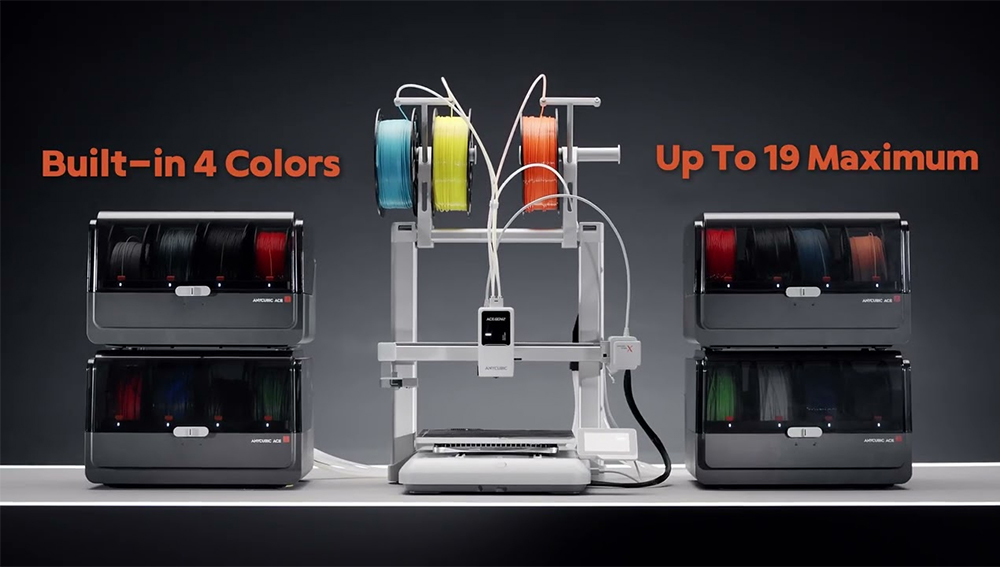
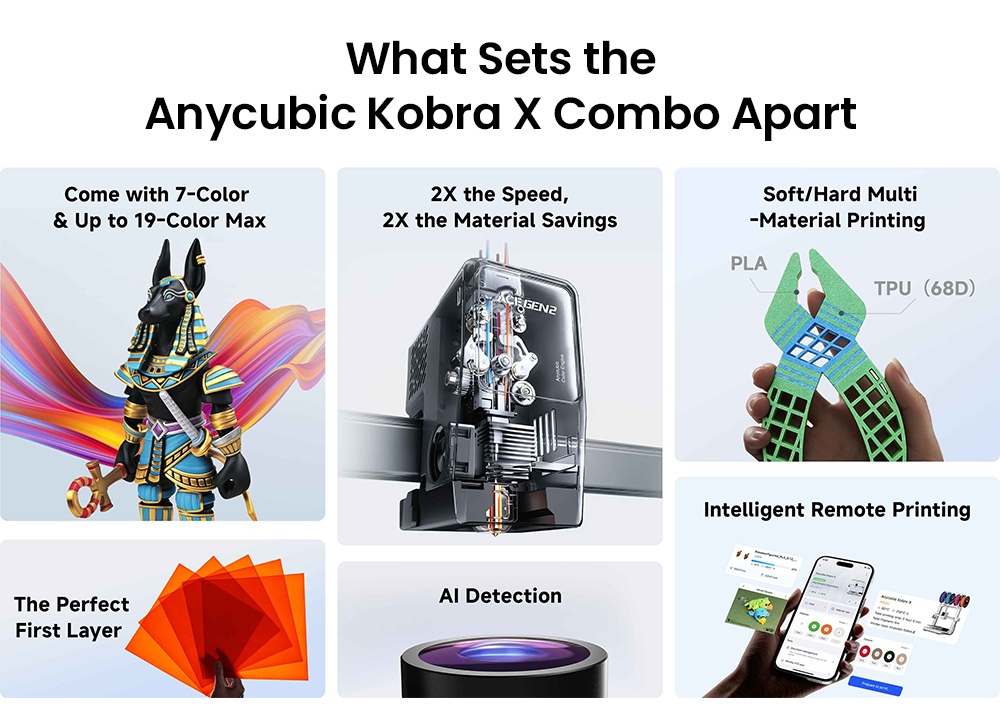
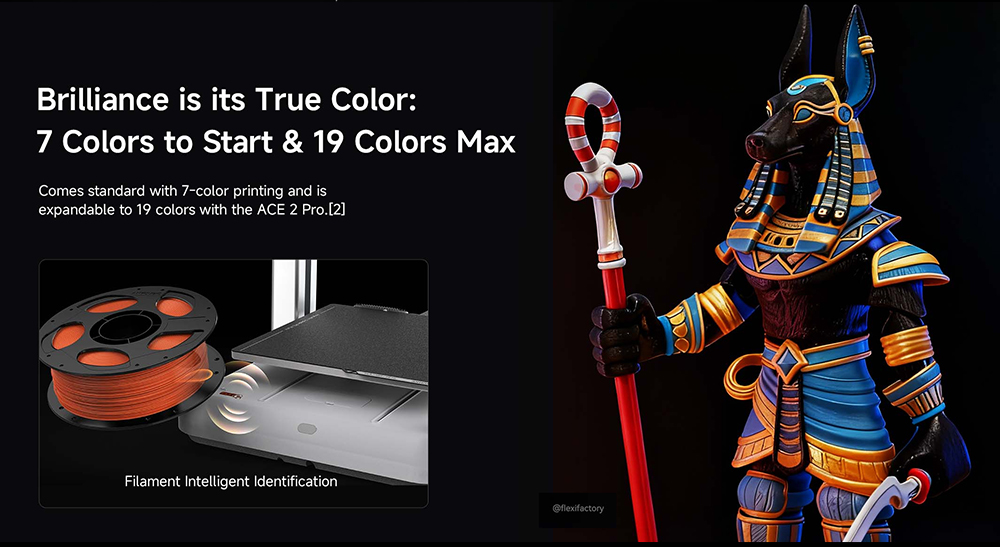
Seven-Color Printing Out of the Box
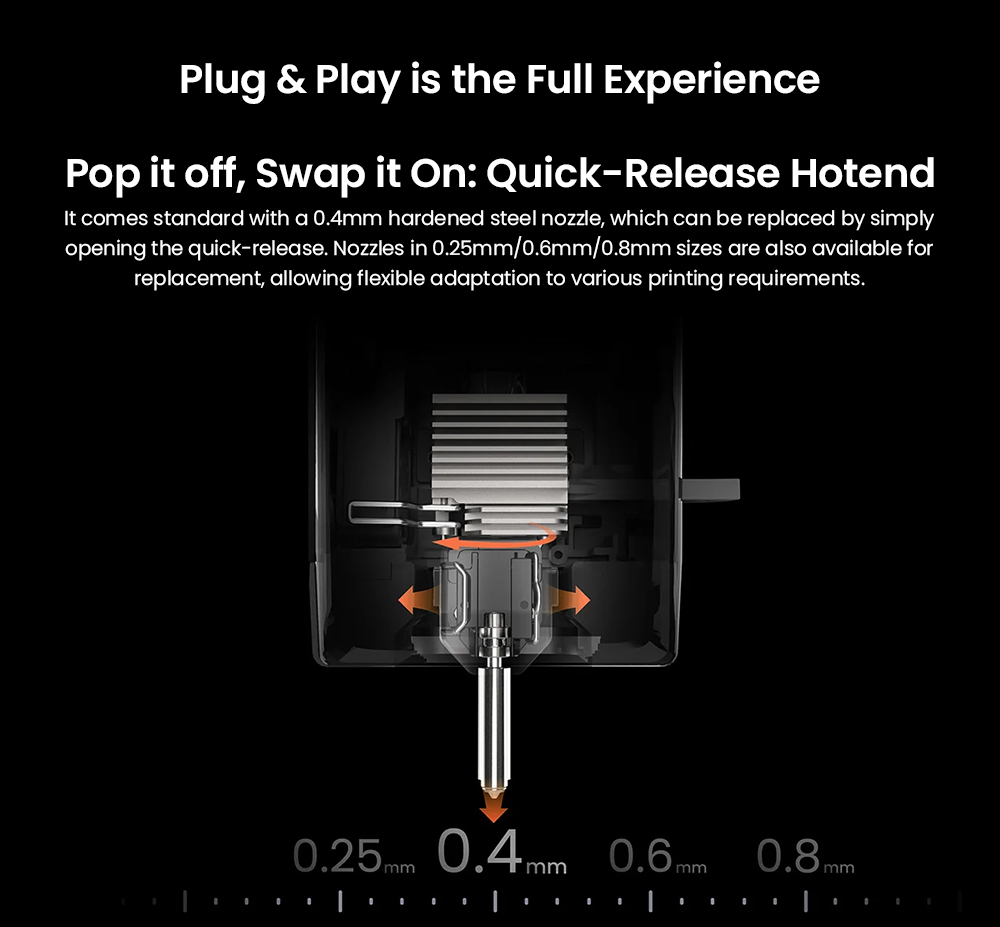
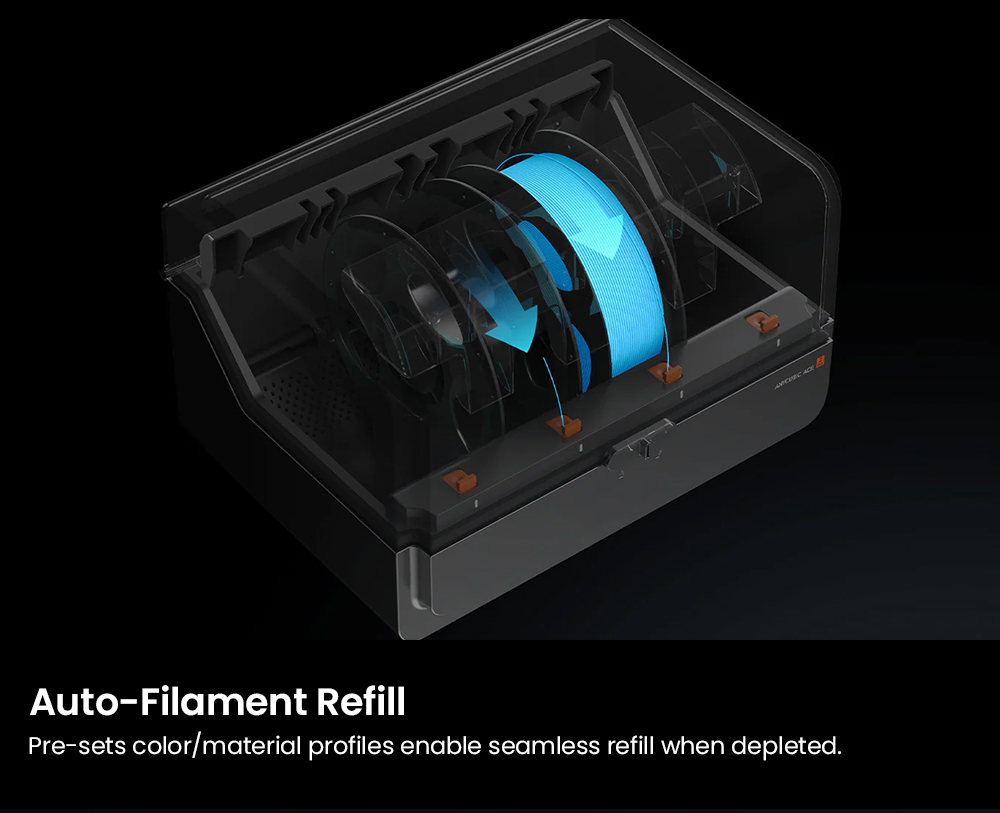
The Kobra X Combo pairs the printer with one ACE 2 Pro filament hub and is listed by Anycubic as a seven-color configuration, so multicolor work begins without buying extra hardware. The pre-installed 0.4 mm hardened steel nozzle and the direct drive extruder feed each channel on the supported materials.
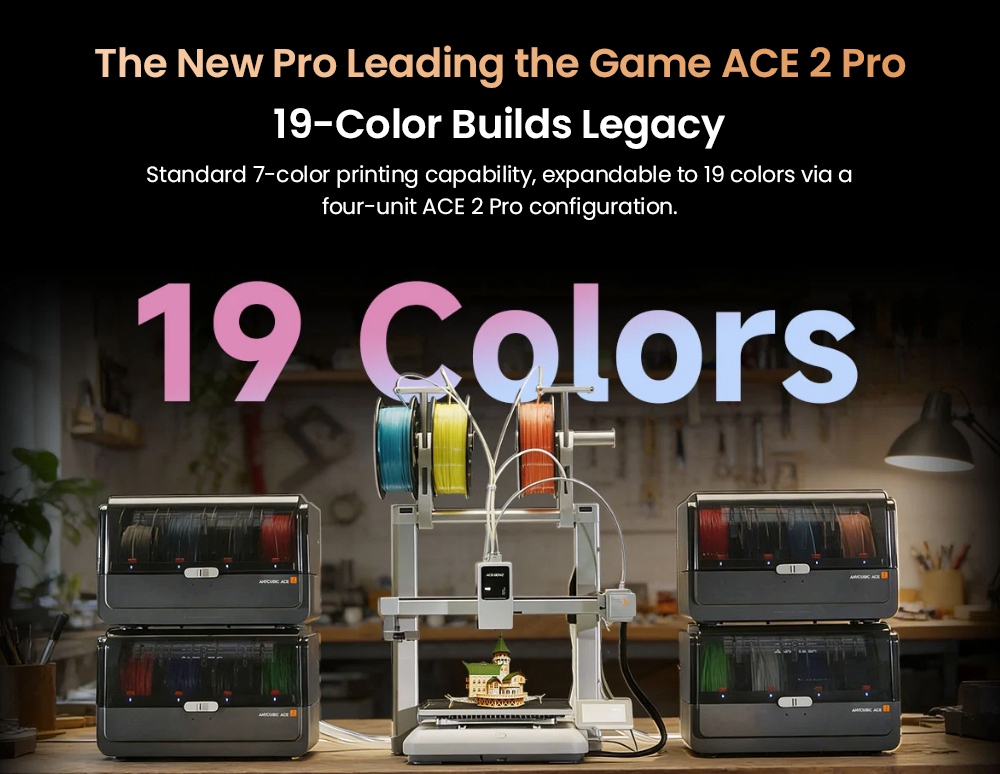
Grows to a Nineteen-Color Maximum
Your palette scales with real demand instead of forcing a second machine onto the desk. Anycubic lists eleven colors with one additional ACE 2 Pro and a nineteen-color maximum with three additional hubs, keeping large multi-color batches on the same build volume and the same slicer workflow.
High Speed With Shorter Color Changes
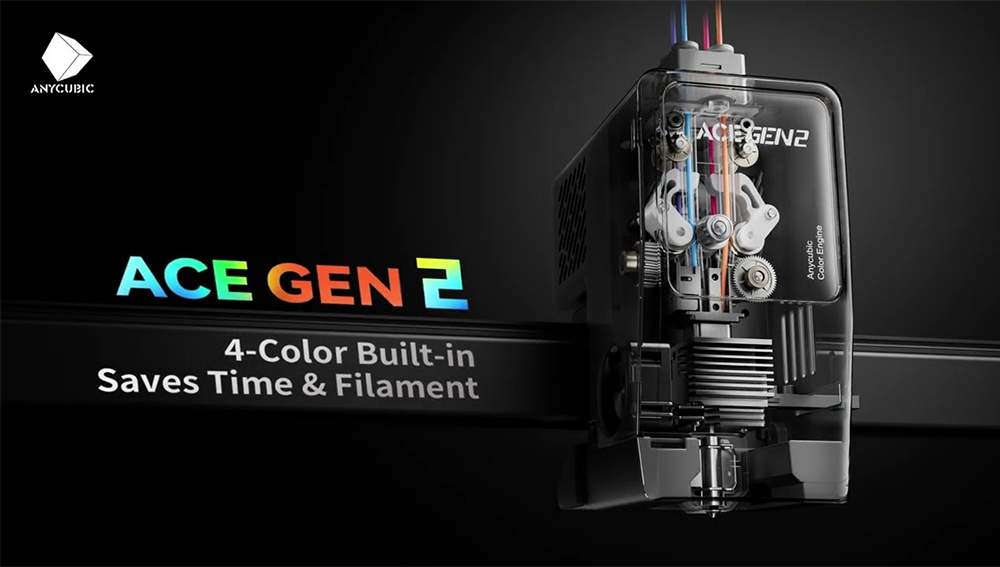
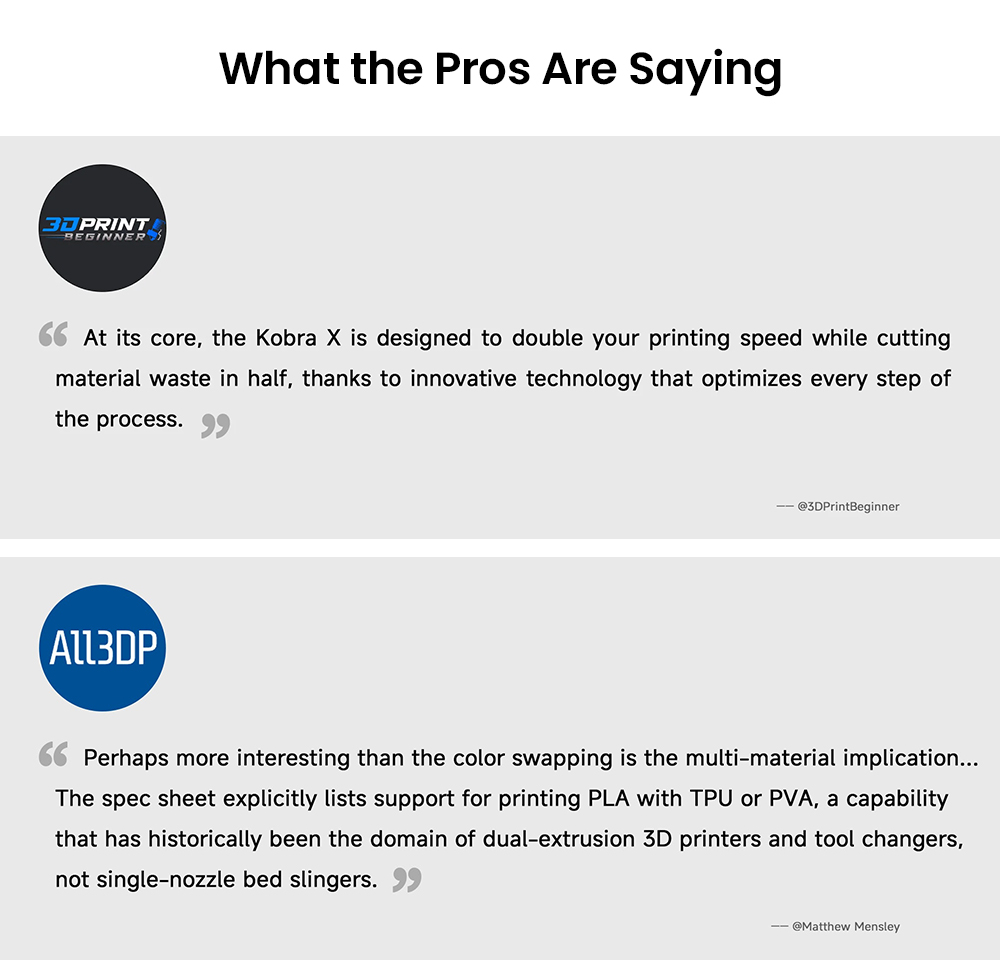
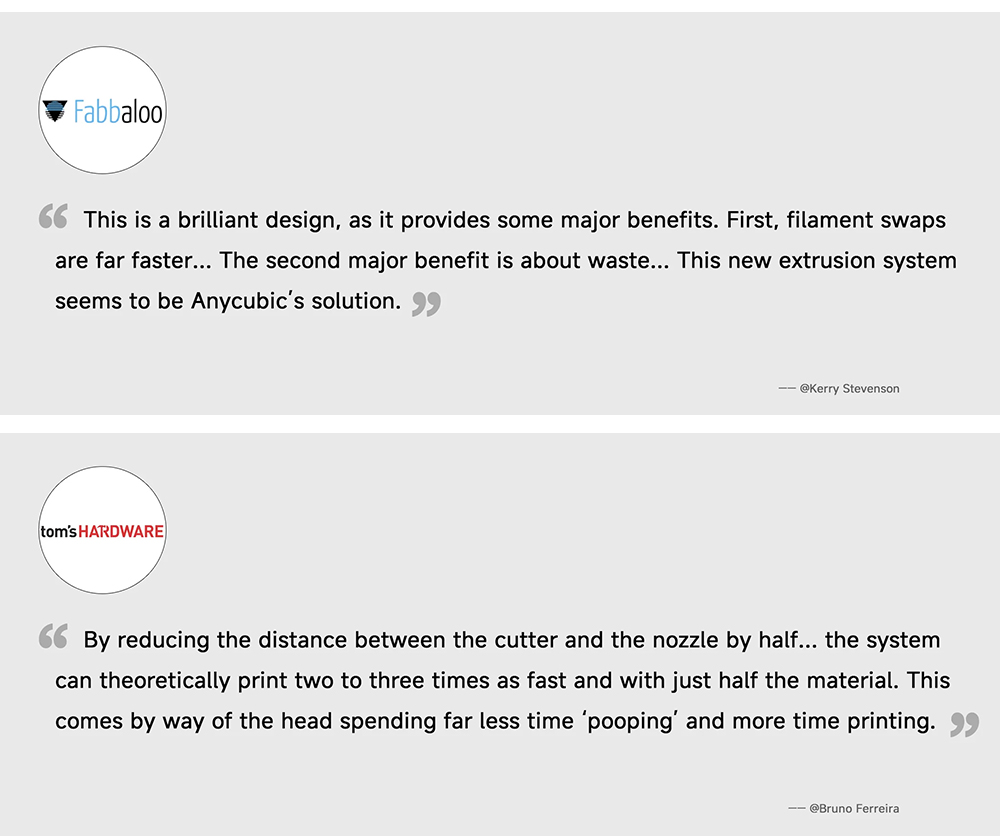
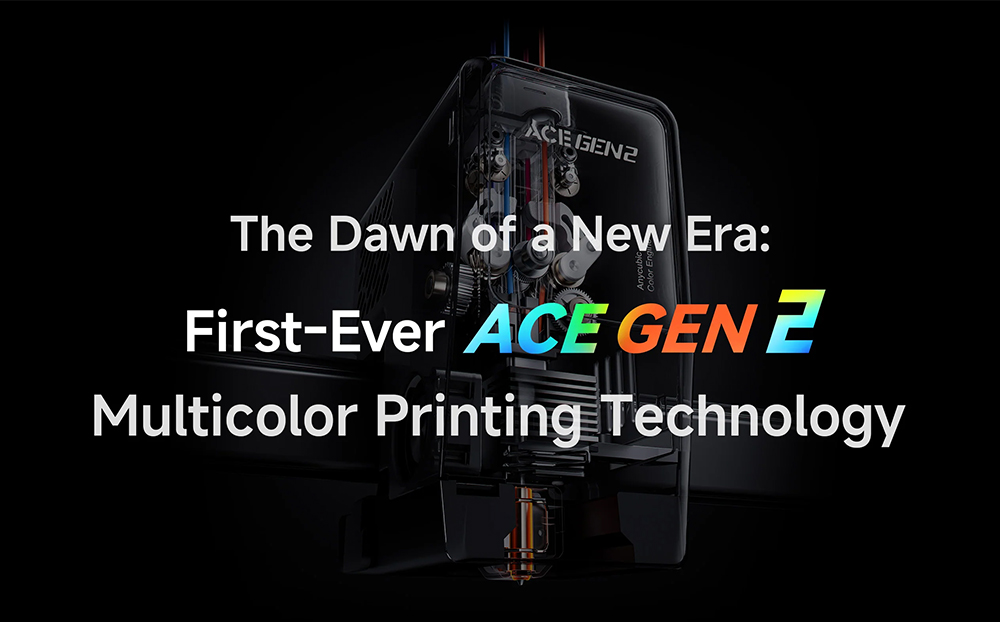
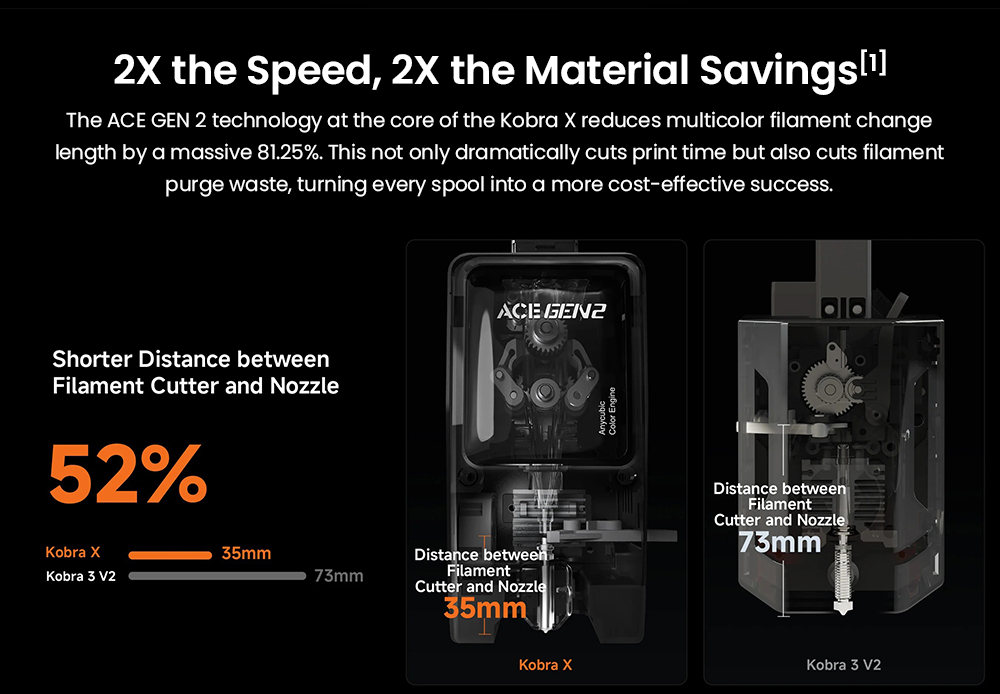
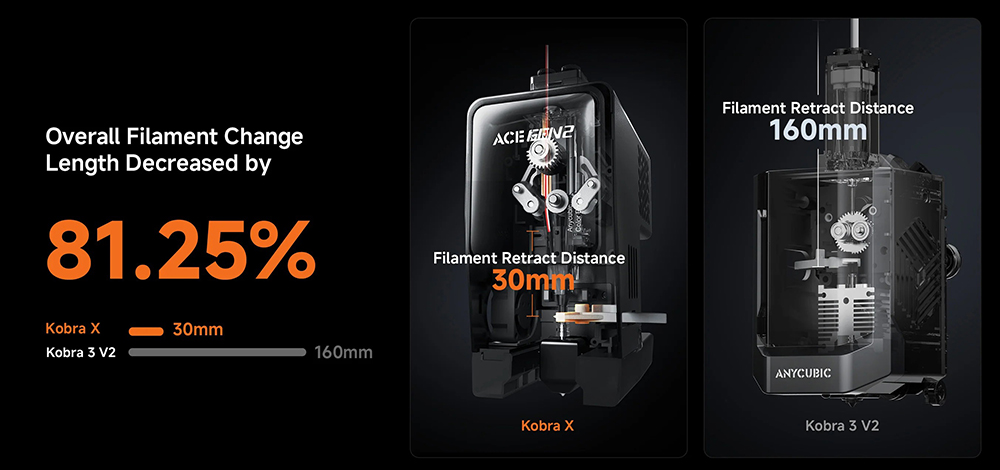
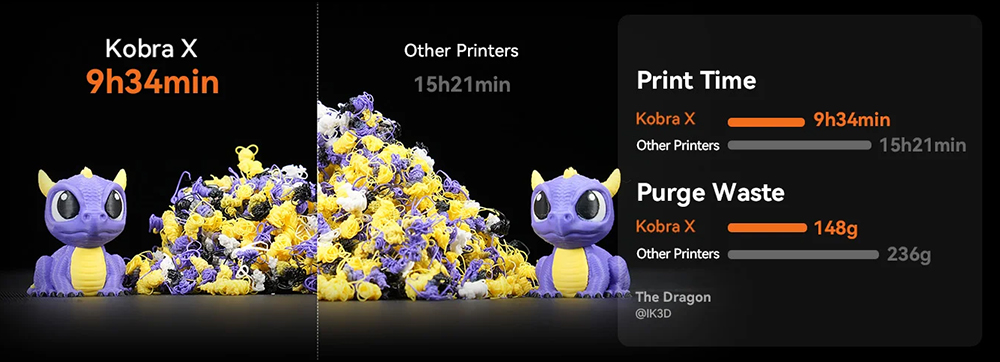
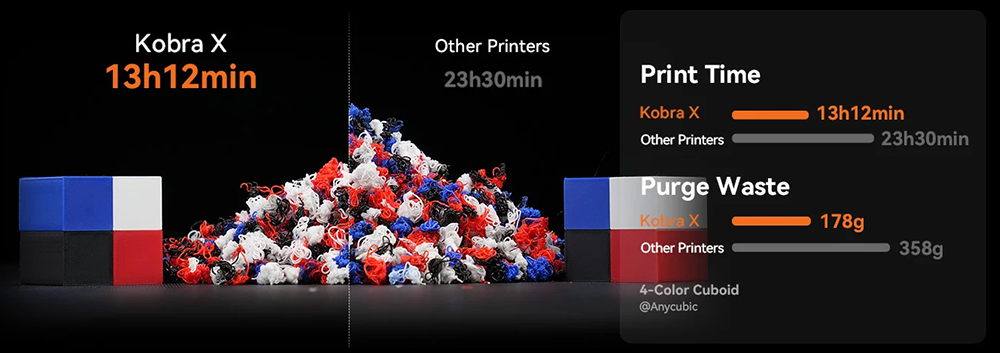
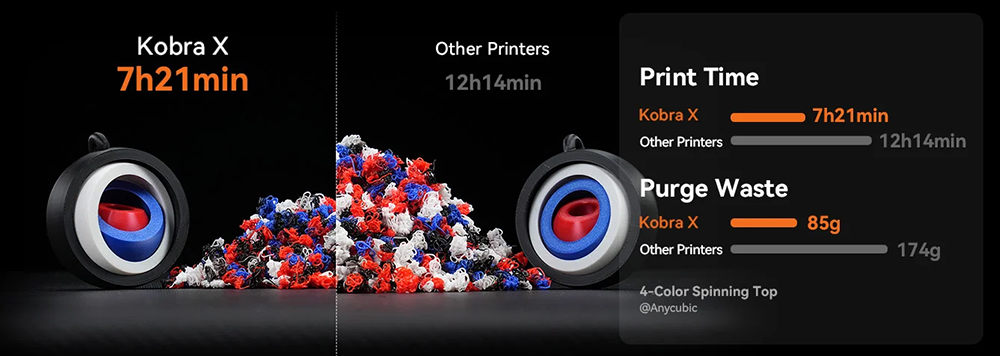
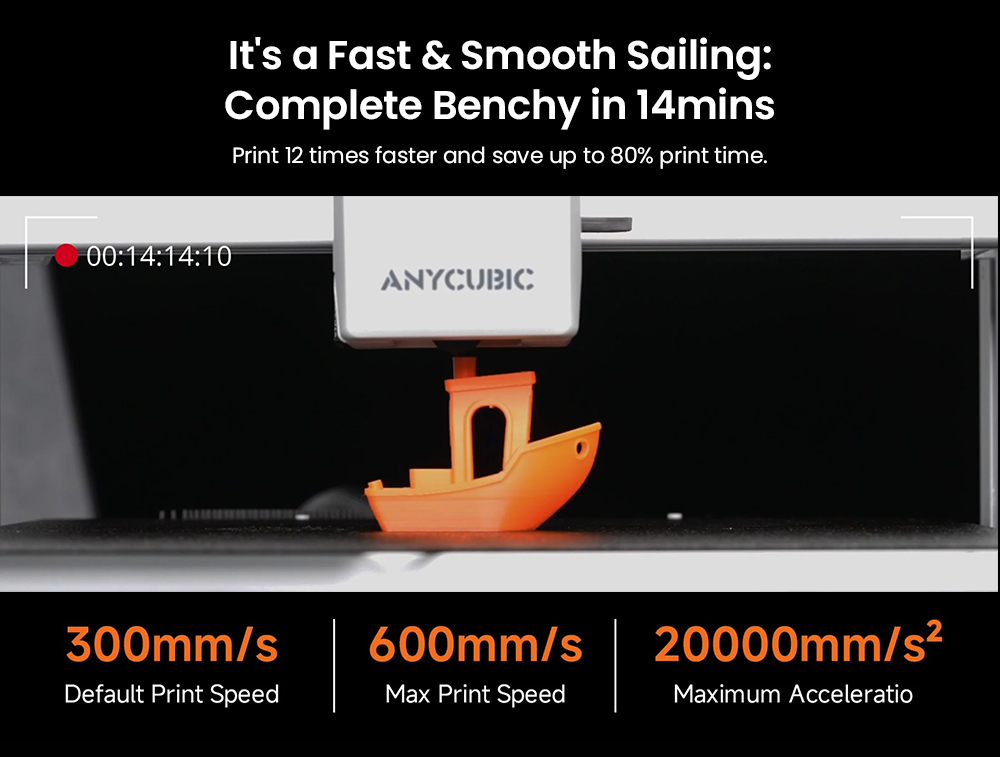
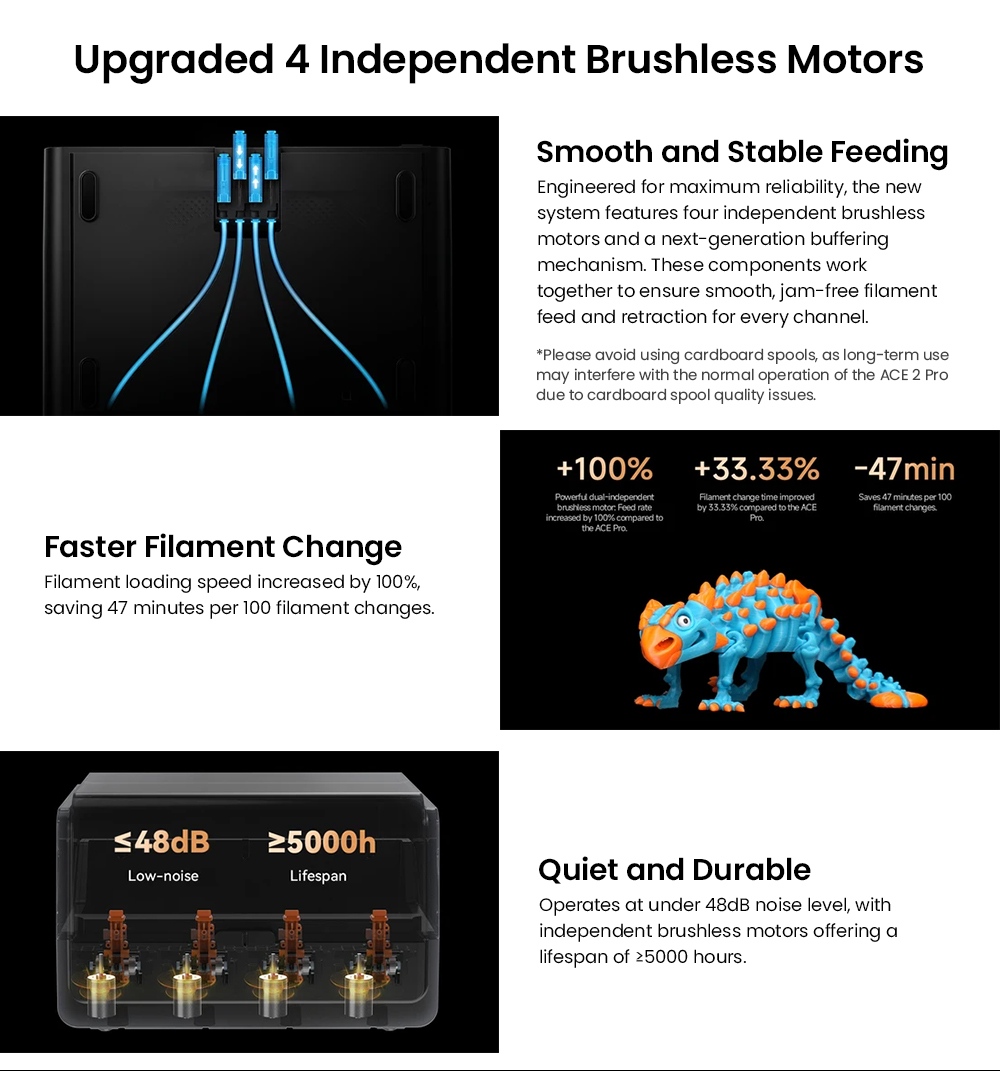
Official figures give a recommended 300 mm/s and a maximum 600 mm/s, with acceleration up to 20,000 mm/s². Anycubic attributes an 81.25% shorter filament change length to its ACE GEN 2 system and states up to 80% print time saved on a Benchy under its own laboratory conditions.
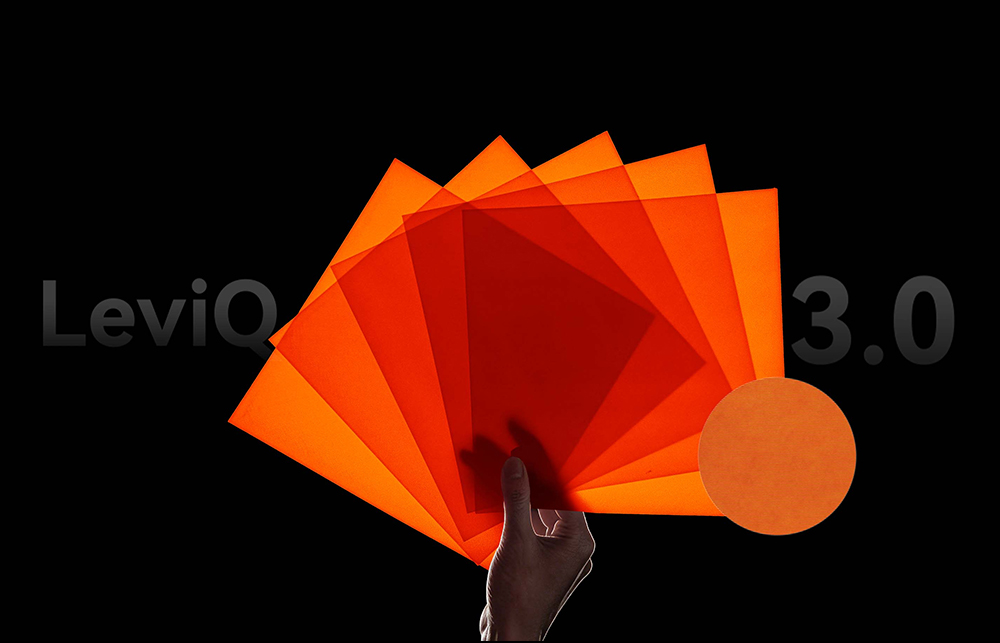
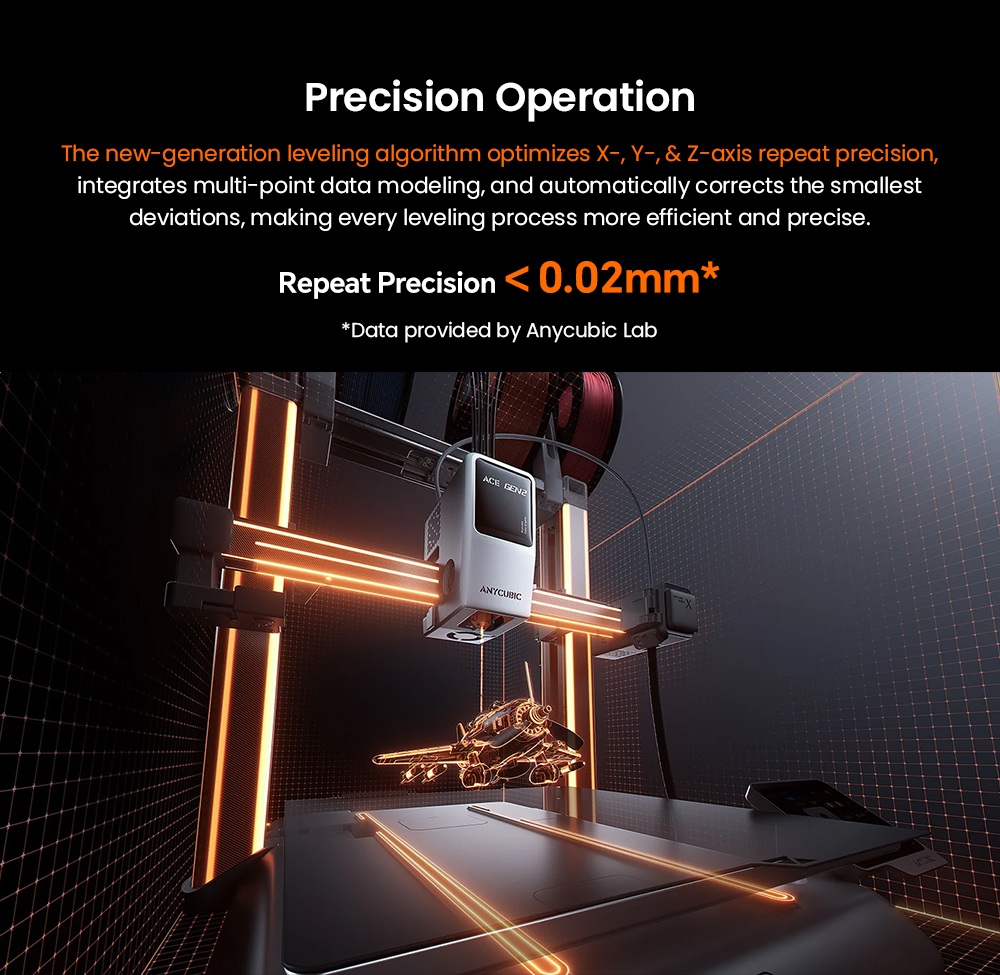
LeviQ 3.0 Handles Bed Preparation
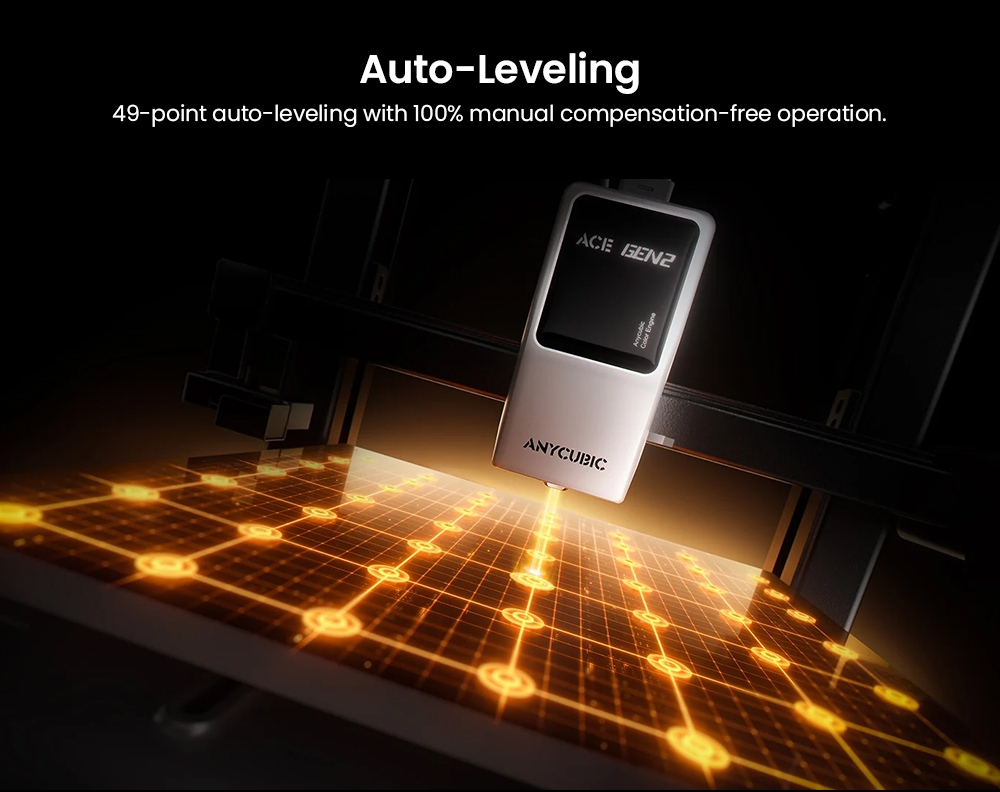
LeviQ 3.0 combines auto-leveling with Z-offset adjustment and the machine supports area leveling, so the bed is prepared before the file starts. Together with filament runout and entanglement detection, this removes the manual first-layer tuning that most often ruins long, unattended multicolor prints.
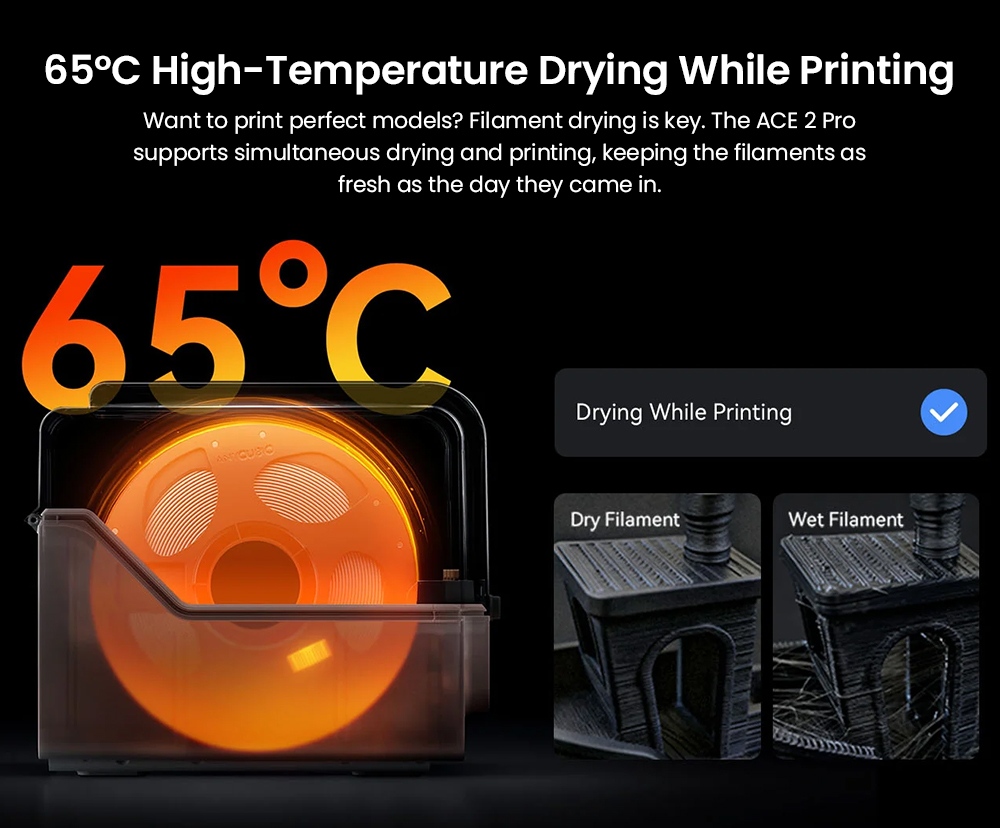
Active Drying at Up to 65 °C
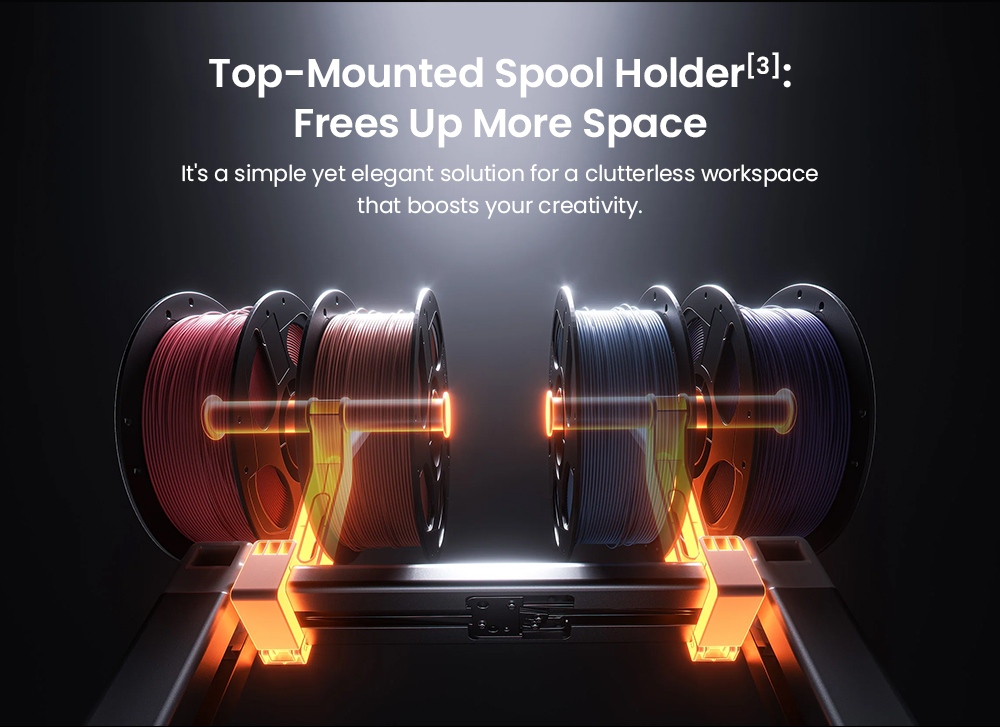
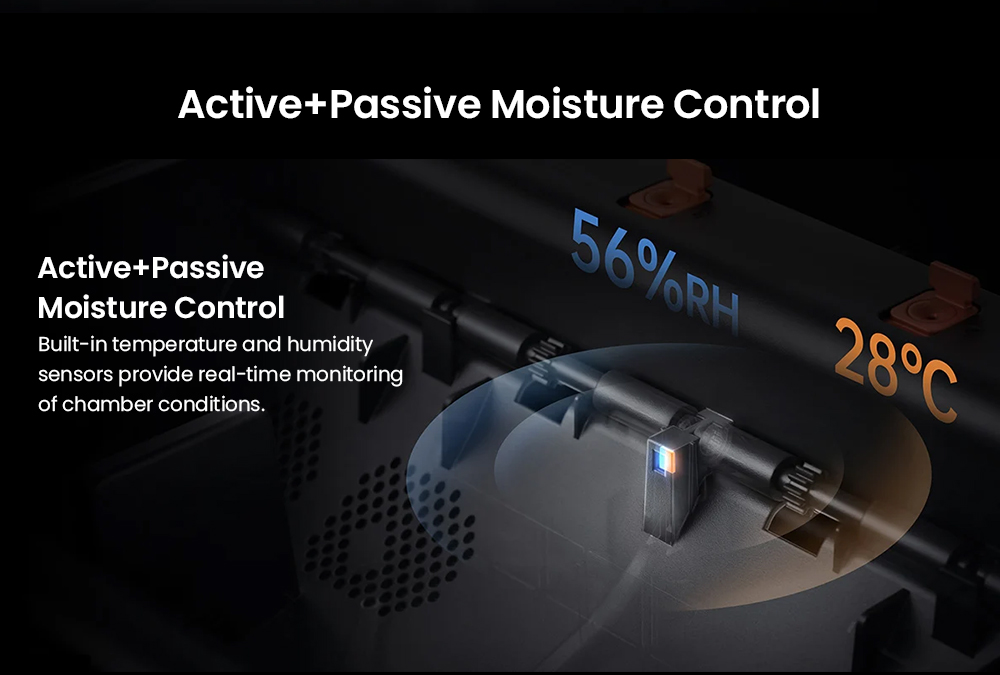
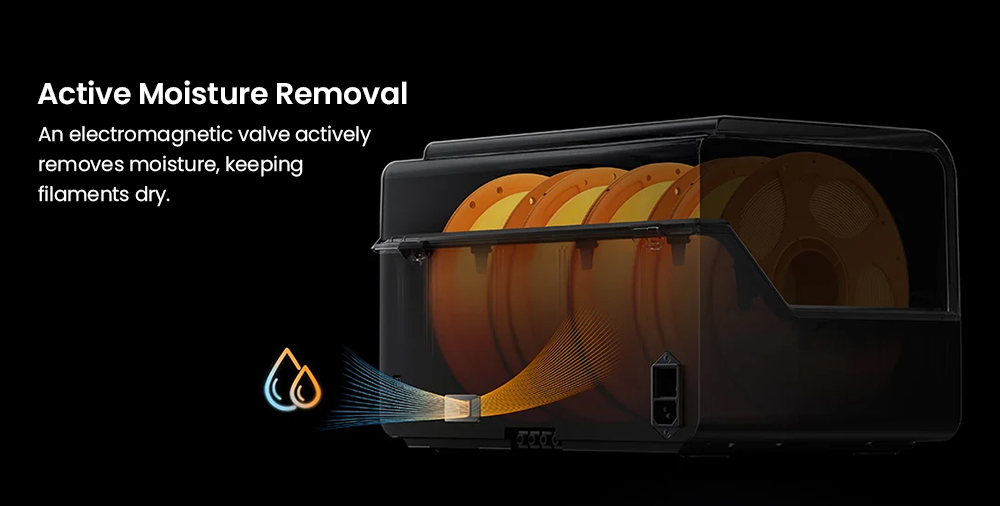
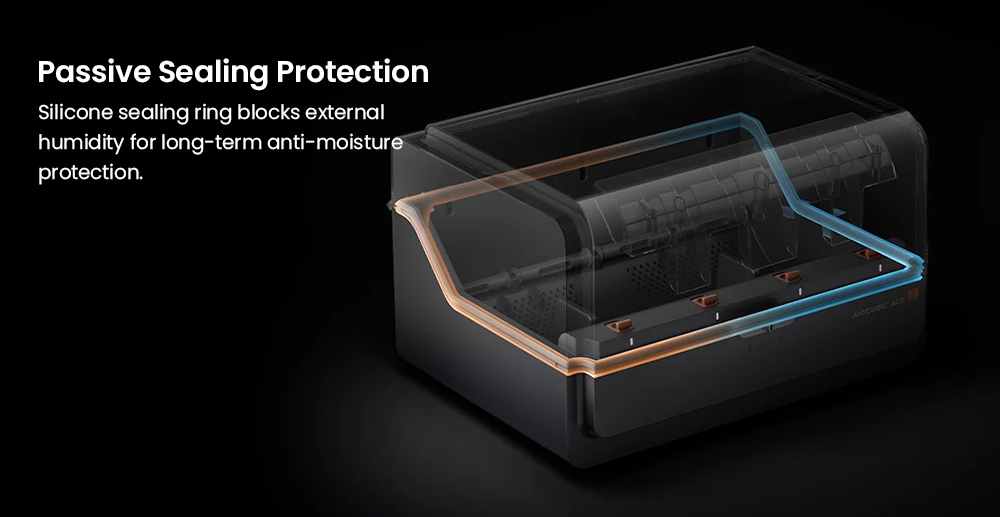
The bundled hub dries filament at up to 65 °C while the printer keeps working, using temperature and humidity sensing, sealed storage and an electromagnetic valve that actively removes moisture. Anycubic describes this as keeping each spool as fresh as the day it was unsealed.
AI Camera Watch and Self-Recovery
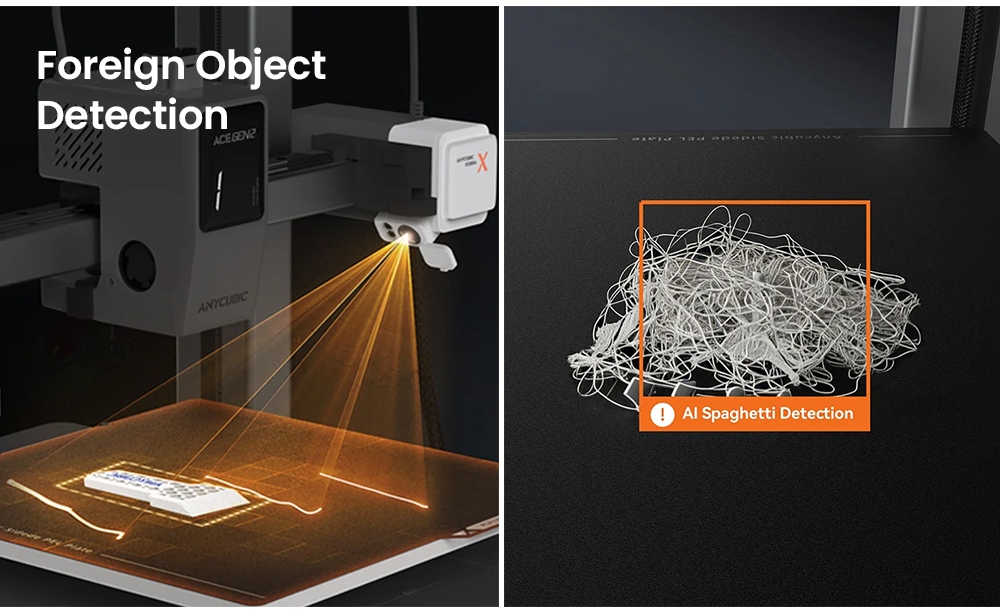
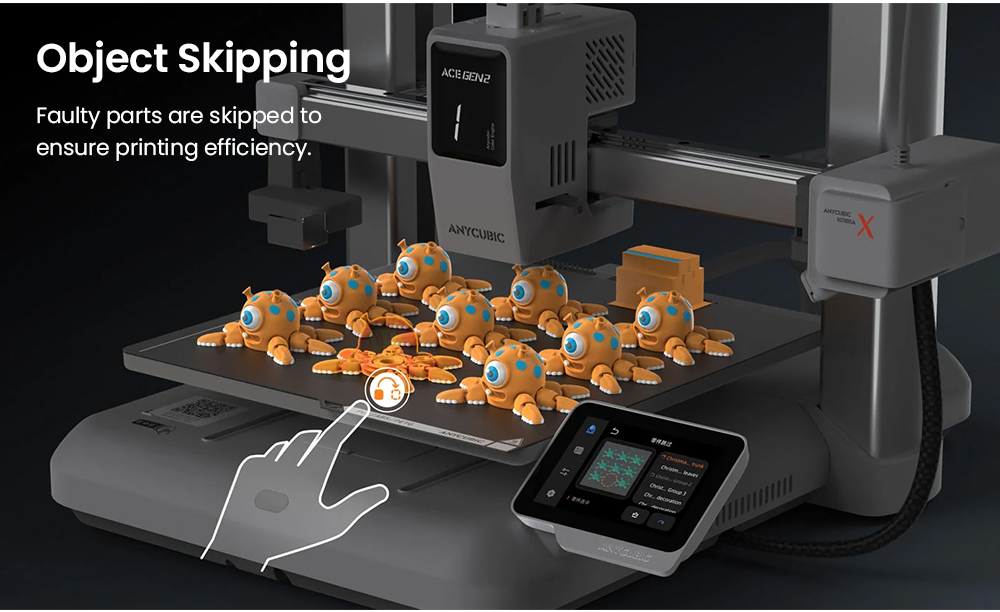
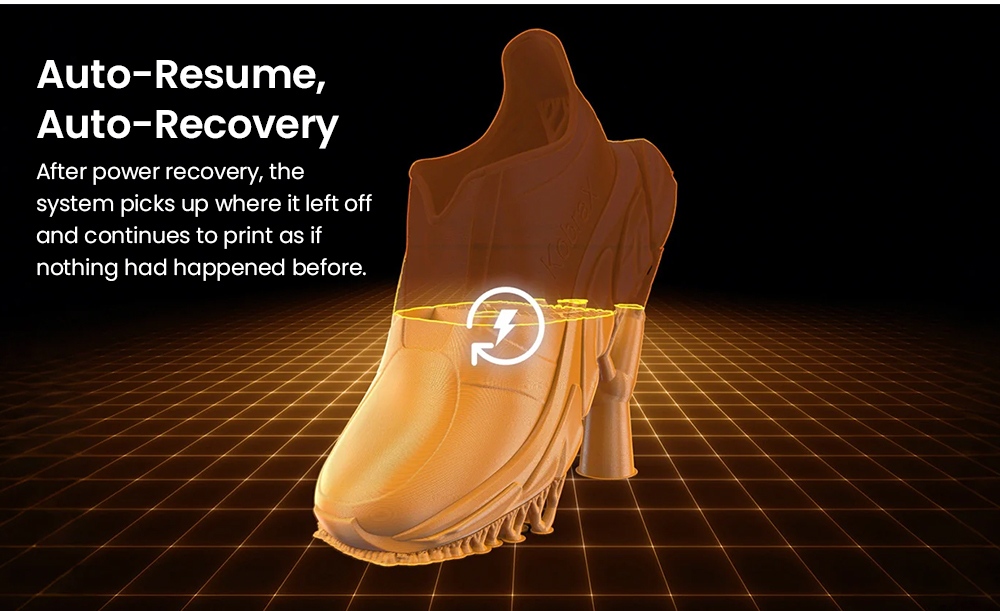
A standard HD camera supporting 720P runs Anycubic's own algorithm for spaghetti detection and foreign-object detection, alerting you as soon as a print begins to fail. Faulty parts in a batch can be skipped, and after a power cut the machine resumes the interrupted file.
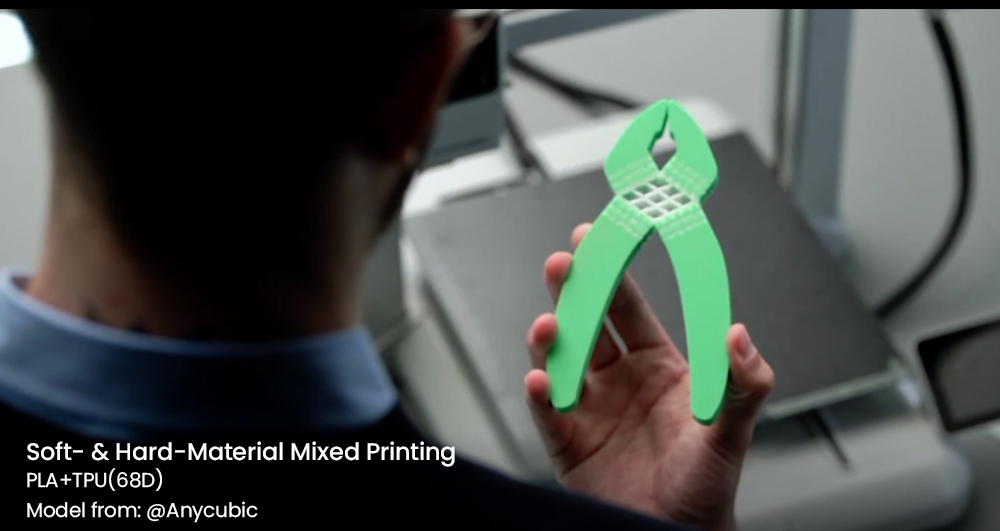
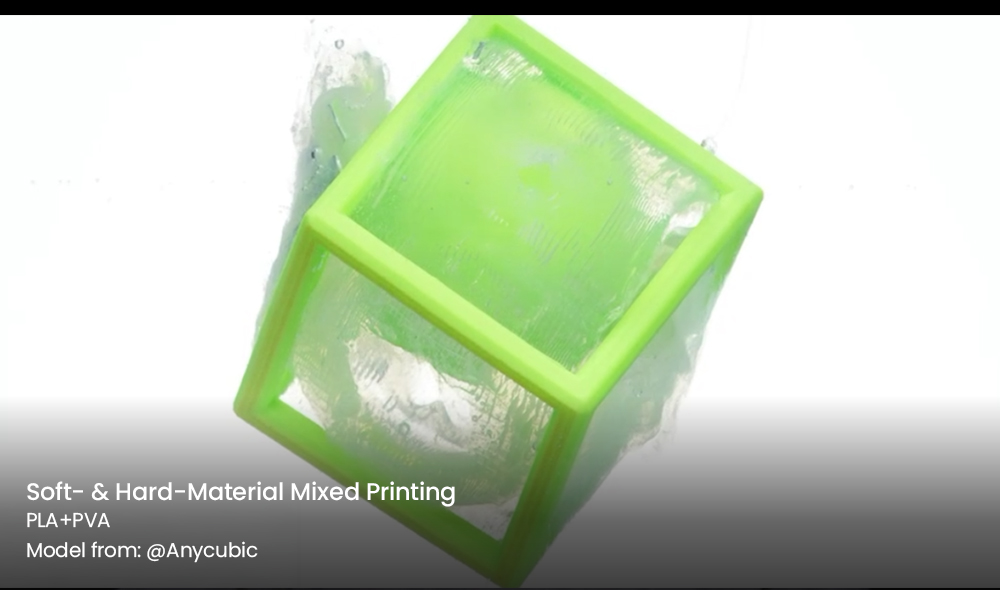
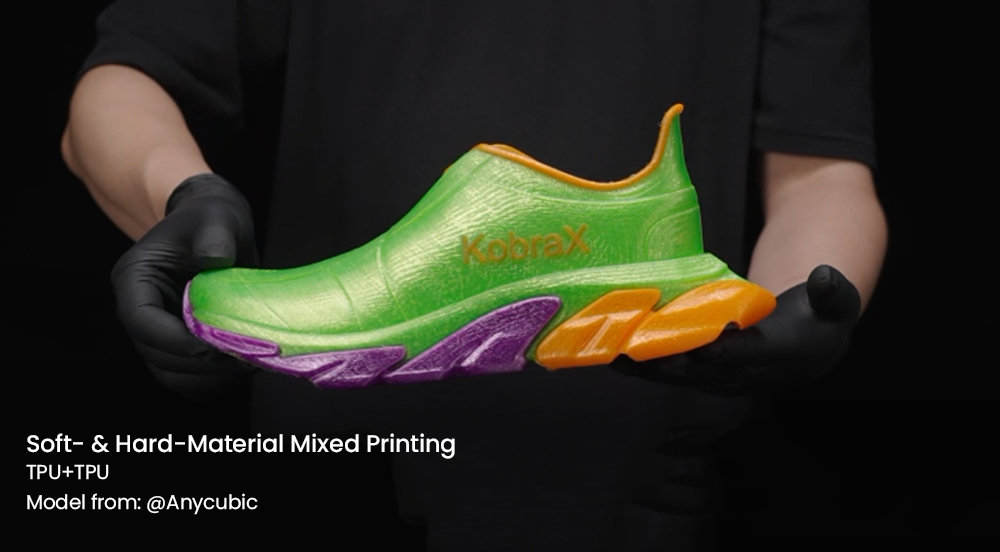
Soft and Hard Materials on One Machine
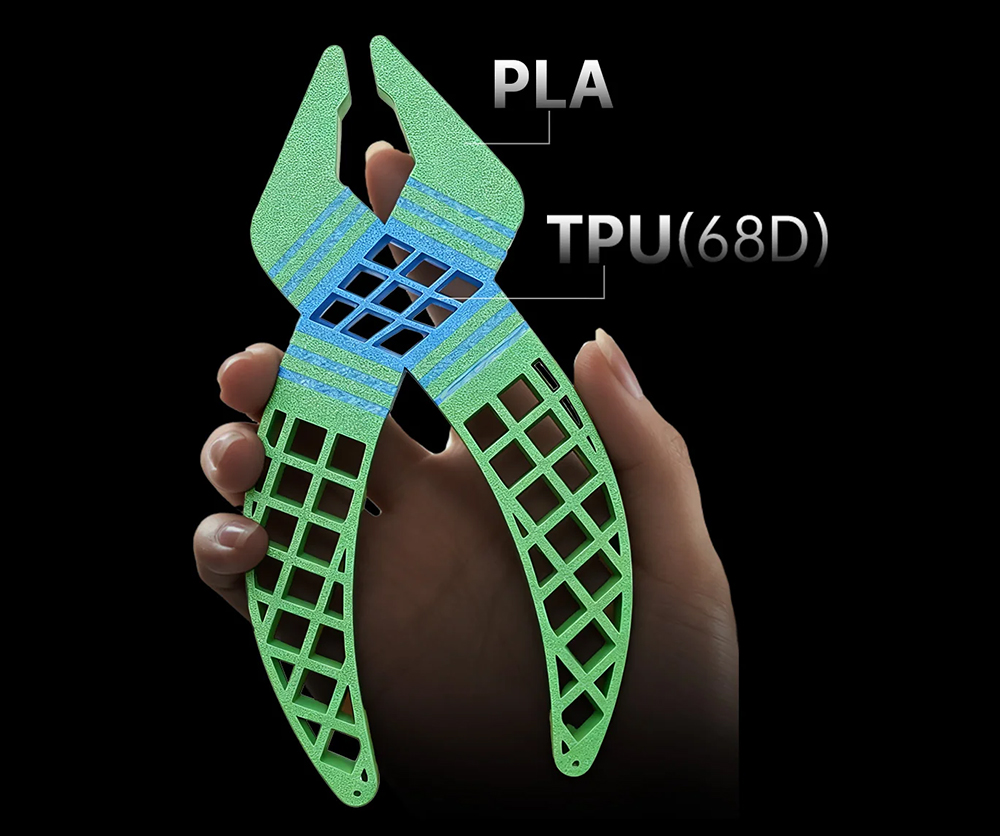
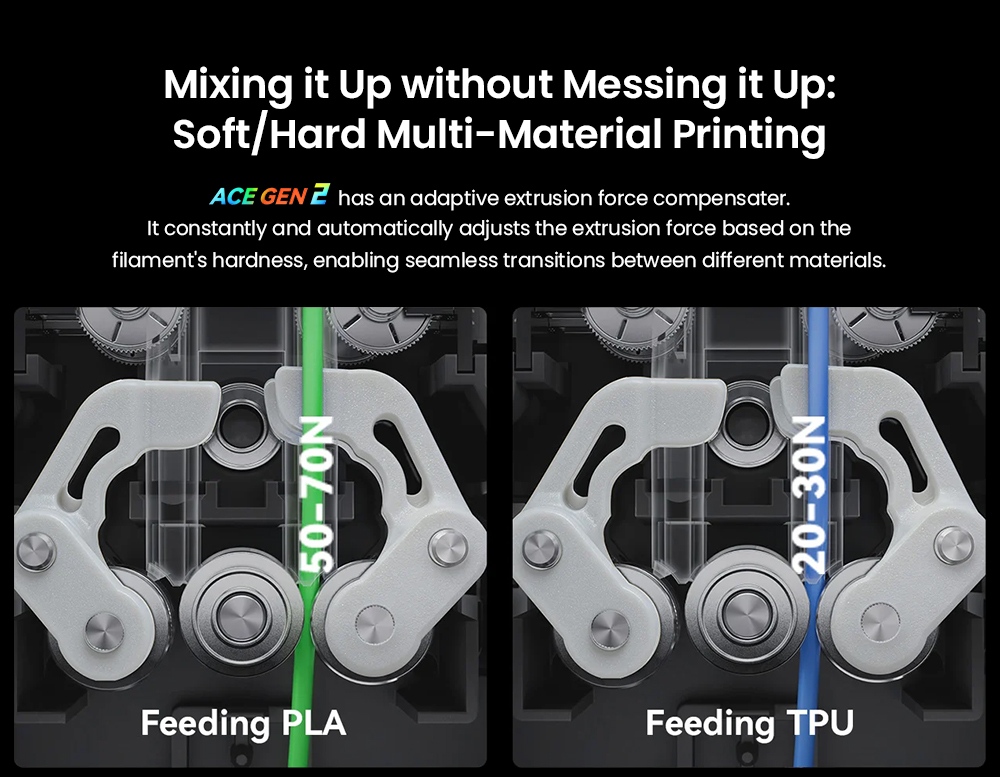
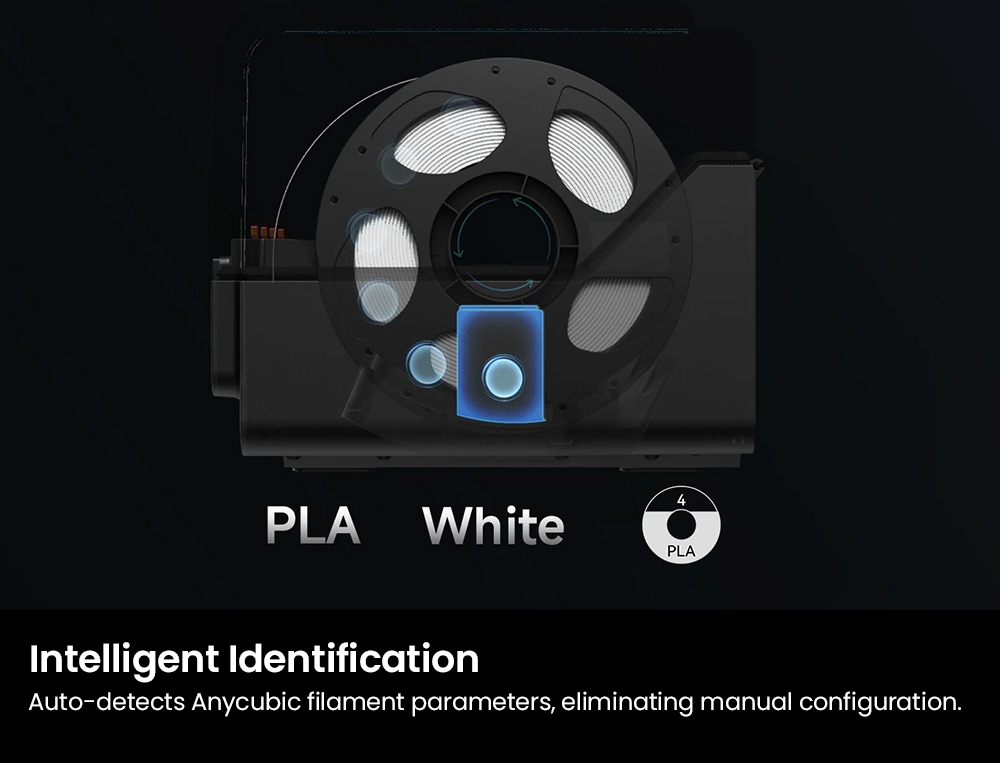
The official FAQ lists PLA, PETG, ABS, PVA and TPU in 95A, 64D and 68D grades for single-material jobs, plus PLA with TPU 68D, PLA with PVA and TPU 68D paired with TPU 68D for mixed prints. TPU 95A cannot be fed through the ACE 2 Pro hub.
Remote Printing Over Dual-Band Wi-Fi
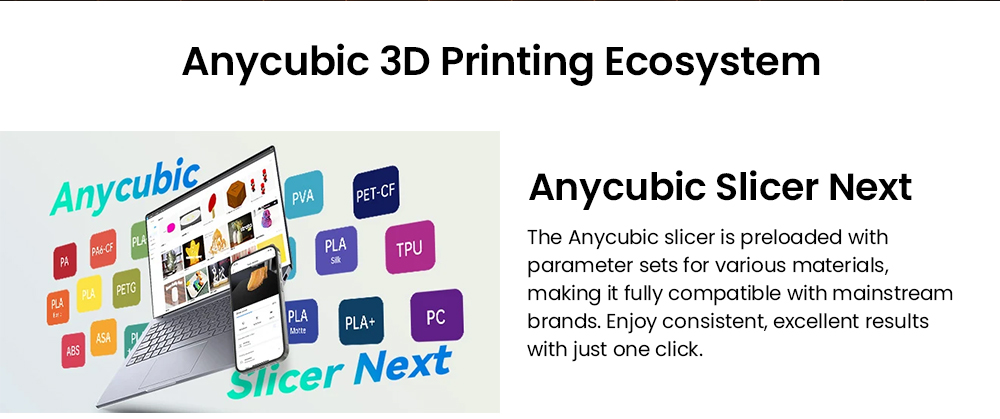
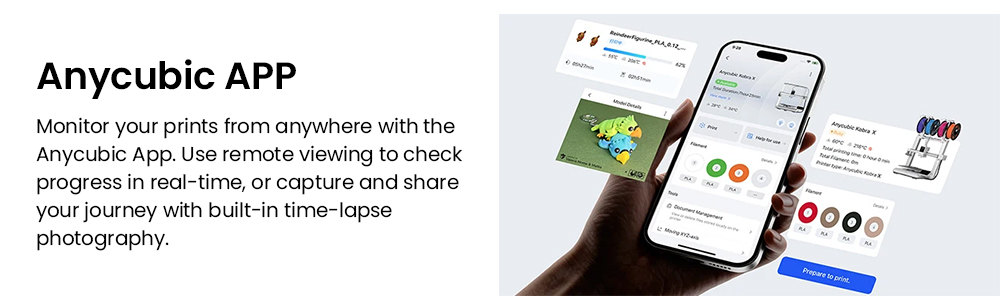
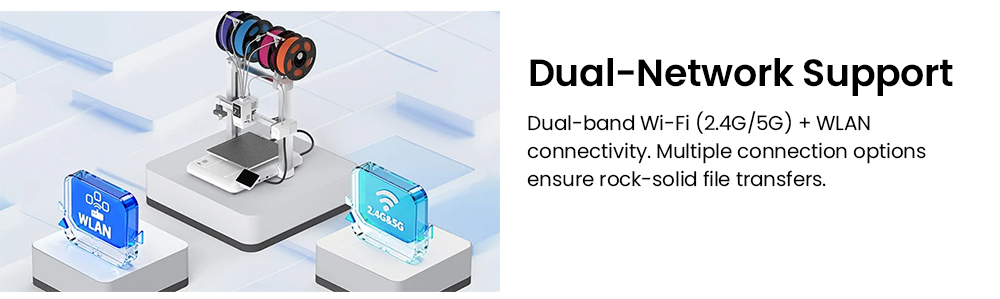
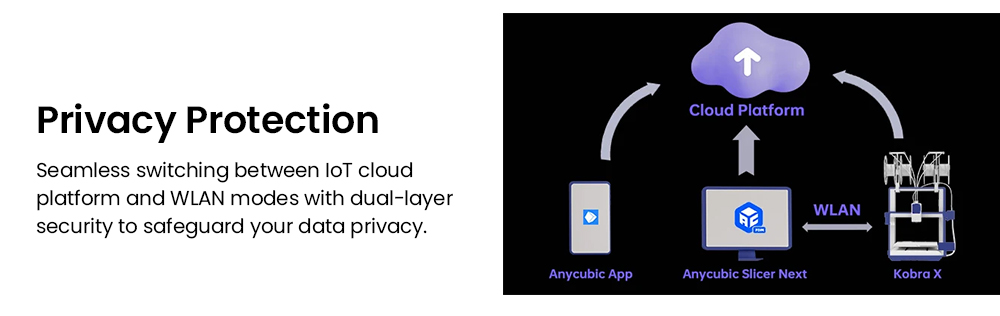
Dual-band 2.4G and 5G Wi-Fi with a WLAN fallback links the printer to Anycubic Slicer Next and the Anycubic App, where you can watch progress in real time and capture time-lapse footage. Jobs can also be started at the machine itself or sent over USB.

Specifications
| Brand / Model | Anycubic / Kobra X Combo |
|---|---|
| Bundle Configuration | Kobra X printer + 1 x ACE 2 Pro filament hub |
| Multicolor Printing (This Configuration / Maximum) | 7 colors / up to 19 colors |
| Printing Volume | 260 × 260 × 260 mm |
| Printing Speed (Recommended / Maximum) | 300 mm/s / 600 mm/s |
| Acceleration (Recommended / Maximum) | 10,000 mm/s² / 20,000 mm/s² |
| Extrusion Type | Direct drive (short distance extrusion) |
| Nozzle (Standard, Pre-Installed) | 0.4 mm hardened steel |
| Nozzle (Optional Diameters) | 0.25 mm brass / 0.6 mm and 0.8 mm hardened steel |
| Nozzle Maximum Temperature | 300 °C |
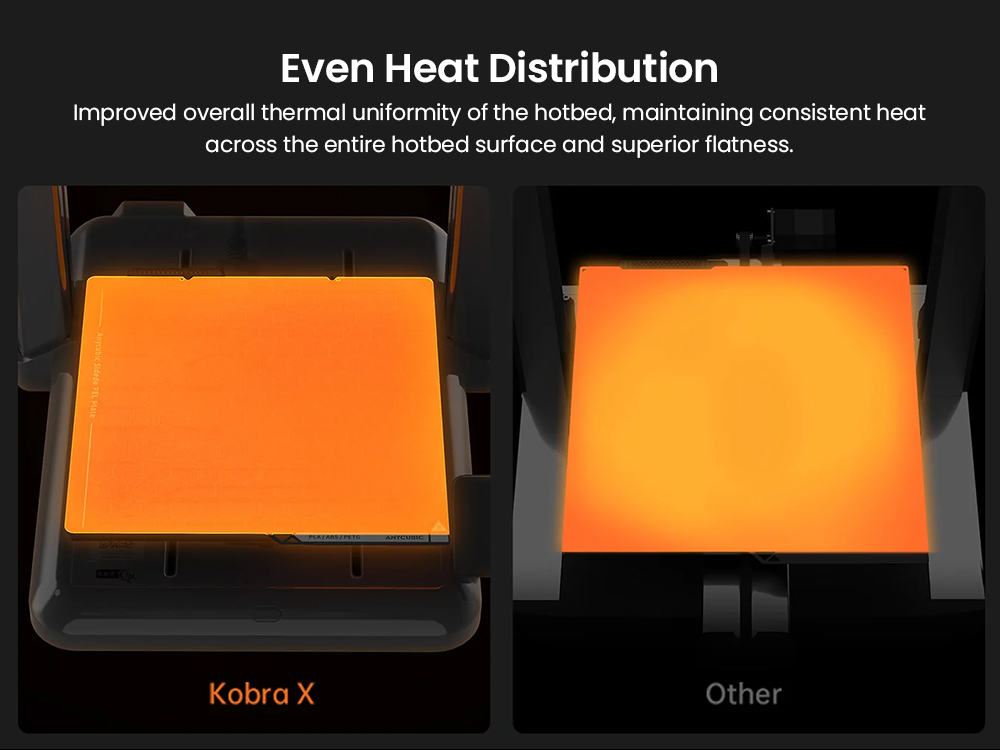
| Hotbed | Maximum 100 °C, PEI spring steel build plate |
| Machine Leveling | LeviQ 3.0 auto-leveling with Z-offset; area leveling supported |
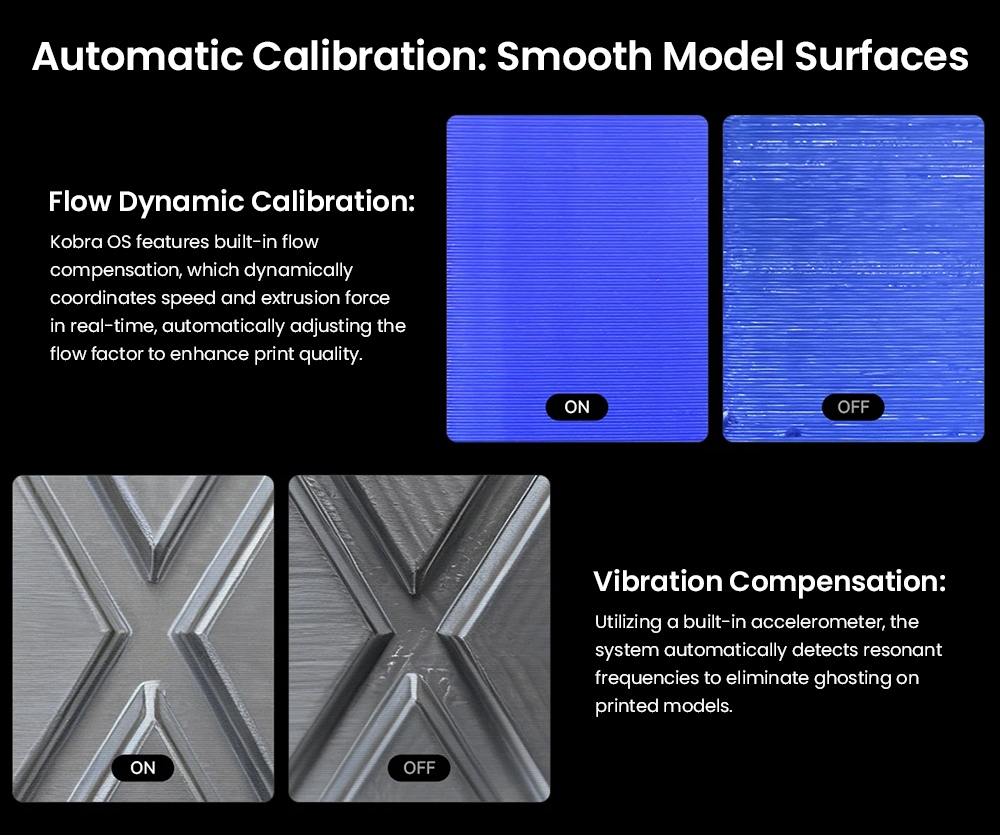
| Calibration | Pressure advance and flow calibration supported |
| Supporting Filaments (Official Spec Table) | PLA / PETG / TPU / PVA / PLA-CF / PETG-CF / ASA (TPU 95A is not compatible with the ACE 2 Pro) |
| Single-Material Printing (Official FAQ) | PLA, PETG, TPU (95A / 64D / 68D), PVA, ABS |
| Multi-Material Printing (Official FAQ) | PLA + TPU 68D, PLA + PVA, TPU 68D + TPU 68D |
| Active Drying (via ACE 2 Pro) | Supported while printing, drying temperature up to 65 °C |
| Filament Hub Drive (ACE 2 Pro) | Four independent brushless motors, motor lifespan rated at 5000 hours or more |
| Filament Detection | Runout detection with auto resume, entanglement detection |
| AI Monitoring | Standard HD camera (720P) with spaghetti detection and foreign object detection; object skipping supported |
| Power Loss Resume | Supported |
| Firmware Solution | Kobra OS |
| Control and Print Methods | On the printer, slicing software, Anycubic App, USB (print only) |
| Network | Dual-band Wi-Fi (2.4G / 5G) plus WLAN connectivity |
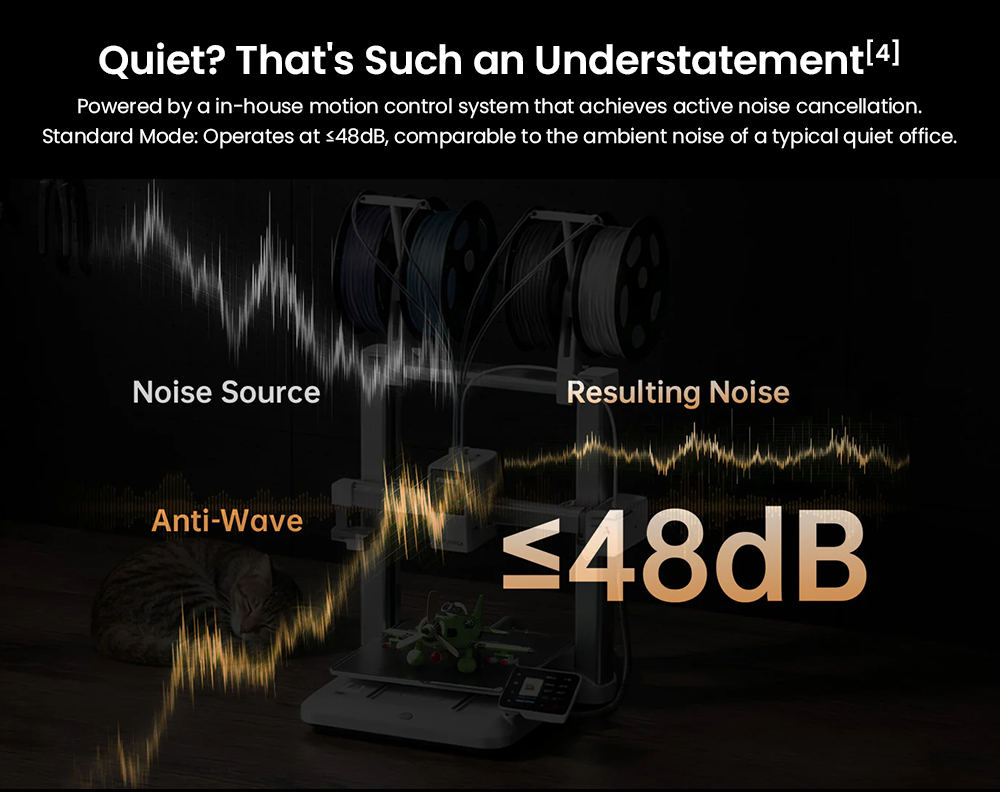
| Noise (Anycubic Lab, 1 m in Front of Printer) | 48 dB or below |
| Multilingual Support (Official Spec Table) | EN / CN / DE / FR / IT / ES / RU / JP |
| Kobra X Machine Dimensions | 455.4 × 445.3 × 461.3 mm |
| Kobra X Machine Weight | Approximately 9.5 kg |
| ACE 2 Pro Machine Dimensions | 368 × 291.5 × 236.5 mm |
| ACE 2 Pro Machine Weight | 3.7 kg |
| Combo Package Dimensions | 530 × 530 × 510 mm |
| Combo Package Weight | 18 kg |
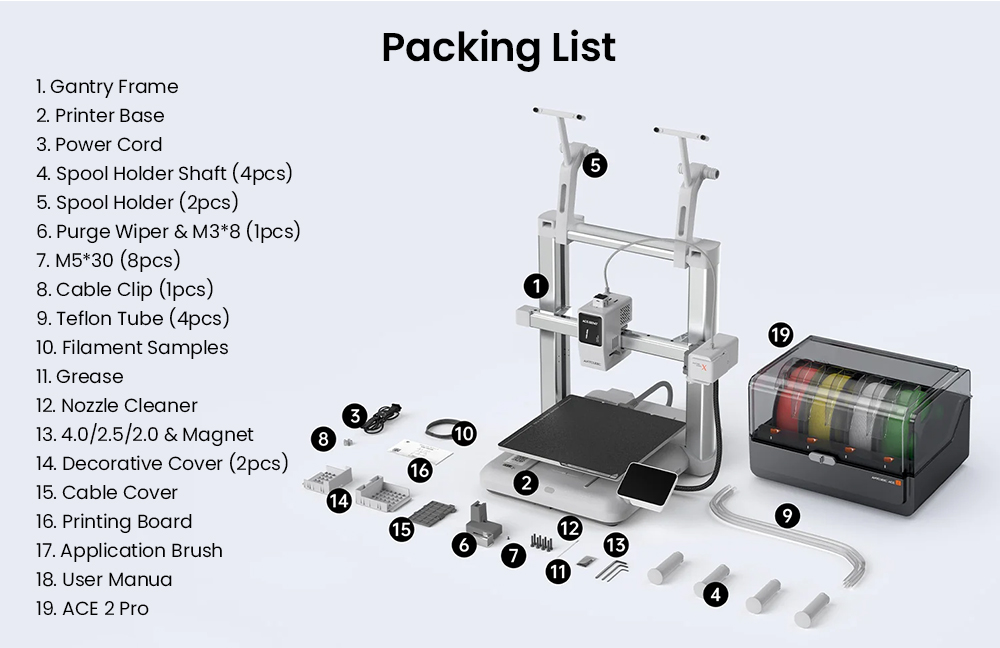
Package Contents
| Package Item | Quantity |
|---|---|
| Gantry Frame | 1 |
| Printer Base | 1 |
| ACE 2 Pro | 1 |
| Power Cord | 1 |
| Spool Holder | 2 |
| Spool Holder Shaft | 4 |
| Teflon Tube | 4 |
| Decorative Cover | 2 |
| Cable Clip | 1 |
| Cable Cover | 1 |
| Purge Wiper and M3*8 Screw | 1 |
| M5*30 Screw | 8 |
| Printing Board | 1 |
| Nozzle Cleaner | 1 |
| 4.0/2.5/2.0 & Magnet | 1 Set |
| Application Brush | 1 |
| Grease | 1 |
| Filament Samples | 1 |
| User Manual | 1 |
FAQ
How many colors does this bundle print?
The official product page lists seven colors for the Kobra X Combo configuration, with a maximum of nineteen colors. Reaching the nineteen-color setup requires a total of four ACE 2 Pro units, so three additional hubs beyond the one included in this bundle.
Can I reuse a first-generation ACE Pro hub with it?
No. The official FAQ states that the Kobra X Combo does not support ACE Pro, so multicolor and multi-material printing relies on the ACE 2 Pro filament hub.
Which nozzle is fitted and can it be changed?
A 0.4 mm hardened steel nozzle is pre-installed. The machine also supports optional 0.25 mm brass and 0.6 mm or 0.8 mm hardened steel nozzles, and the nozzle reaches a maximum temperature of 300 °C.
Can it print flexible filament?
Yes. The official FAQ lists TPU in 95A, 64D and 68D grades for single-material printing, and PLA with TPU 68D as a supported multi-material pair. TPU 95A is not compatible with the ACE 2 Pro, so use 64D or 68D for hub-fed color work.
Can I start and watch prints without touching the machine?
Yes. Prints can be sent through the slicing software or the Anycubic App over dual-band Wi-Fi, and the app offers real-time remote viewing with time-lapse capture. The USB route is available for printing only.
Important Notes
- This listing covers the Kobra X Combo bundle. The standalone Kobra X printer is a different configuration with a different native color count.
- Color count depends on the bundle chosen: seven colors as standard, eleven with one extra hub, nineteen with three extra hubs.
- Filament multipacks such as PLA+, PETG, PLA High Speed, PETG-CF, PLA-CF, ASA and TPU are optional selections on the official page and are not part of this bundle.
- The official page offers two power plug options, Other and EU Plug. Confirm the plug matches the outlets in your country before ordering.
- Anycubic advises against cardboard spools in the ACE 2 Pro, because spool quality can affect feeding over long runs.
- Speed, acceleration, noise, drying temperature and time-saving figures are Anycubic laboratory values, and real results vary with model, material, ambient temperature and slicer settings.